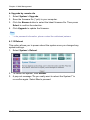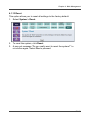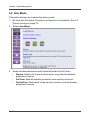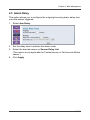
1
Chapter 4: Web Management
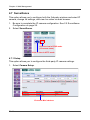
4.7 Surveillance
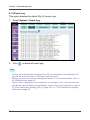
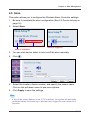
This option allows you to configure both the 3rd-party wireless and wired IP
camera, change its settings, and view live video via web browser.
1. Be sure to complete the IP camera configuration. See 2.5 Surveillance
Configuration on page 29.
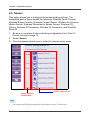
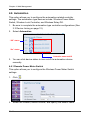
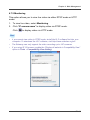
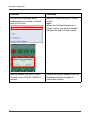
2. Select Surveillance.
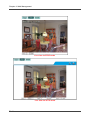
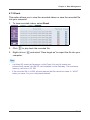
Click to view in RTSP mode
(IP camera name)
Click to view in HTTP mode
4.7.1 Setup
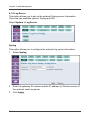
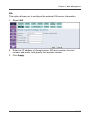
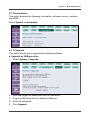
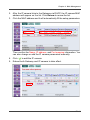
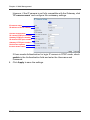
This option allows you to configure the third-party IP camera settings.
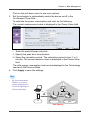
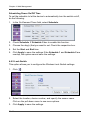
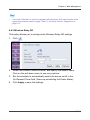
1. Select Camera Setup.
IP camera MAC address
EN-90