1
Fillet the Edges
1.
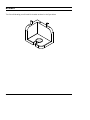
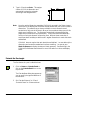
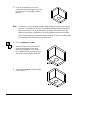
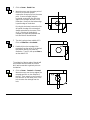
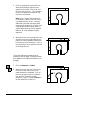
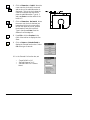
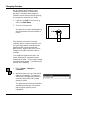
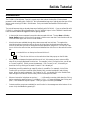
Zoom in on the isometric view. Click
Select > Select Element and click on the
three edges shown in the figure to the
right.
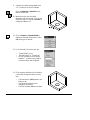
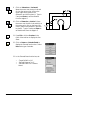
Notice that the edges and surfaces
highlight in red as you move the cursor
over them identifying which item will be
selected. Make sure only the edge is
highlighted when you click and not the
entire surface.
2.
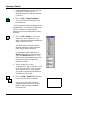
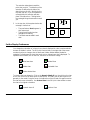
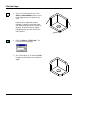
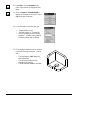
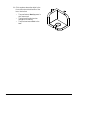
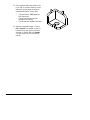
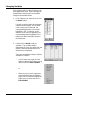
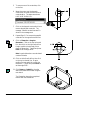
Click on Feature > Fillet, Fixed. The
Fillet function box appears.
3.
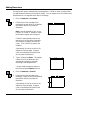
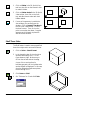
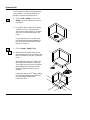
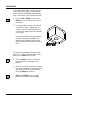
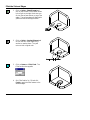
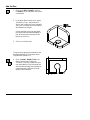
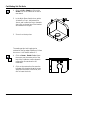
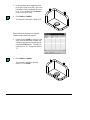
Set -Fillet Radius? to ‘3' and click Finish
to apply the fillet feature to the selected
edges.
12 / Solids Tutorial
CADMAX User's Manual