1
Chapter 7
Customizing VIs
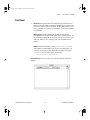
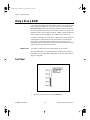
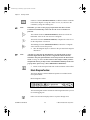
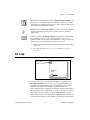
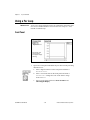
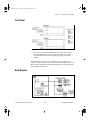
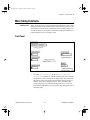
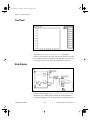
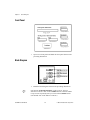
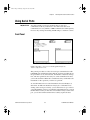
Front Panel
1.
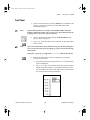
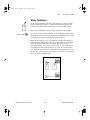
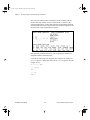
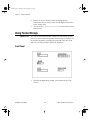
Open a new front panel.
2.
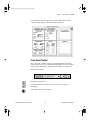
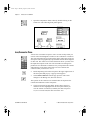
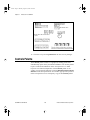
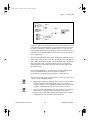
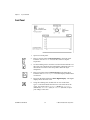
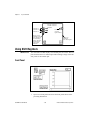
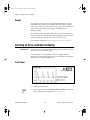
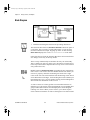
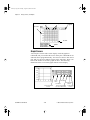
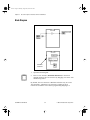
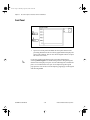
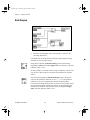
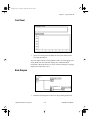
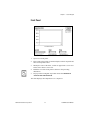
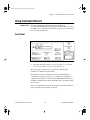
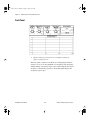
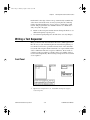
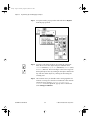
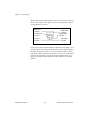
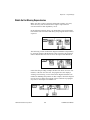
Place a Waveform Chart (Controls»Graph) on the front panel and
label it Temperature Data.
3.
Modify the scale of the chart, so that its upper limit is set to 90.0
and its lower limit is set to 70.0.
4.
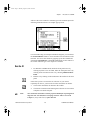
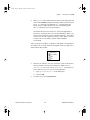
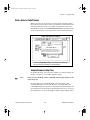
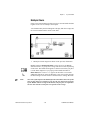
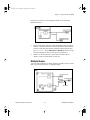
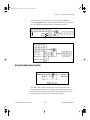
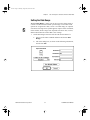
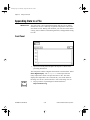
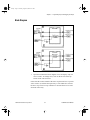
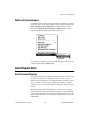
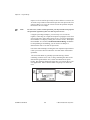
Build the rest of the front panel as shown in the preceding
illustration.
5.
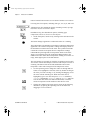
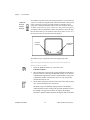
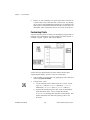
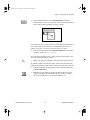
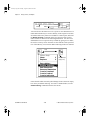
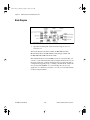
Pop up on the rectangular stop button and select Mechanical
Action»Latch When Released.
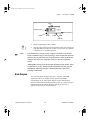
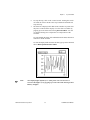
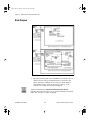
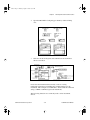
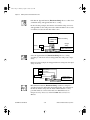
The chart displays the temperature as it is acquired.
© National Instruments Corporation
7-7
LabVIEW Tutorial Manual