1
Chapter 3
Loops and Charts
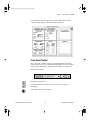
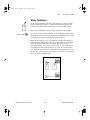
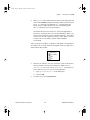
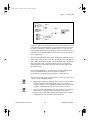
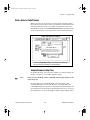
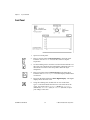
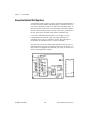
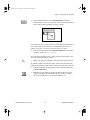
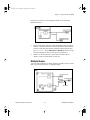
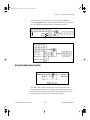
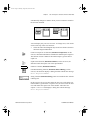
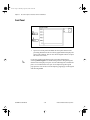
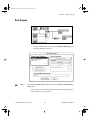
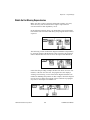
Max & Min function (Functions»Comparison) takes two numeric
inputs and outputs the maximum value of the two in the top right corner
and the minimum of the two in the bottom right corner. Because you
are only interested in the maximum value for this exercise, wire only
the maximum output and ignore the minimum output.
5.
Note:
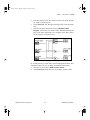
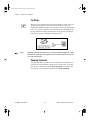
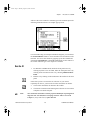
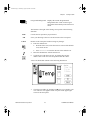
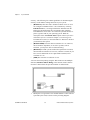
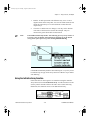
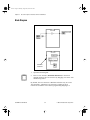
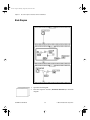
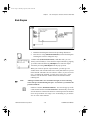
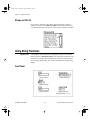
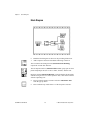
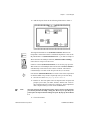
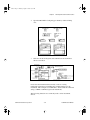
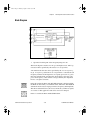
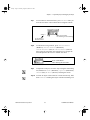
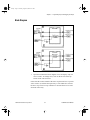
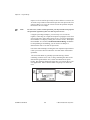
Wire the terminals as shown. If the Maximum Value terminal was
inside the For Loop, you would see it continuously updated, but
because it is outside the loop, it contains only the last calculated
maximum.
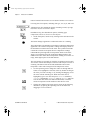
Updating indicators each time a loop iterates is time-consuming and you
should try to avoid it when possible to increase execution speed.
6.
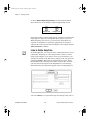
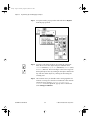
Run the VI.
7.
Save the VI. Name the VI My Calculate Max.vi.
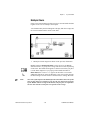
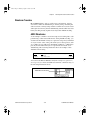
Shift Registers
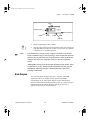
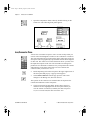
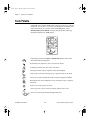
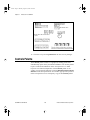
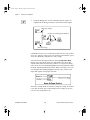
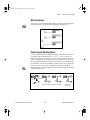
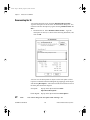
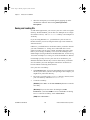
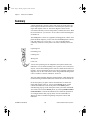
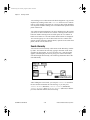
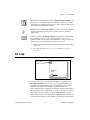
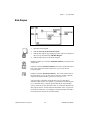
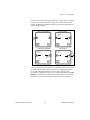
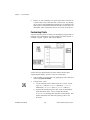
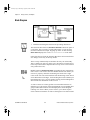
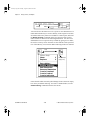
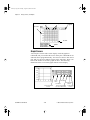
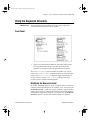
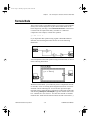
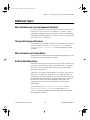
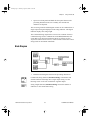
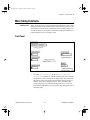
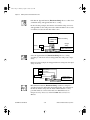
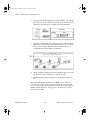
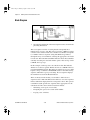
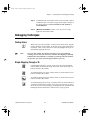
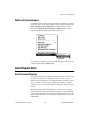
Shift registers (available for While Loops and For Loops) transfer
values from one loop iteration to the next. You create a shift register
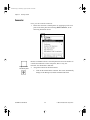
by popping up on the left or right border of a loop and selecting Add
Shift Register.
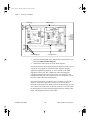
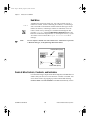
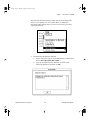
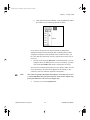
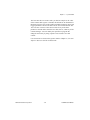
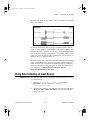
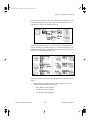
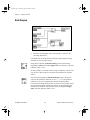
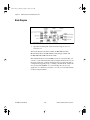
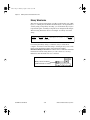
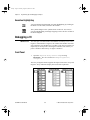
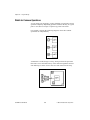
The shift register contains a pair of terminals directly opposite each
other on the vertical sides of the loop border. The right terminal stores
the data upon the completion of an iteration. That data shifts at the end
of the iteration and appears in the left terminal at the beginning of the
LabVIEW Tutorial Manual
3-14
© National Instruments Corporation