1
Ch8.fm Page 12 Thursday, August 24, 2000 10:57 AM
Chapter 8
Data Acquisition and Instrument Control
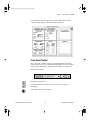
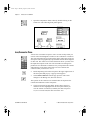
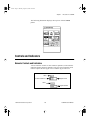
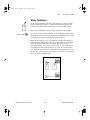
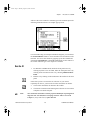
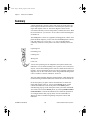
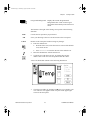
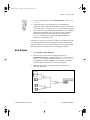
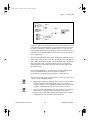
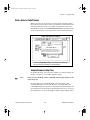
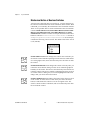
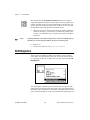
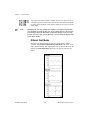
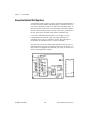
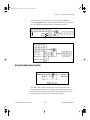
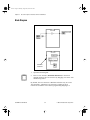
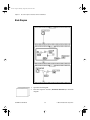
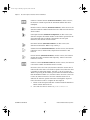
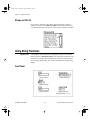
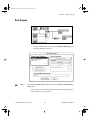
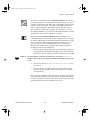
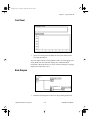
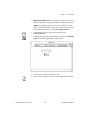
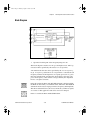
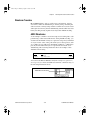
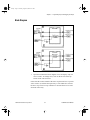
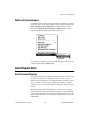
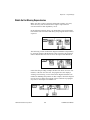
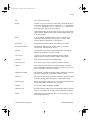
Pick Line & Append function (Functions»String) chooses a line from
a multiline string and appends that line to a string.
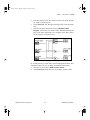
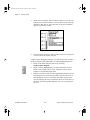
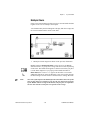
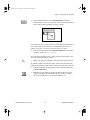
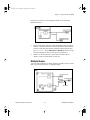
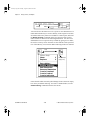
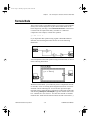
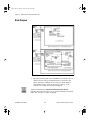
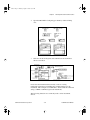
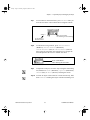
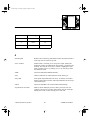
In the following example, the function selected the string VOLTS DC
and appended it to the string SET. Notice that Line Index 1 chooses the
second line, because the first line index is zero.
_ represents a space character
_VOLTS AC Multi-line String
_VOLTS DC
_OHMS
String
Output
String
SET
Line Index
SET VOLTS DC
1
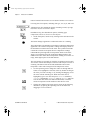
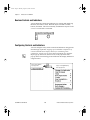
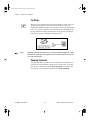
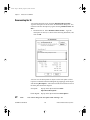
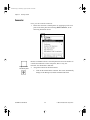
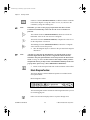
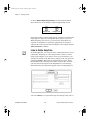
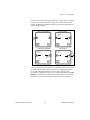
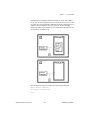
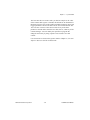
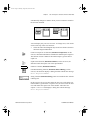
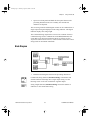
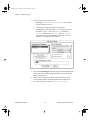
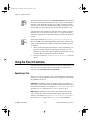
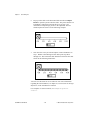
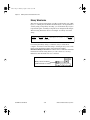
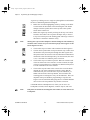
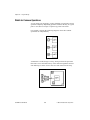
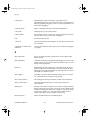
Select & Append function (Functions»String) chooses a string
according to a Boolean selector and appends that string to the output
string.
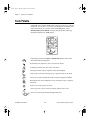
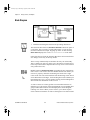
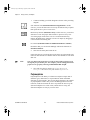
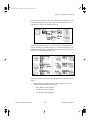
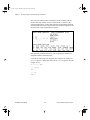
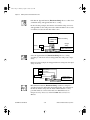
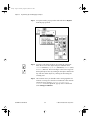
In the following example, the VI appends the true string ON to the input
string DISPLAY.
OFF
ON
DISPLAY_
False String
True String
String
Selector
Output String
DISPLAY ON
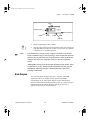
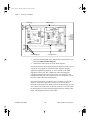
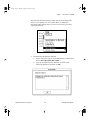
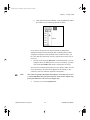
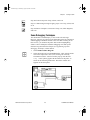
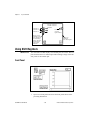
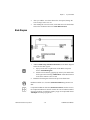
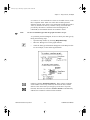
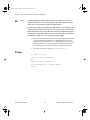
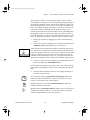
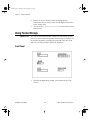
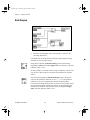
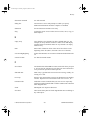
Match Pattern function (Functions»String) searches a string for a
specified expression and returns the matched string, the string before
the match, and the string after the match. Match Pattern is a very
powerful function; for more information on Match Pattern, see
Chapter 4, String Functions, in the LabVIEW Function Reference
Manual.
LabVIEW Tutorial Manual
8-12
© National Instruments Corporation