1
450
Chapter 4 AE JCL for Applications
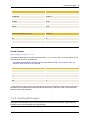
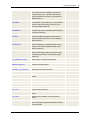
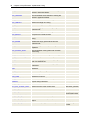
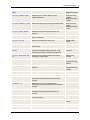
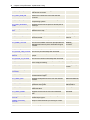
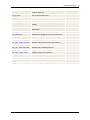
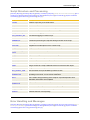
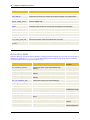
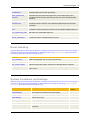
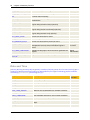
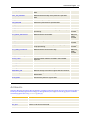
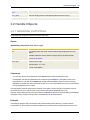
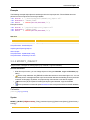
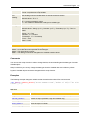
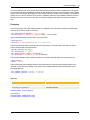
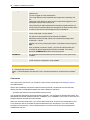
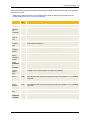
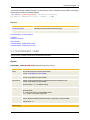
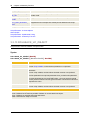
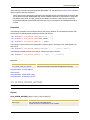
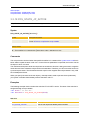
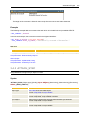
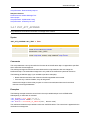
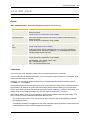
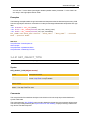
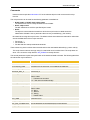
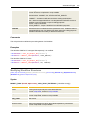
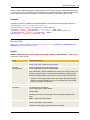
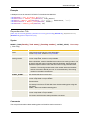
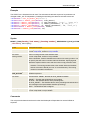
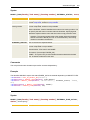
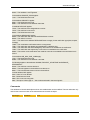
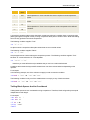
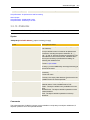
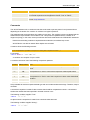
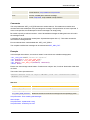
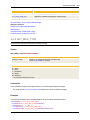
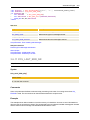
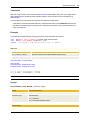
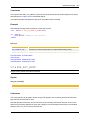
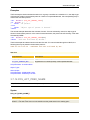
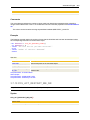
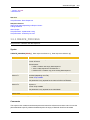
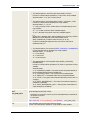
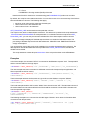
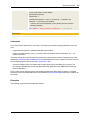
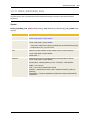
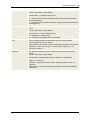
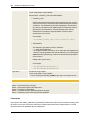
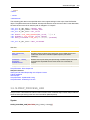
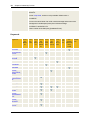
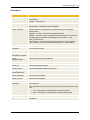
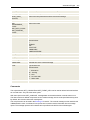
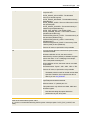
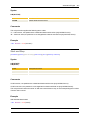
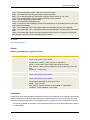
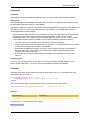
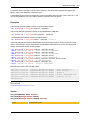
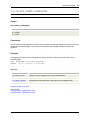
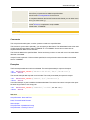
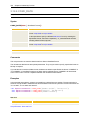
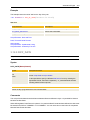
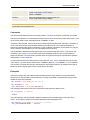
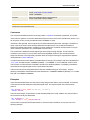
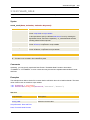
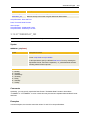
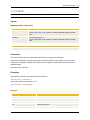
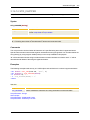
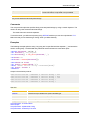
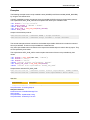
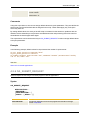
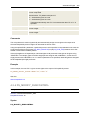
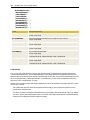
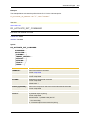
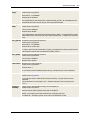
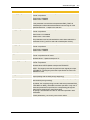
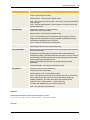
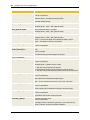
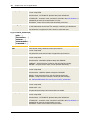
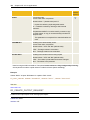
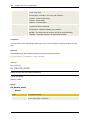
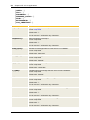
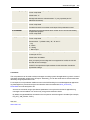
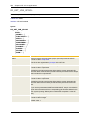
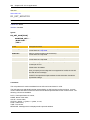
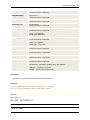
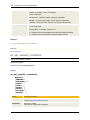
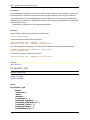
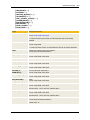
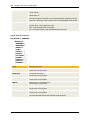
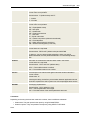
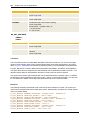
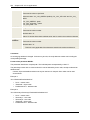
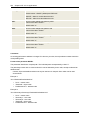
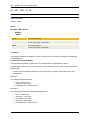
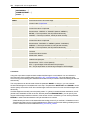
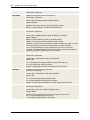
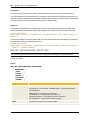
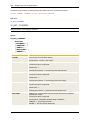
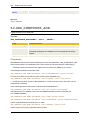
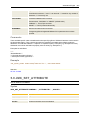
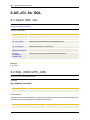
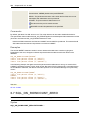
COPIES=
Number of copies
Format: number
Default value: "0"
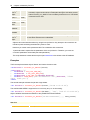
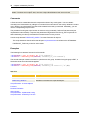
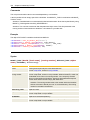
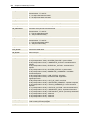
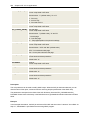
Comments
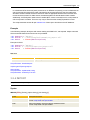
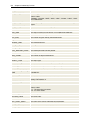
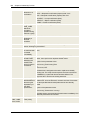
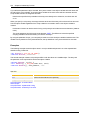
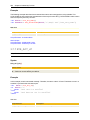
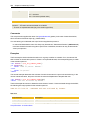
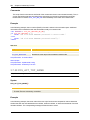
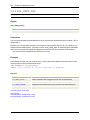
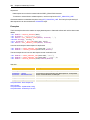
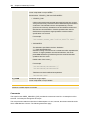
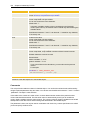
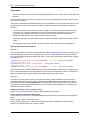
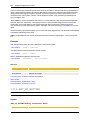
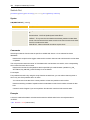
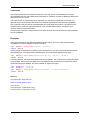
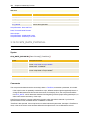
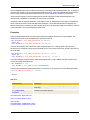
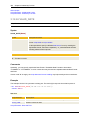
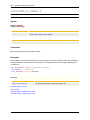
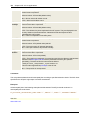
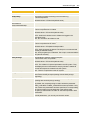
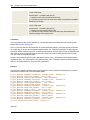
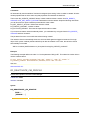
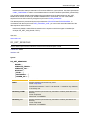
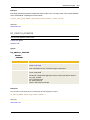
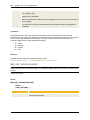
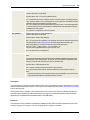
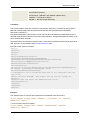
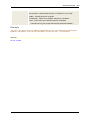
Only one printer can be defined with the statement OA_SET_PRINT_DEFAULTS. Use OA_ADD_
PRINTER if more than one should be specified.
Do so by calling this statement in the script and specify the particular printers. As soon as OA_SUBMIT_
REQUEST has processed, the agent hands the printer specifications over to Oracle. If additional submits
are used in the script, redefine the printers beforehand using OA_ADD_PRINTER.
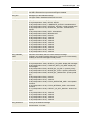
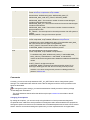
The printer specified with OA_SET_PRINT_DEFAULTS is used for all subsequent OA_SUBMIT_
REQUEST calls until the job ends or until the next OA_SET_PRINT_DEFAULTS statement is made.
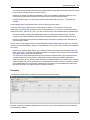
If an error occurs when handing over a printer, this error is logged in the activation report and the job
ends on return code 10.
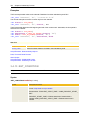
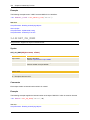
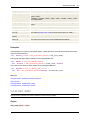
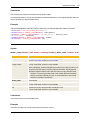
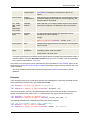
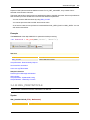
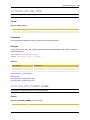
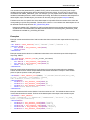
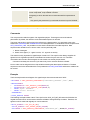
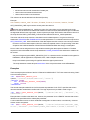
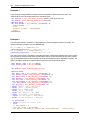
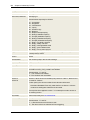
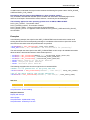
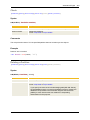
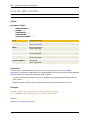
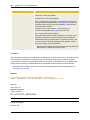
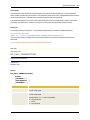
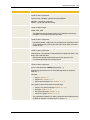
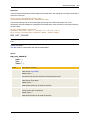
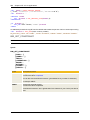
Example
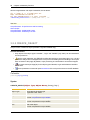
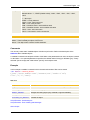
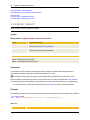
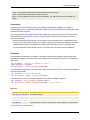
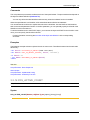
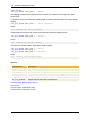
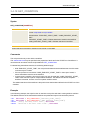
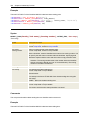
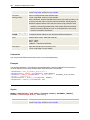
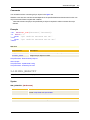
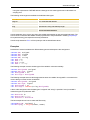
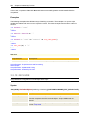
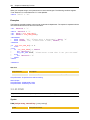
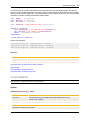
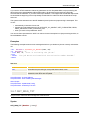
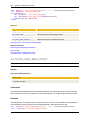
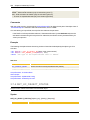
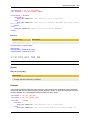
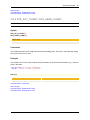
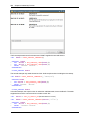
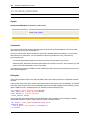
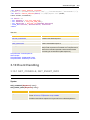
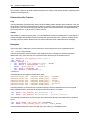
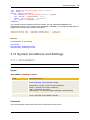
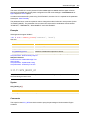
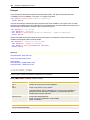
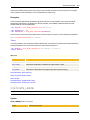
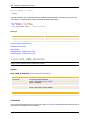
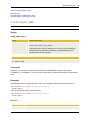
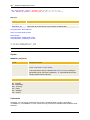
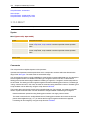
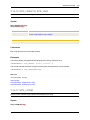
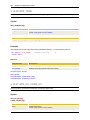
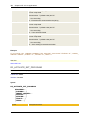
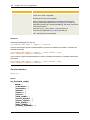
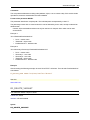
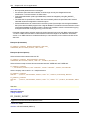
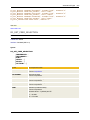
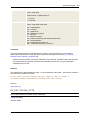
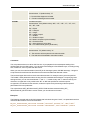
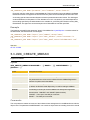
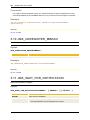
OA_ADD_PRINTER PRINTER='HPLJ',COPIES=2
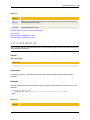
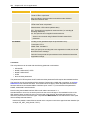
See also:
About the JCL of Oracle Applications
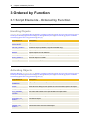
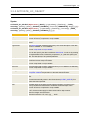
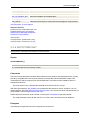
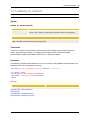
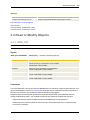
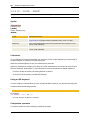
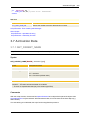
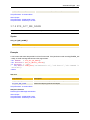
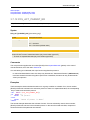
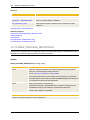
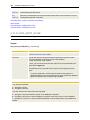
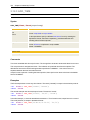
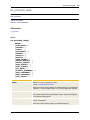
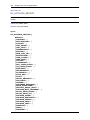
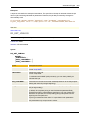
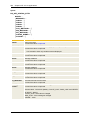
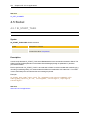
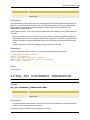
4.2.5 OA_SET_PRINT_DEFAULTS
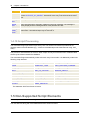
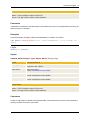
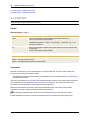
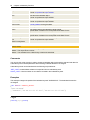
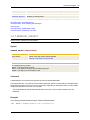
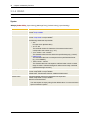
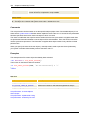
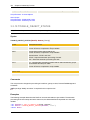
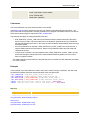
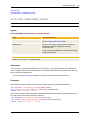
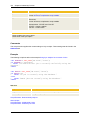
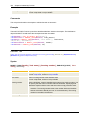
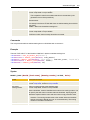
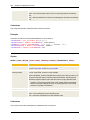
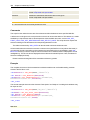
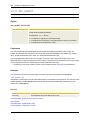
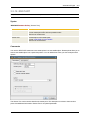
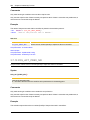
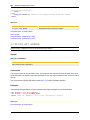
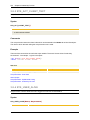
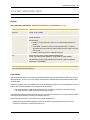
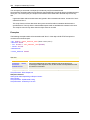
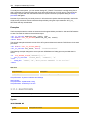
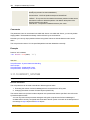
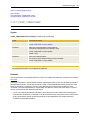
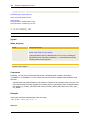
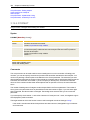
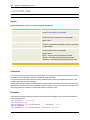
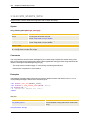
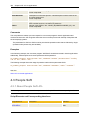
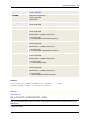
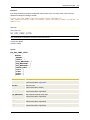
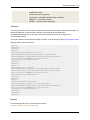
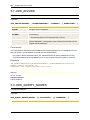
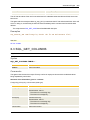
Sets the default value for the print parameters to be used for executing Concurrent Programs.
Interface: SBB and XBP
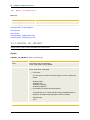
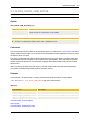
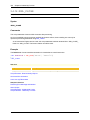
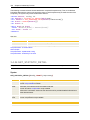
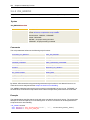
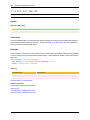
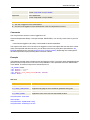
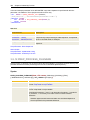
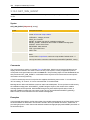
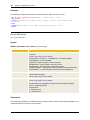
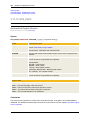
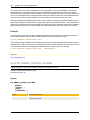
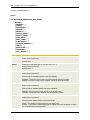
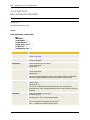
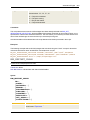
Syntax
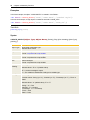
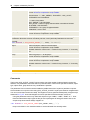
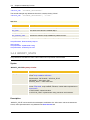
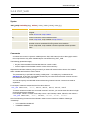
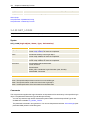
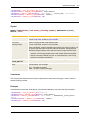
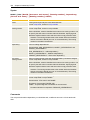
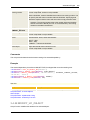
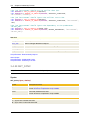
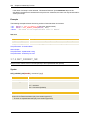
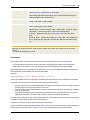
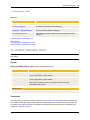
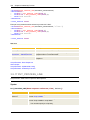
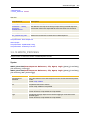
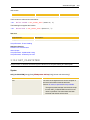
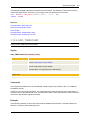
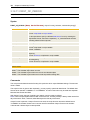
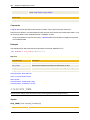
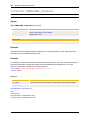
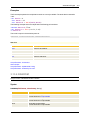
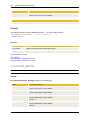
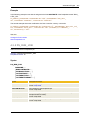
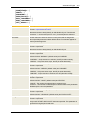
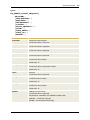
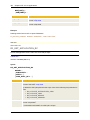
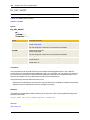
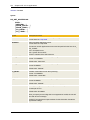
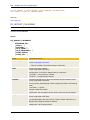
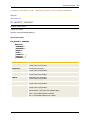
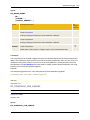
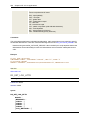
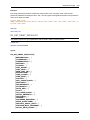
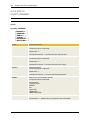
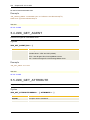
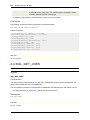
OA_SET_PRINT_DEFAULTS
PRINTER=...
[,STYLE=...]
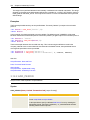
[,COPIES=...]
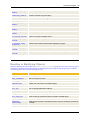
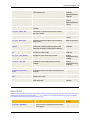
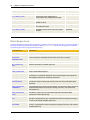
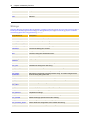
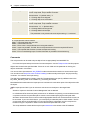
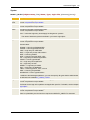
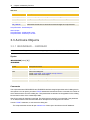
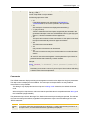
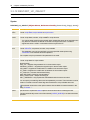
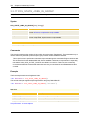
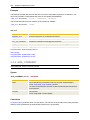
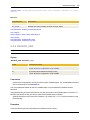
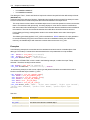
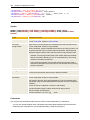
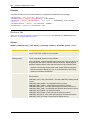
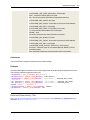
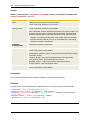
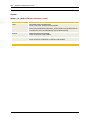
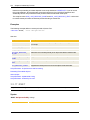
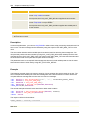
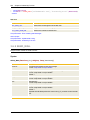
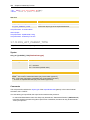
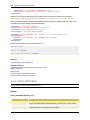
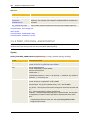
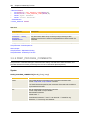
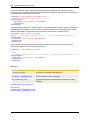
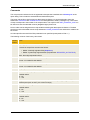
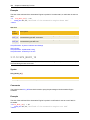
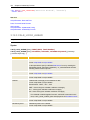
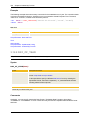
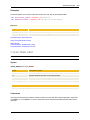
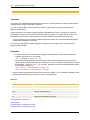
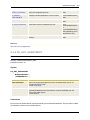
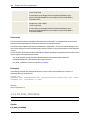
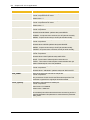
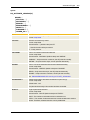
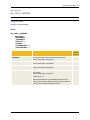
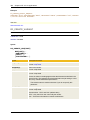
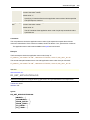
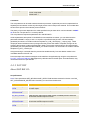
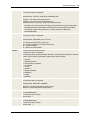
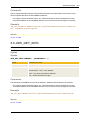
Syntax
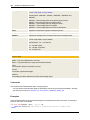
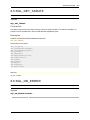
Description/Format
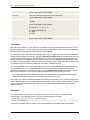
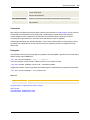
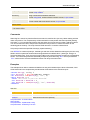
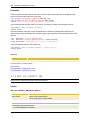
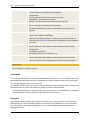
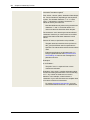
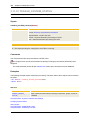
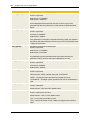
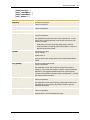
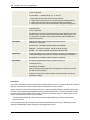
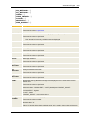
PRINTER=
Printer name
Format: script literal
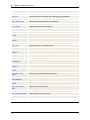
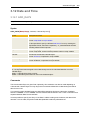
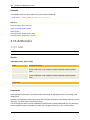
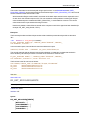
STYLE=
Style
Format: script literal