1
Automation Engine
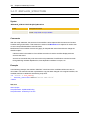
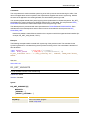
Input Handling
77
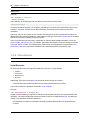
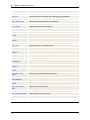
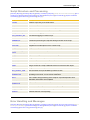
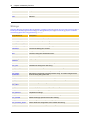
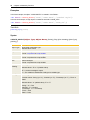
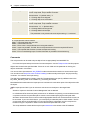
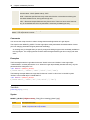
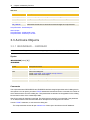
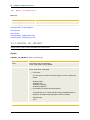
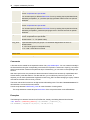
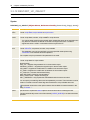
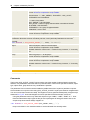
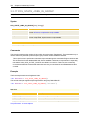
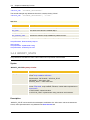
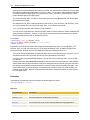
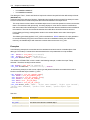
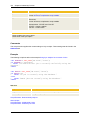
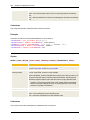
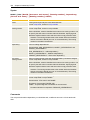
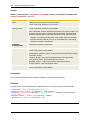
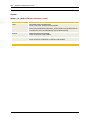
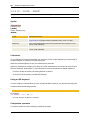
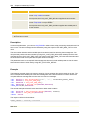
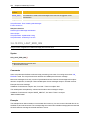
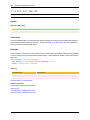
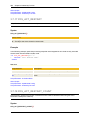
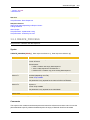
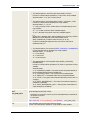
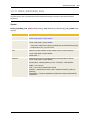
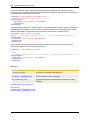
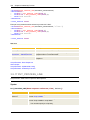
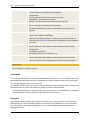
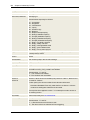
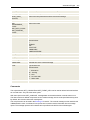
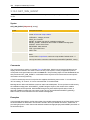
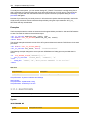
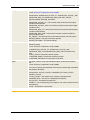
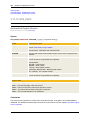
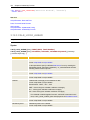
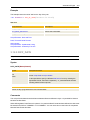
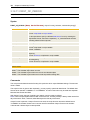
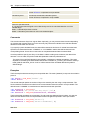
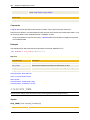
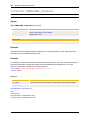
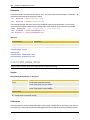
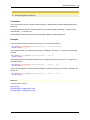
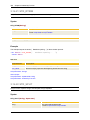
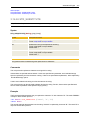
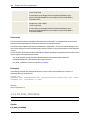
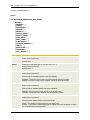
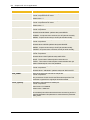
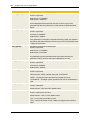
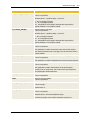
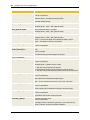
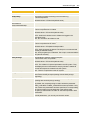
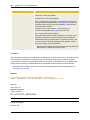
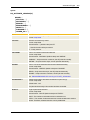
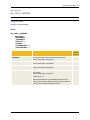
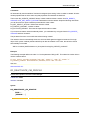
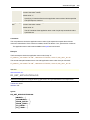
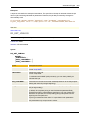
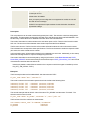
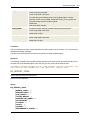
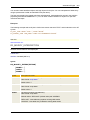
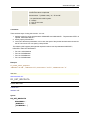
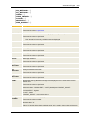
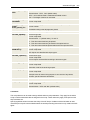
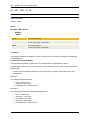
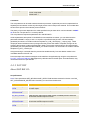
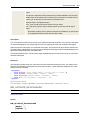
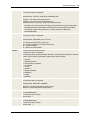
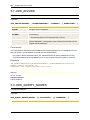
Options for specifying input handling. You can supply multiple options in any
order (e.g. "MN").
Format: script literal or script variable.
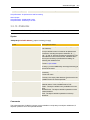
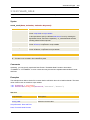
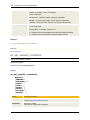
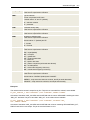
The following options are valid:
l
l
l
l
l
l
l
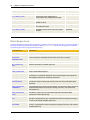
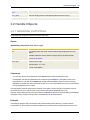
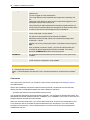
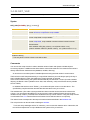
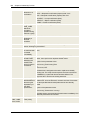
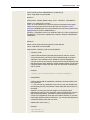
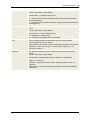
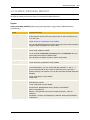
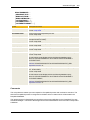
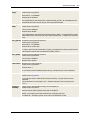
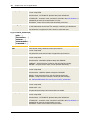
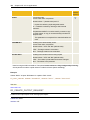
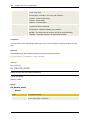
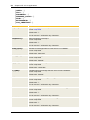
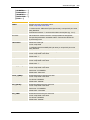
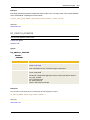
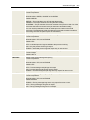
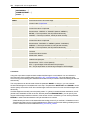
"C"
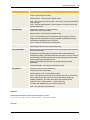
If the READ statement is used within a:BEGINREAD...
:ENDREADblock, the cursor is placed in this input field.
"D"
Secured input. Characters are displayed as asterisks (*).
"I" (only for Jobs)
:READ statements and user inputs are generally documented in the
generated Job object in the form of REMARK Lines. By specifying the
option "I", this documentation will be suppressed.
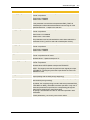
"K"
The input can be written in lower-case letters. If this option is not used,
the input is automatically written in upper-case letters.
"M"
The field must not be left blank.
"N"
Only numerical characters can be entered.
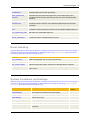
"O"
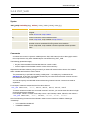
The user can select an entry from the list selection or make individual
entries.
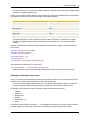
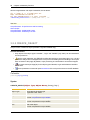
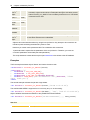
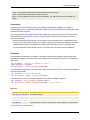
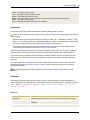
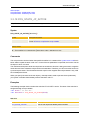
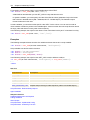
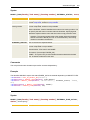
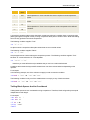
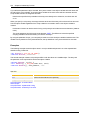
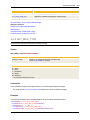
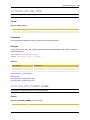
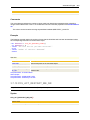
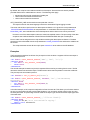
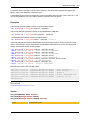
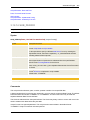
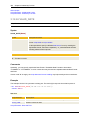
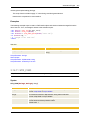
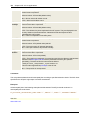
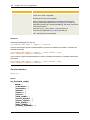
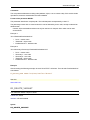
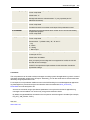
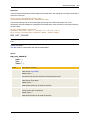
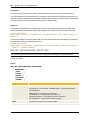
"D" and "N" cannot be used together. Use the parameter Input Check for
protected entries that should only contain numbers.
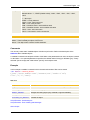
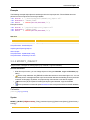
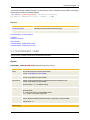
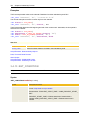
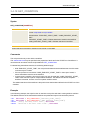
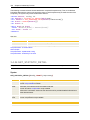
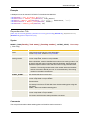
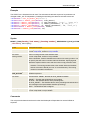
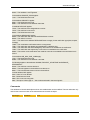
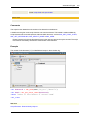
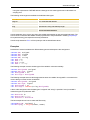
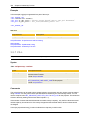
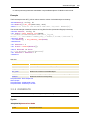
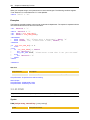
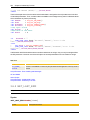
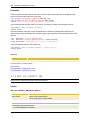
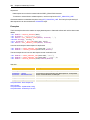
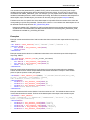
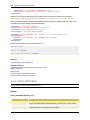
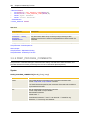
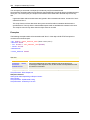
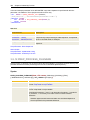
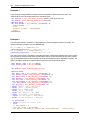
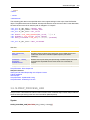
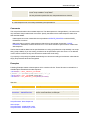
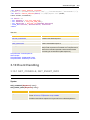
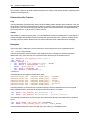
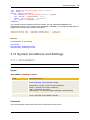
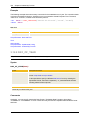
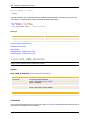
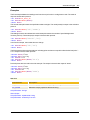
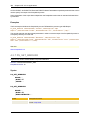
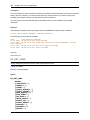
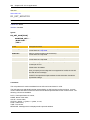
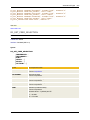
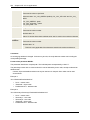
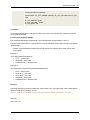
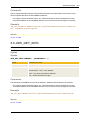
Example:
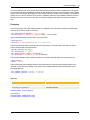
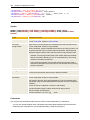
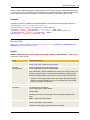
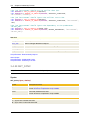
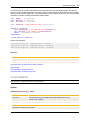
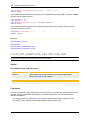
:READ &PASS#,"1-99999999","Enter password (numerical)
",,"DM"
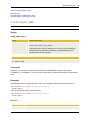
Note that you must set a comma if you use Input Check without indicating
a Default Value. See example above.
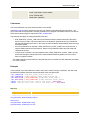
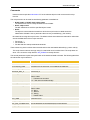
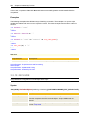
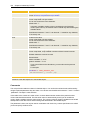
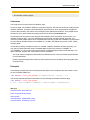
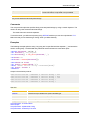
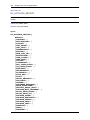
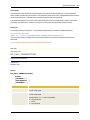
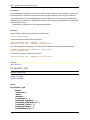
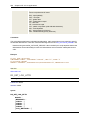
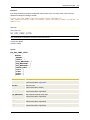
Comments
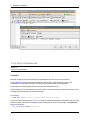
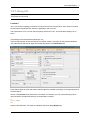
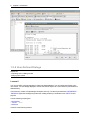
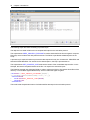
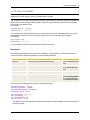
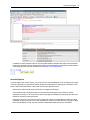
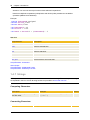
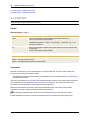
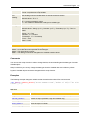
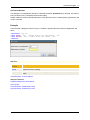
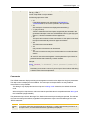
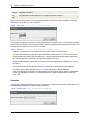
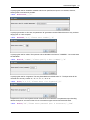
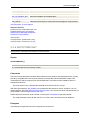
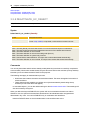
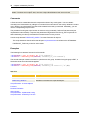
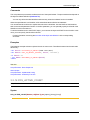
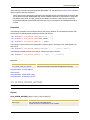
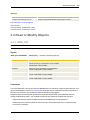
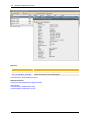
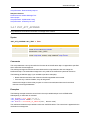
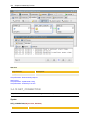
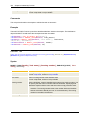
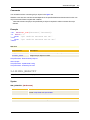
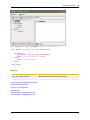
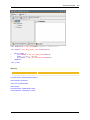
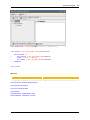
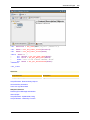
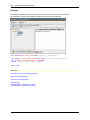
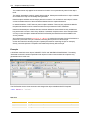
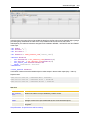
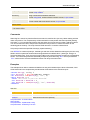
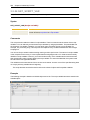
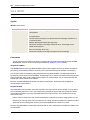
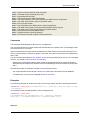
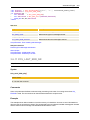
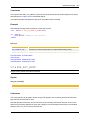
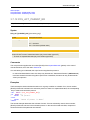
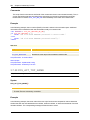
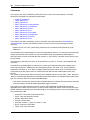
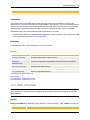
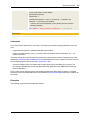
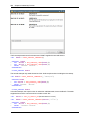
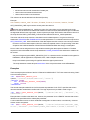
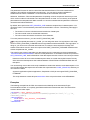
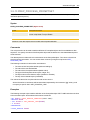
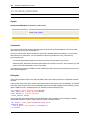
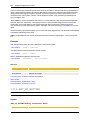
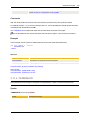
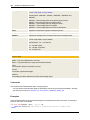
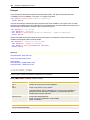
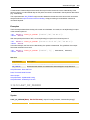
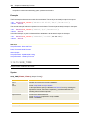
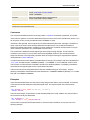
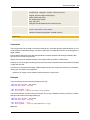
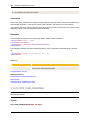
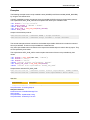
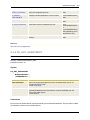
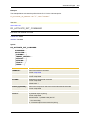
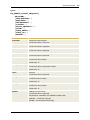
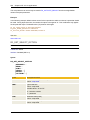
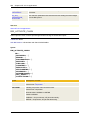
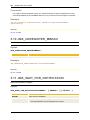
The :READ statement displays a dialog whose appearance and function depend on the given parameters.
The object name is displayed in the headline. The user input can be specified in an entry field and
memorized in a script variable.
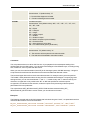
This dialog is only displayed when the script runs in dialog mode. Otherwise, the default values are
used.
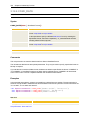
When using this script element, make sure that the specified value is compatible with the data type of
the "InVariable" (target variable).
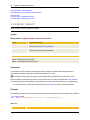
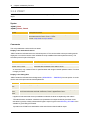
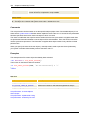
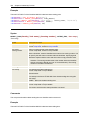
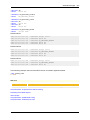
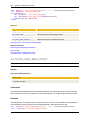
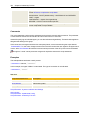
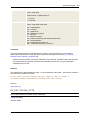
The parameters Input Check, Message Text, Default Value and Input Handling are optional. The relevant
commas must always be inserted, regardless of the parameters Input Check and Message Text in the
:READ statement.
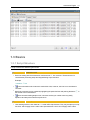
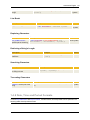
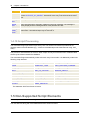
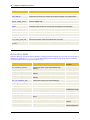
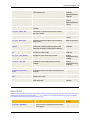
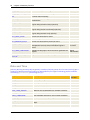
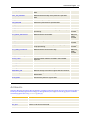
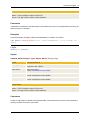
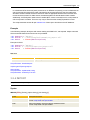
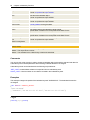
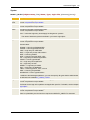
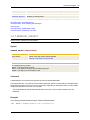
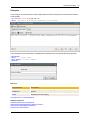
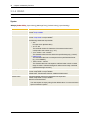
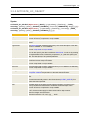
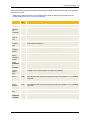
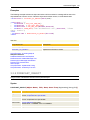
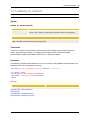
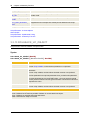
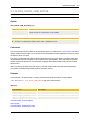
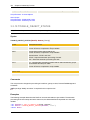
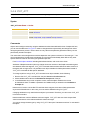
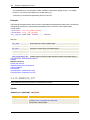
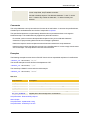
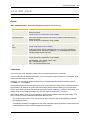
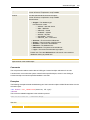
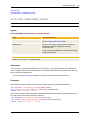
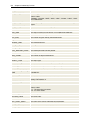
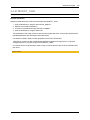
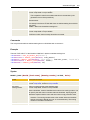
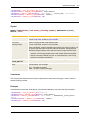
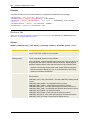
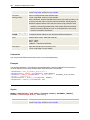
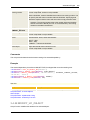
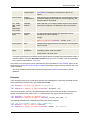
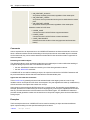
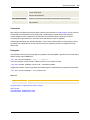
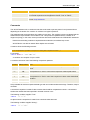
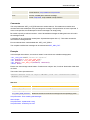
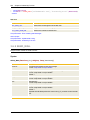
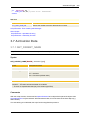
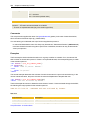
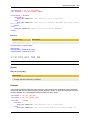
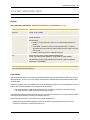
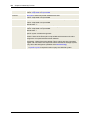
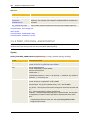
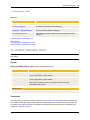
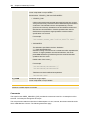
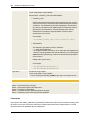
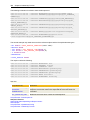
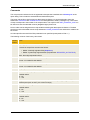
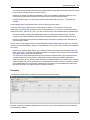
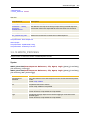
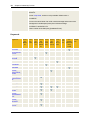
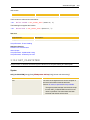
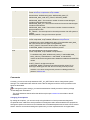
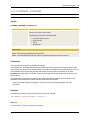
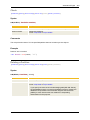
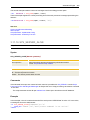
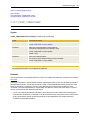
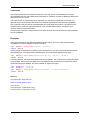
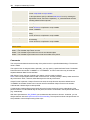
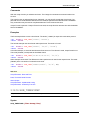
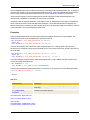
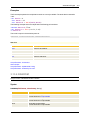
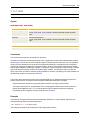
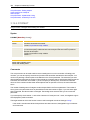
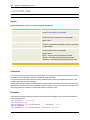
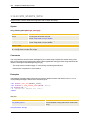
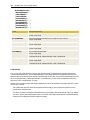
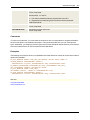
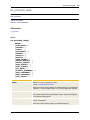
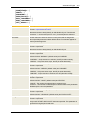
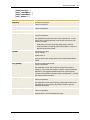
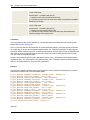
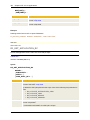
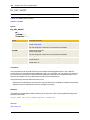
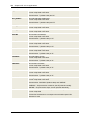
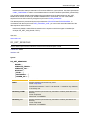
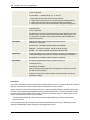
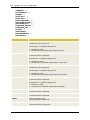
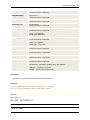
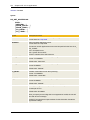
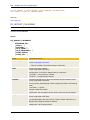
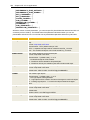
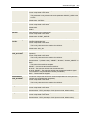
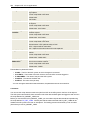
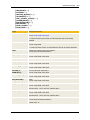
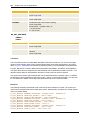
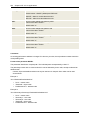
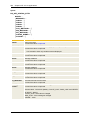
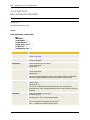
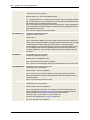
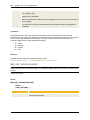
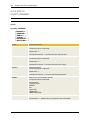
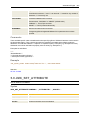
Field
Description
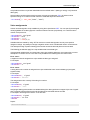
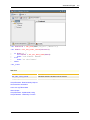
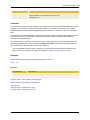
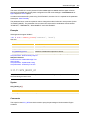
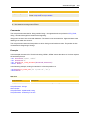
Number
field
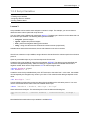
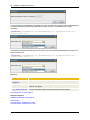
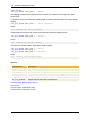
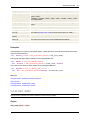
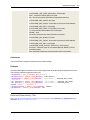
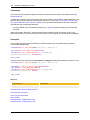
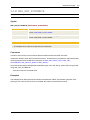
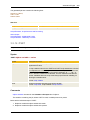
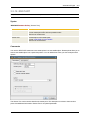
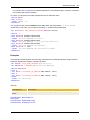
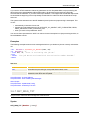
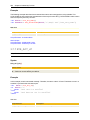
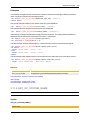
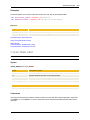
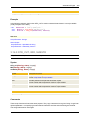
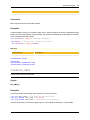
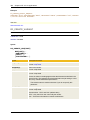
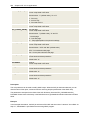
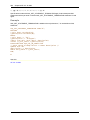
If you use a continuous numerical range of values (e.g. "0-255") with the entry format "N" in
the Input Check, a number field with arrows (up/down) is displayed.