1
396
Chapter 3 Ordered by Function
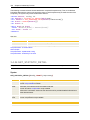
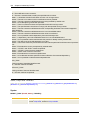
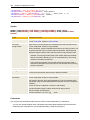
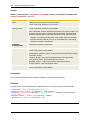
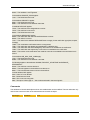
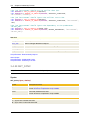
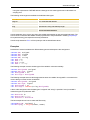
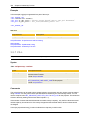
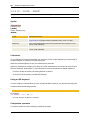
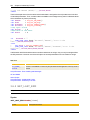
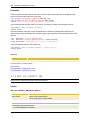
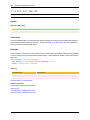
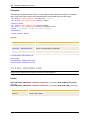
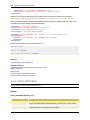
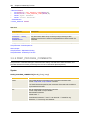
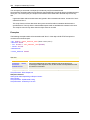
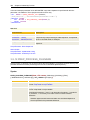
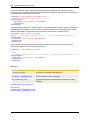
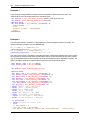
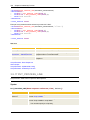
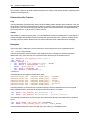
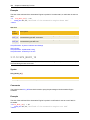
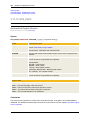
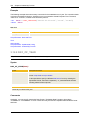
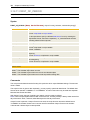
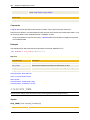
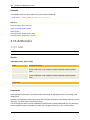
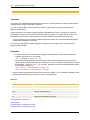
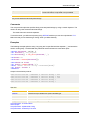
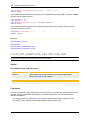
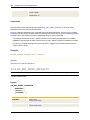
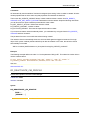
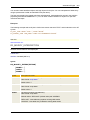
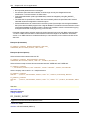
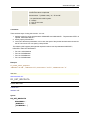
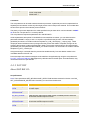
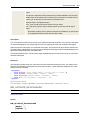
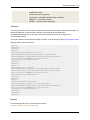
:IF SYS_TIME() = "120000"
!...
:ENDIF
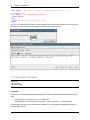
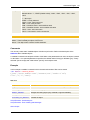
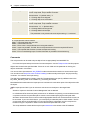
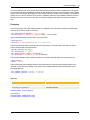
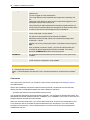
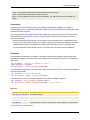
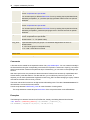
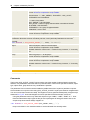
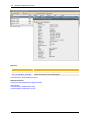
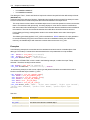
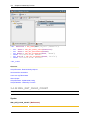
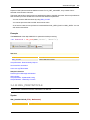
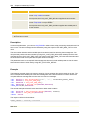
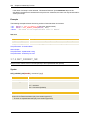
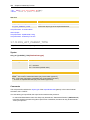
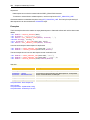
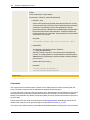
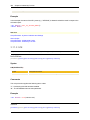
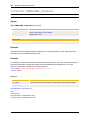
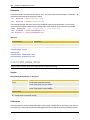
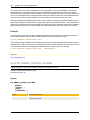
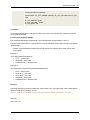
In the third example, the current date and time are determined and saved in a Variable object of the type
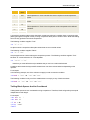
"Time Stamp". For date and time format, the following default values apply.
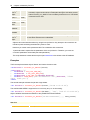
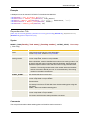
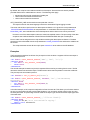
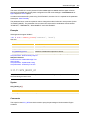
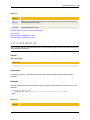
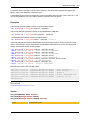
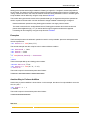
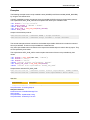
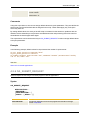
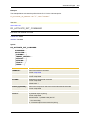
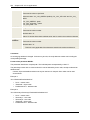
:SET &DATE# = SYS_DATE()
:SET &TIME# = SYS_TIME()
:PUT_VAR ENTRY DATE, , "&DATE# &TIME#"
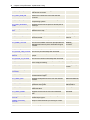
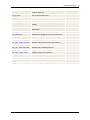
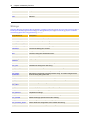
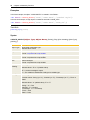
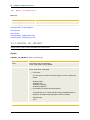
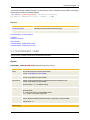
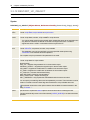
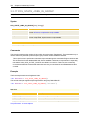
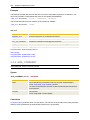
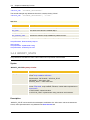
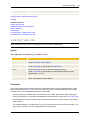
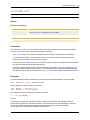
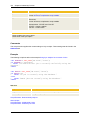
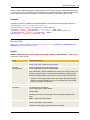
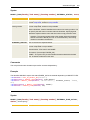
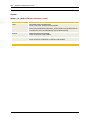
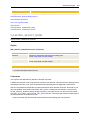
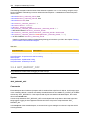
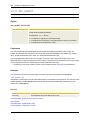
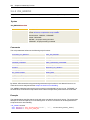
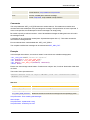
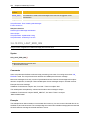
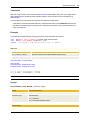
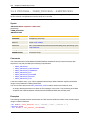
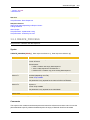
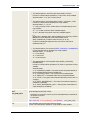
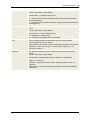
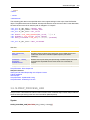
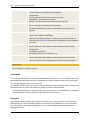
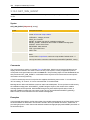
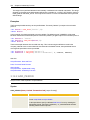
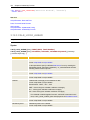
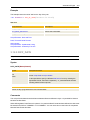
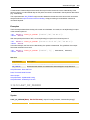
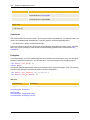
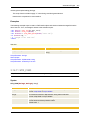
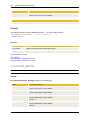
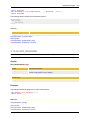
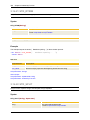
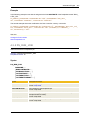
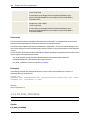
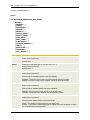
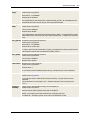
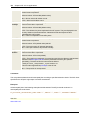
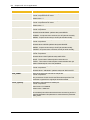
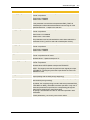
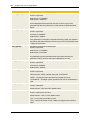
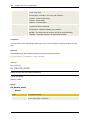
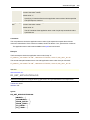
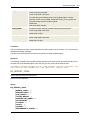
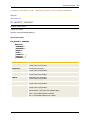
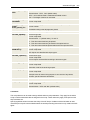
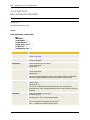
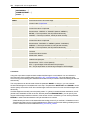
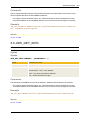
See also:
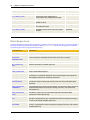
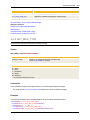
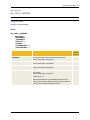
Script element
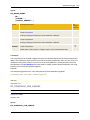
Description
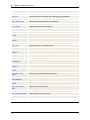
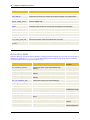
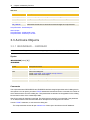
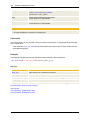
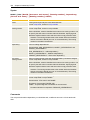
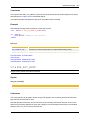
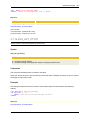
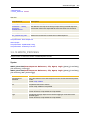
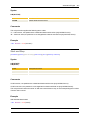
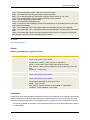
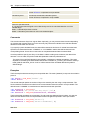
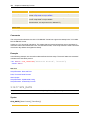
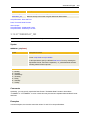
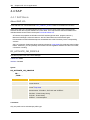
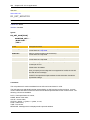
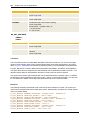
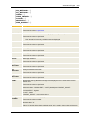
SYS_TIME_PHYSICAL
Determines the current time of day.
SYS_TIMESTAMP_PHYSICAL
Provides current date and time.
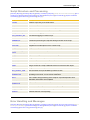
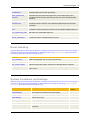
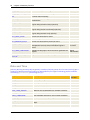
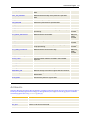
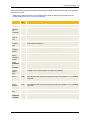
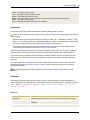
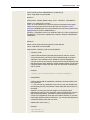
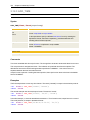
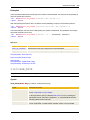
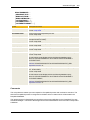
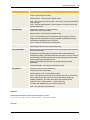
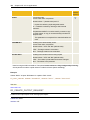
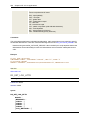
Script Elements - Date and Time
Date and Time Formats
About Scripts
Script Elements - Alphabetical Listing
Script Elements - Ordered by Function
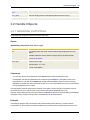
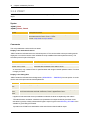
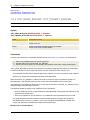
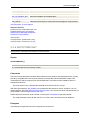
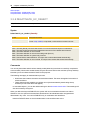
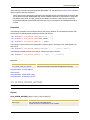
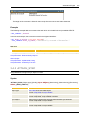
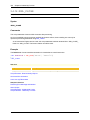
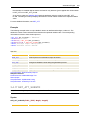
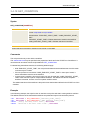
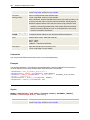
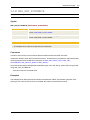
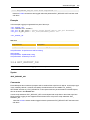
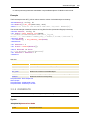
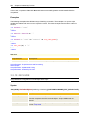
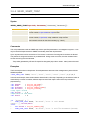
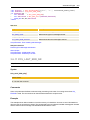
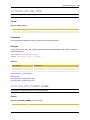
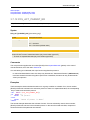
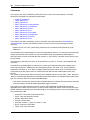
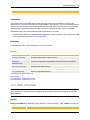
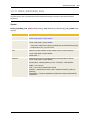
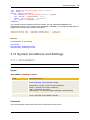
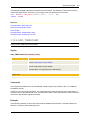
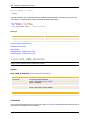
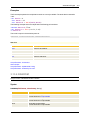
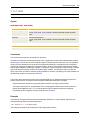
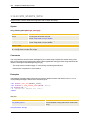
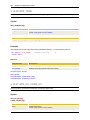
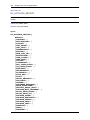
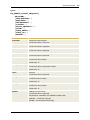
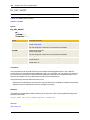
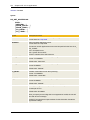
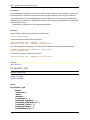
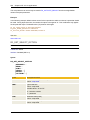
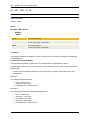
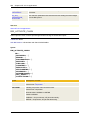
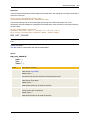
3.12.21 SYS_TIME_PHYSICAL
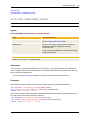
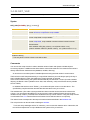
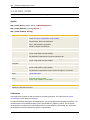
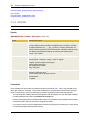
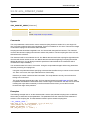
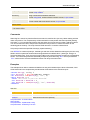
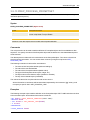
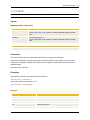
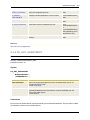
Script Function: Determines the current time of a day
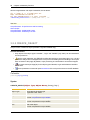
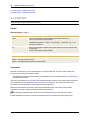
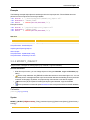
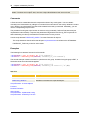
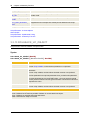
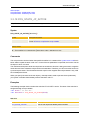
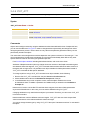
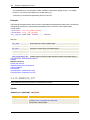
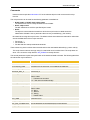
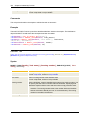
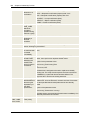
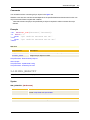
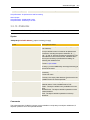
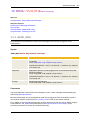
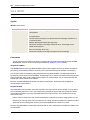
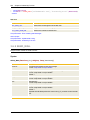
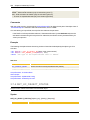
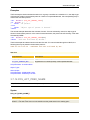
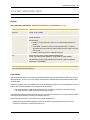
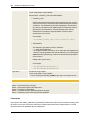
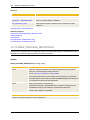
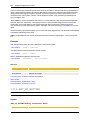
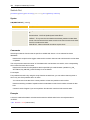
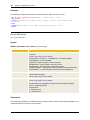
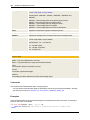
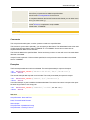
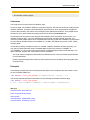
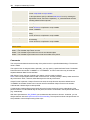
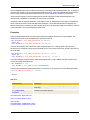
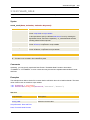
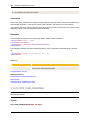
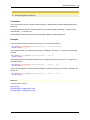
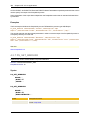
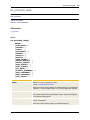
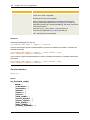
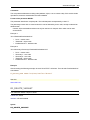
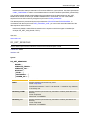
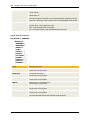
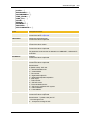
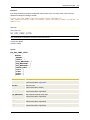
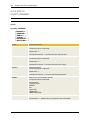
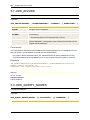
Syntax
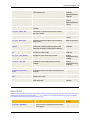
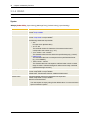
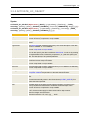
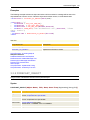
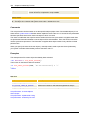
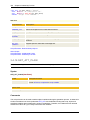
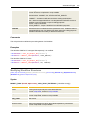
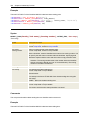
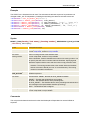
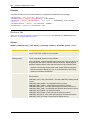
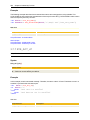
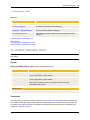
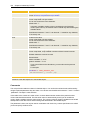
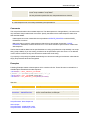
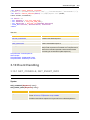
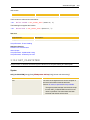
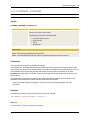
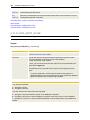
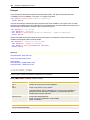
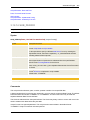
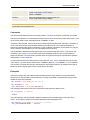
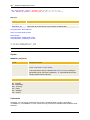
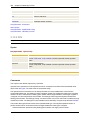
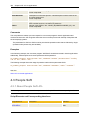
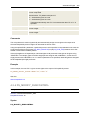
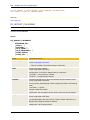
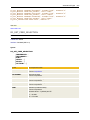
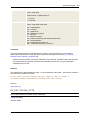
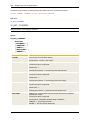
SYS_TIME_PHYSICAL([Time Format][,TimeZone])
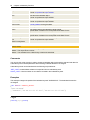
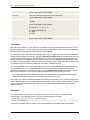
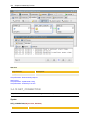
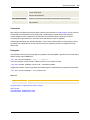
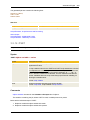
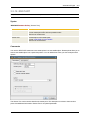
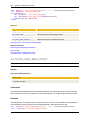
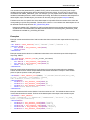
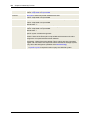
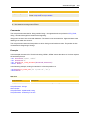
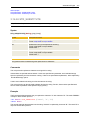
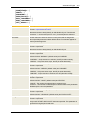
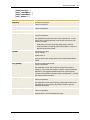
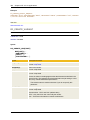
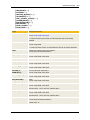
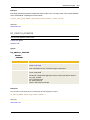
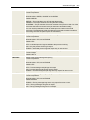
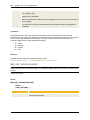
Syntax
Description/Format
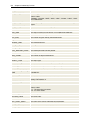
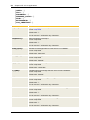
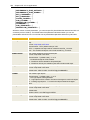
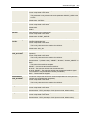
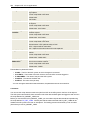
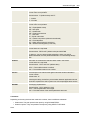
Time Format
Format for the determined time
Format: script literal or script variable
Default: "HHMMSS"
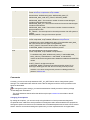
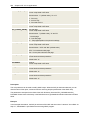
TimeZone
Name of a TimeZone object or keyword UTC
Format: script literal or script variable
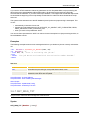
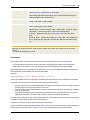
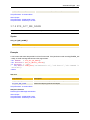
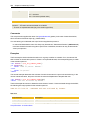
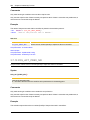
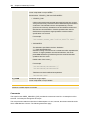
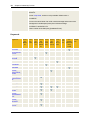
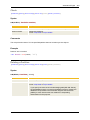
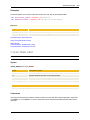
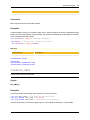
Return code
Current time in the specified format
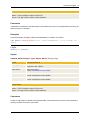
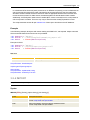
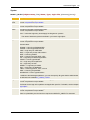
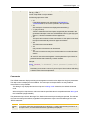
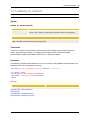
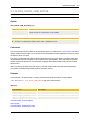
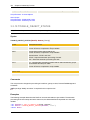
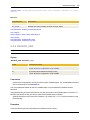
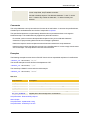
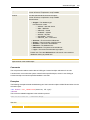
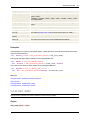
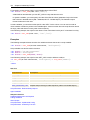
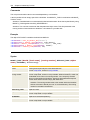
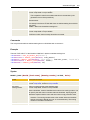
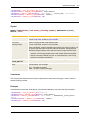
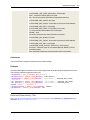
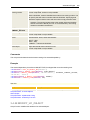
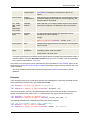
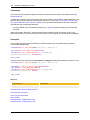
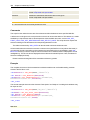
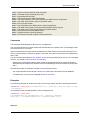
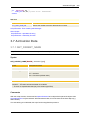
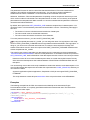
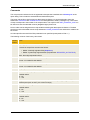
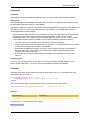
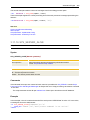
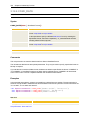
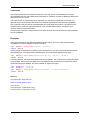
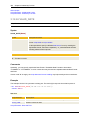
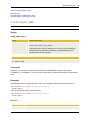
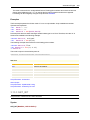
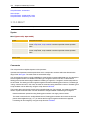
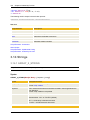
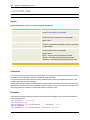
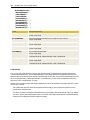
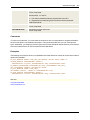
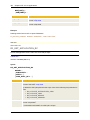
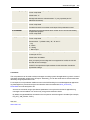
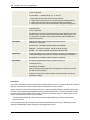
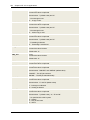
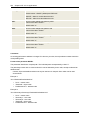
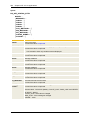
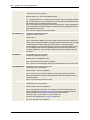
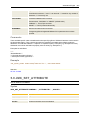
Comments
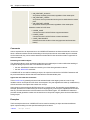
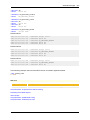
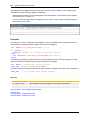
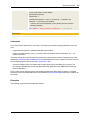
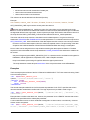
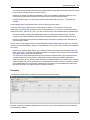
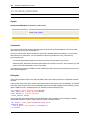
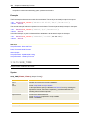
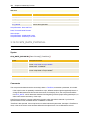
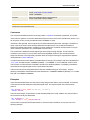
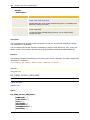
This script function determines the current time of a day. A TimeZone that has been specified in the form of
a parameter is considered in this calculation.