1
Automation Engine
131
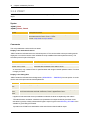
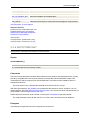
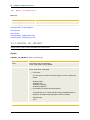
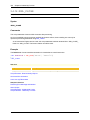
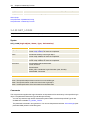
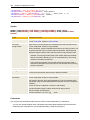
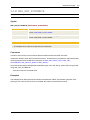
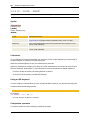
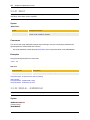
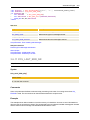
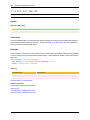
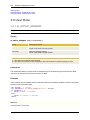
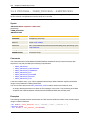
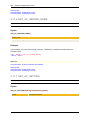
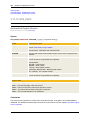
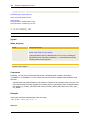
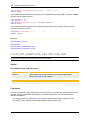
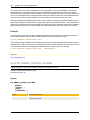
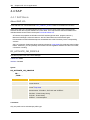
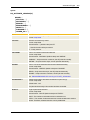
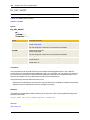
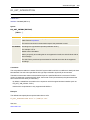
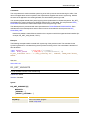
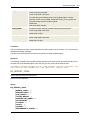
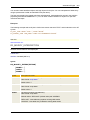
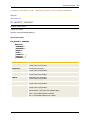
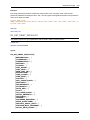
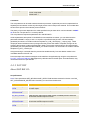
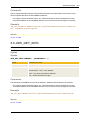
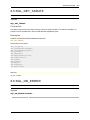
3.4.18 GET_CONDITION
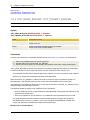
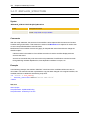
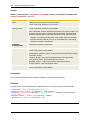
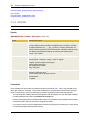
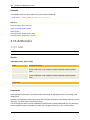
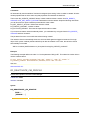
Script Function: Determines earliest start times in workflows
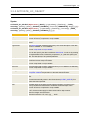
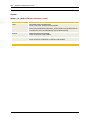
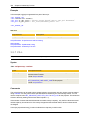
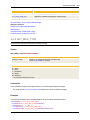
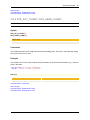
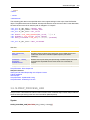
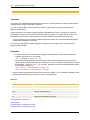
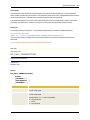
Syntax
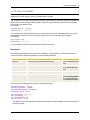
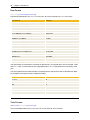
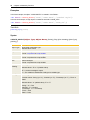
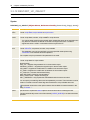
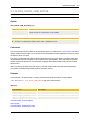
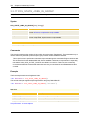
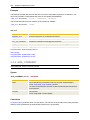
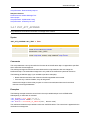
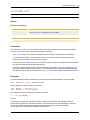
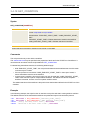
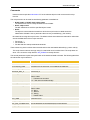
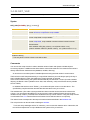
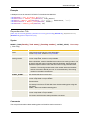
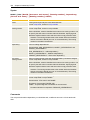
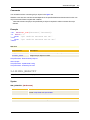
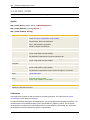
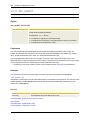
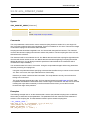
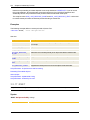
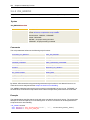
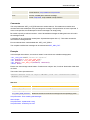
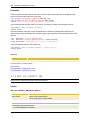
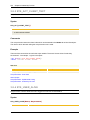
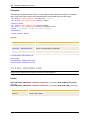
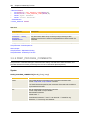
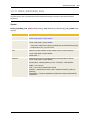
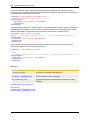
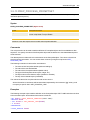
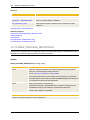
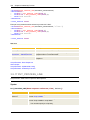
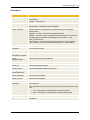
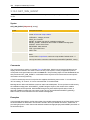
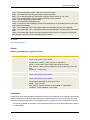
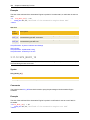
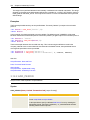
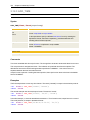
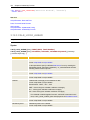
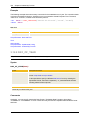
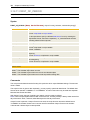
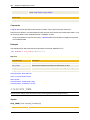
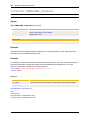
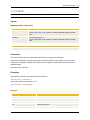
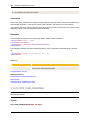
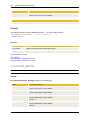
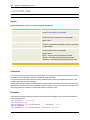
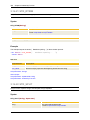
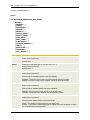
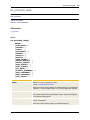
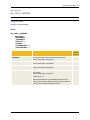
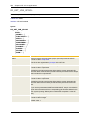
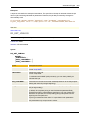
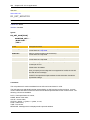
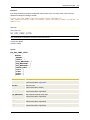
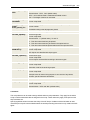
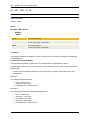
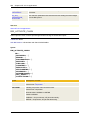
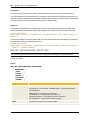
GET_CONDITION(Condition)
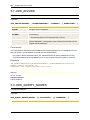
Syntax
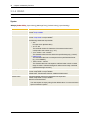
Description/Format
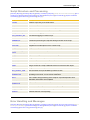
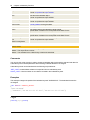
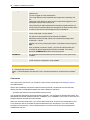
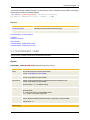
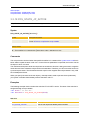
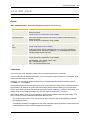
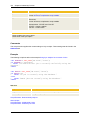
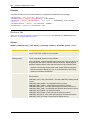
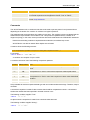
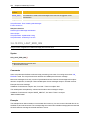
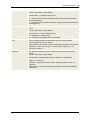
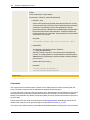
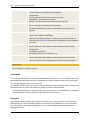
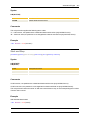
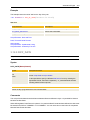
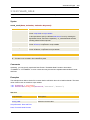
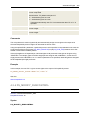
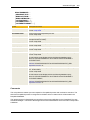
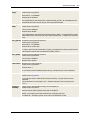
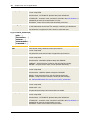
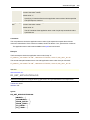
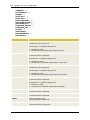
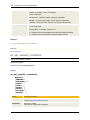
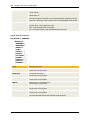
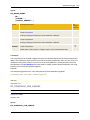
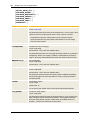
Condition
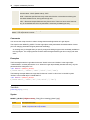
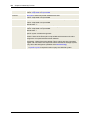
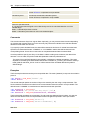
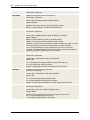
Start condition to be determined
Format: script literal or script variable
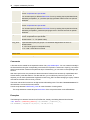
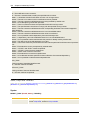
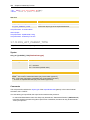
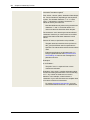
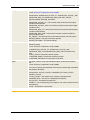
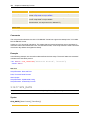
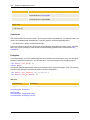
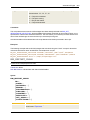
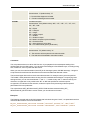
Allowed values: "EARLIEST_START_TIME", "JOBP_EARLIEST_START_
TIME"
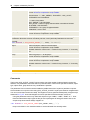
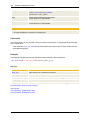
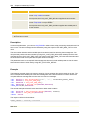
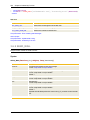
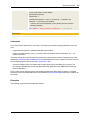
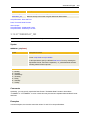
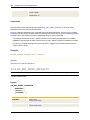
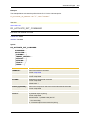
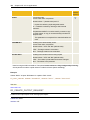
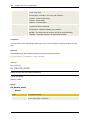
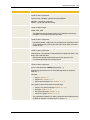
"EARLIEST_START_TIME" = Earliest start time of a task in the workflow
"JOBP_EARLIEST_START_TIME" = Earliest start time of workflow
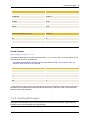
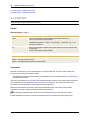
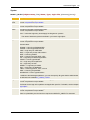
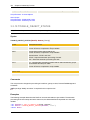
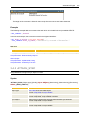
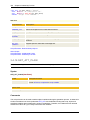
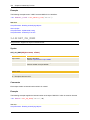
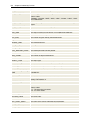
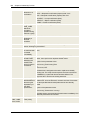
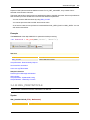
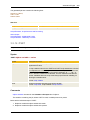
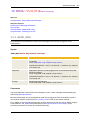
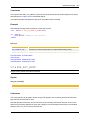
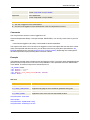
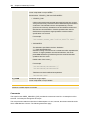
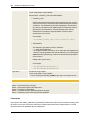
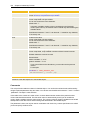
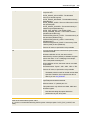
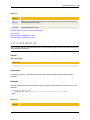
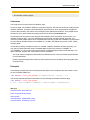
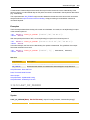
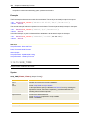
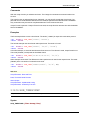
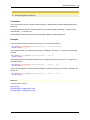
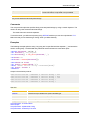
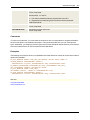
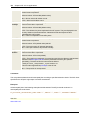
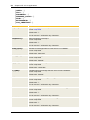
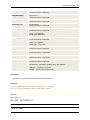
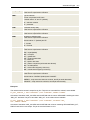
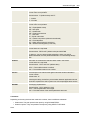
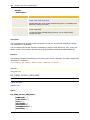
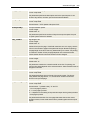
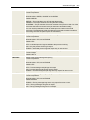
Return code
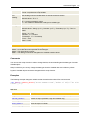
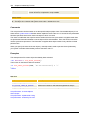
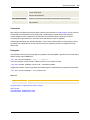
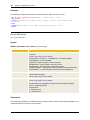
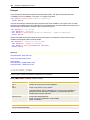
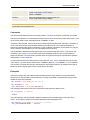
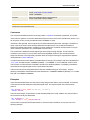
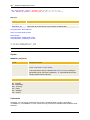
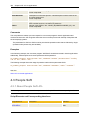
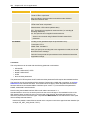
Earliest start time of the task or workflow in the format "TT/HH:MM"
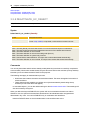
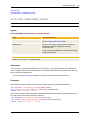
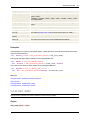
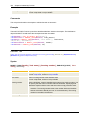
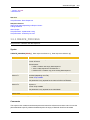
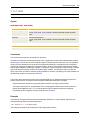
Comments
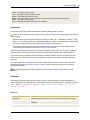
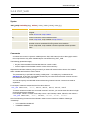
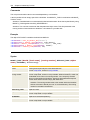
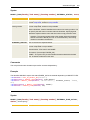
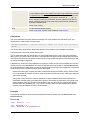
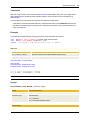
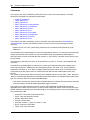
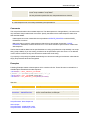
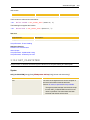
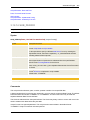
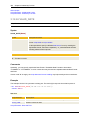
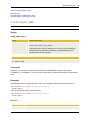
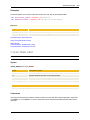
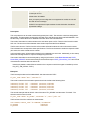
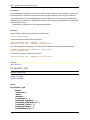
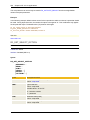
This script function only works within a workflow.
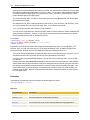
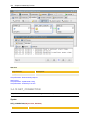
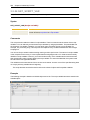
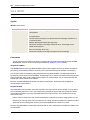
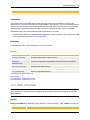
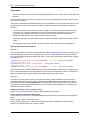
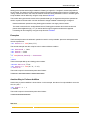
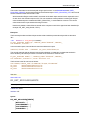
The earliest start time may be specified in the properties of tasks and in the START box of workflows. It
can also be set at runtime with the script statement :SET_CONDITION.
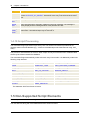
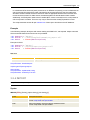
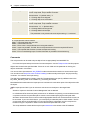
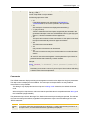
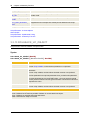
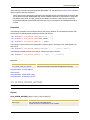
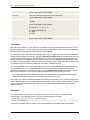
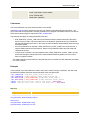
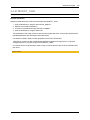
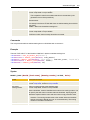
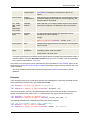
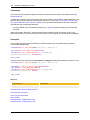
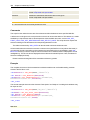
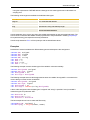
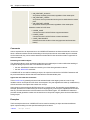
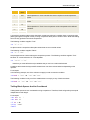
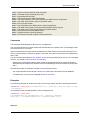
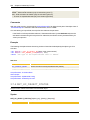
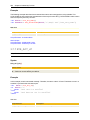
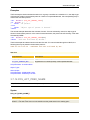
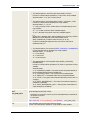
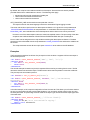
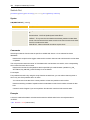
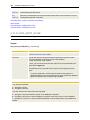
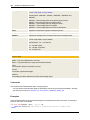
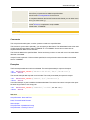
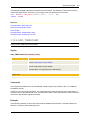
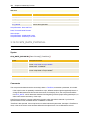
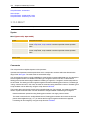
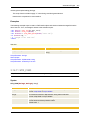
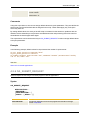
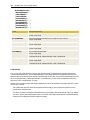
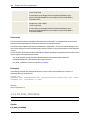
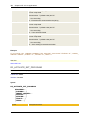
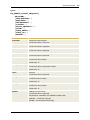
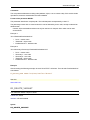
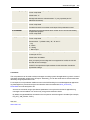
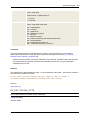
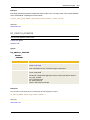
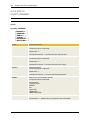
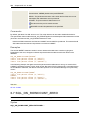
For determining the earliest start time, the following relations apply:
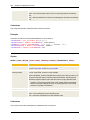
l
l
l
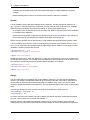
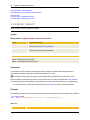
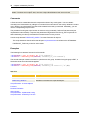
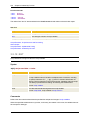
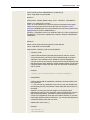
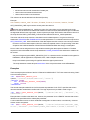
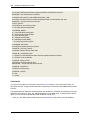
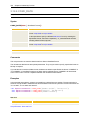
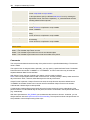
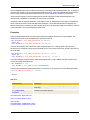
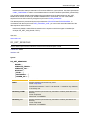
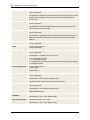
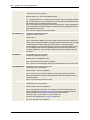
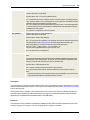
With "EARLIEST_START_TIME", this script function determines the earliest start time of the task
in whose script it is called.
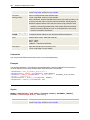
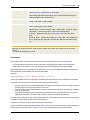
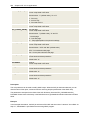
If this script function is used with "JOBP_EARLIEST_START_TIME" in the script of a task, it
returns the earliest start time of the workflow.
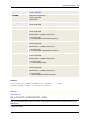
In the script of a workflow, this script function may only be used with "JOBP_EARLIEST_START_
TIME" if this workflow is part of a superordinate workflow. The earliest start time of the parent
workflow is returned. An error occurs if no parent workflow exists.
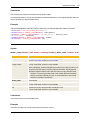
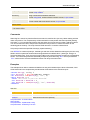
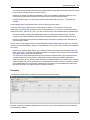
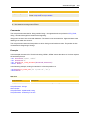
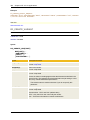
The earliest start time of the workflow is the point in time that has been defined in the START box of the
workflow.
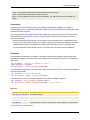
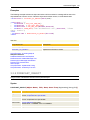
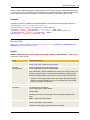
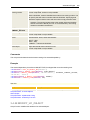
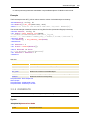
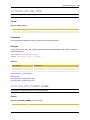
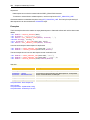
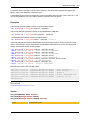
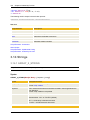
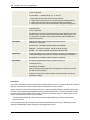
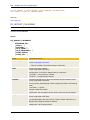
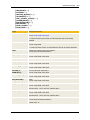
Example
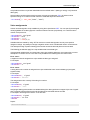
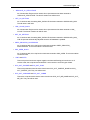
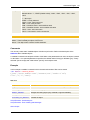
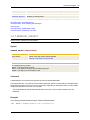
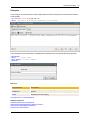
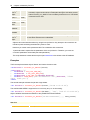
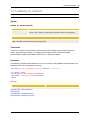
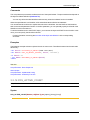
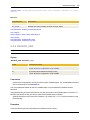
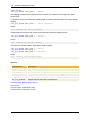
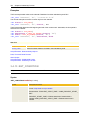
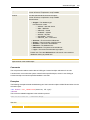
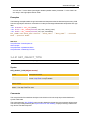
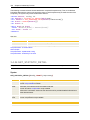
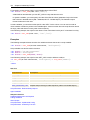
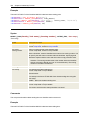
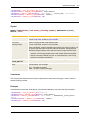
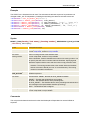
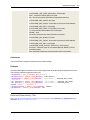
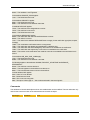
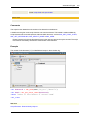
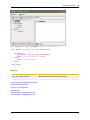
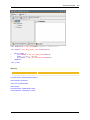
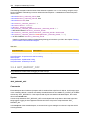
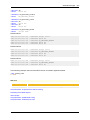
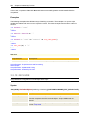
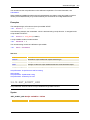
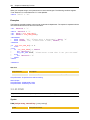
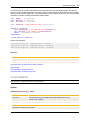
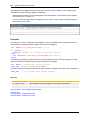
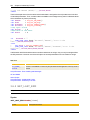
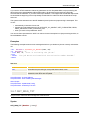
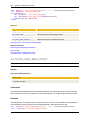
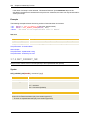
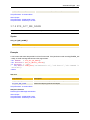
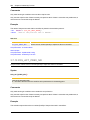
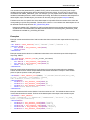
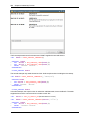
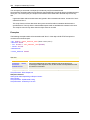
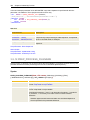
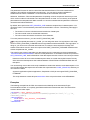
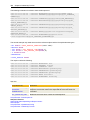
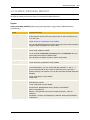
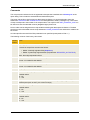
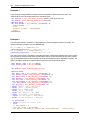
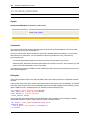
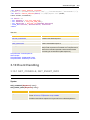
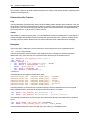
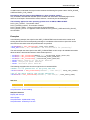
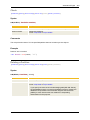
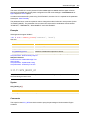
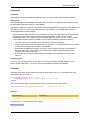
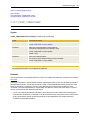
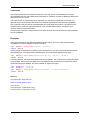
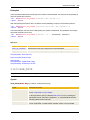
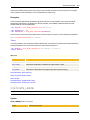
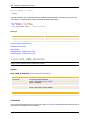
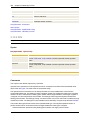
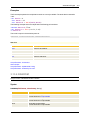
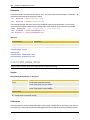
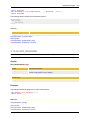
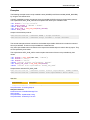
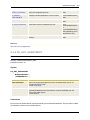
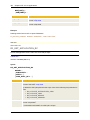
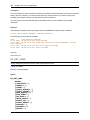
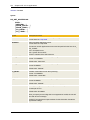
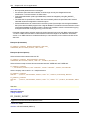
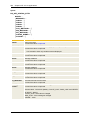
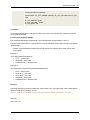
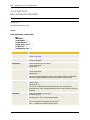
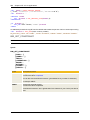
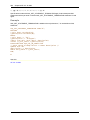
In the following example, the script function is used in the script of a task that is running within a workflow.
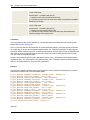
The earliest start time of the task and the workflow are queried and output in the activation protocol.
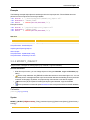
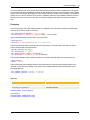
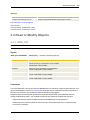
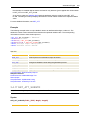
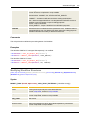
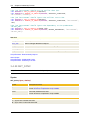
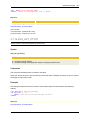
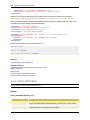
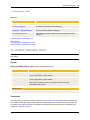
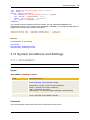
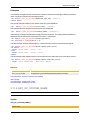
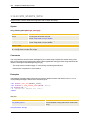
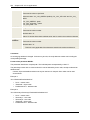
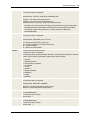
:SET &RETJOBS# = GET_CONDITION ("EARLIEST_START_TIME")
:SET &RETJOBP# = GET_CONDITION ("JOBP_EARLIEST_START_TIME")
:PRINT "Task's earliest start time:", &RETJOBS#
:PRINT "Workflow's earliest start time:", &RETJOBP#