1
116
Chapter 3 Ordered by Function
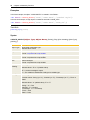
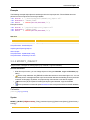
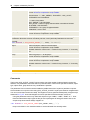
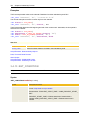
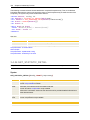
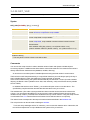
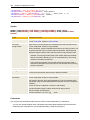
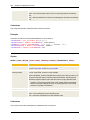
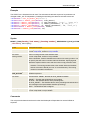
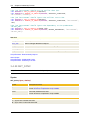
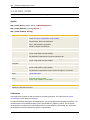
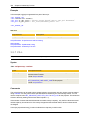
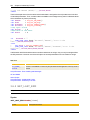
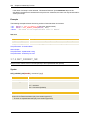
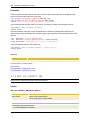
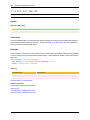
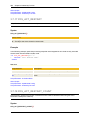
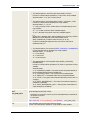
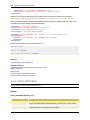
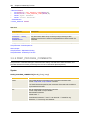
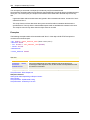
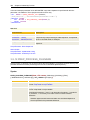
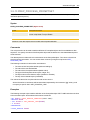
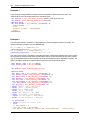
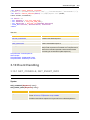
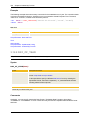
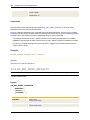
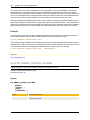
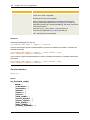
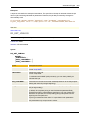
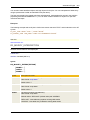
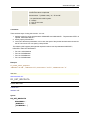
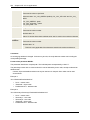
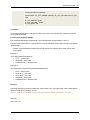
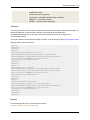
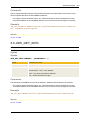
:READ &TIME#,,
:PUT_ATT_APPEND CALL_TEXT = " &TIME#."
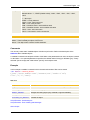
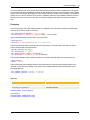
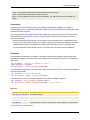
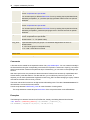
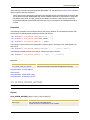
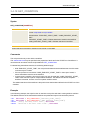
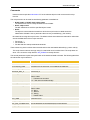
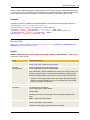
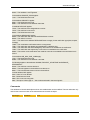
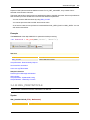
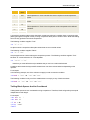
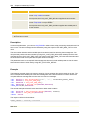
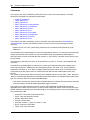
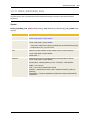
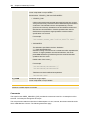
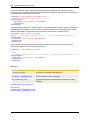
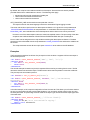
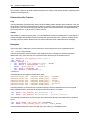
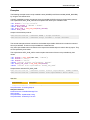
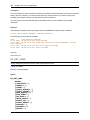
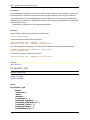
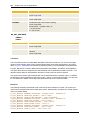
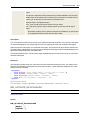
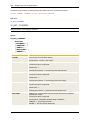
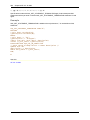
The following examples serve to explain the use of blanks. The notification's message text is "Start
checking the".
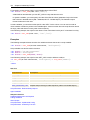
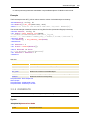
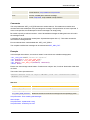
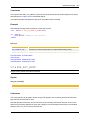
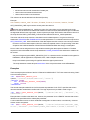
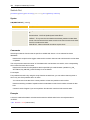
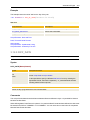
1) The text is correctly printed because a leading blank is inserted. Note that blanks are not automatically
inserted.
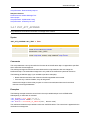
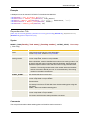
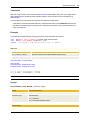
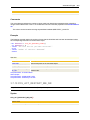
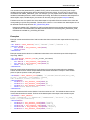
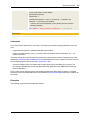
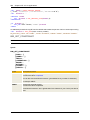
:PUT_ATT_APPEND CALL_TEXT = " Server processes"
Output:
Start checking the Server processes
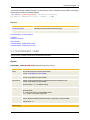
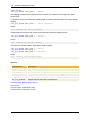
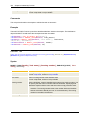
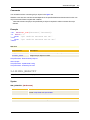
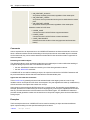
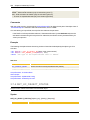
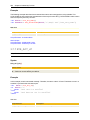
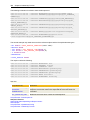
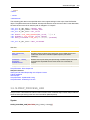
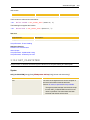
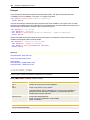
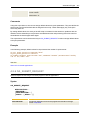
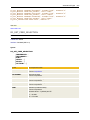
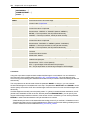
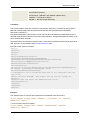
2) Blanks that are used at the end of texts are truncated as the following example shows:
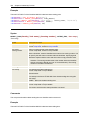
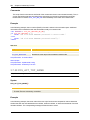
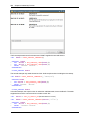
:PUT_ATT_APPEND CALL_TEXT = " Server "
:PUT_ATT_APPEND CALL_TEXT = "processes"
Output:
Start checking the Serverprocesses
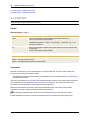
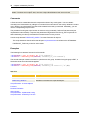
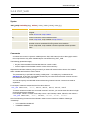
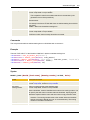
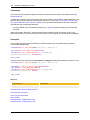
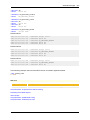
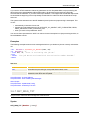
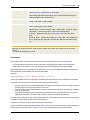
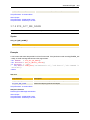
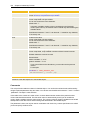
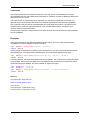
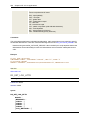
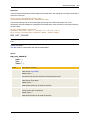
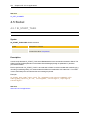
3) If a text only consists of blanks, these blanks are also ignored.
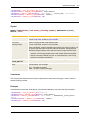
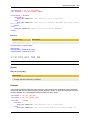
:PUT_ATT_APPEND CALL_TEXT = " Server"
:PUT_ATT_APPEND CALL_TEXT = "
"
:PUT_ATT_APPEND CALL_TEXT = "processes"
Output:
Start checking the Serverprocesses
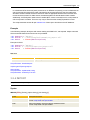
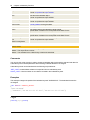
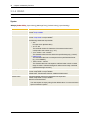
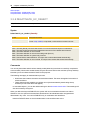
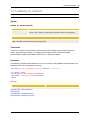
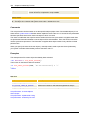
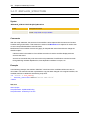
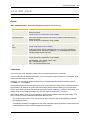
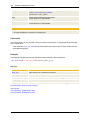
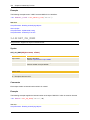
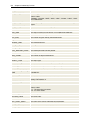
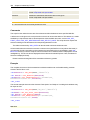
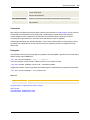
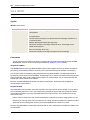
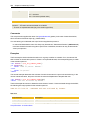
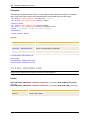
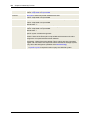
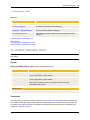
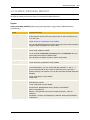
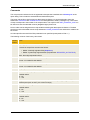
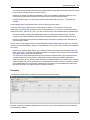
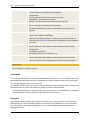
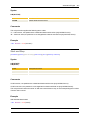
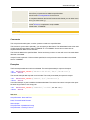
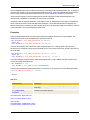
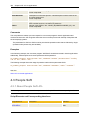
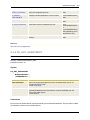
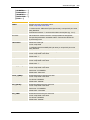
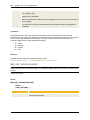
See also:
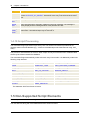
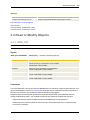
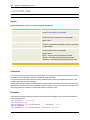
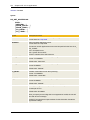
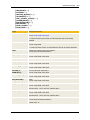
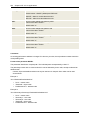
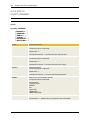
Script element
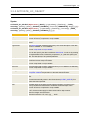
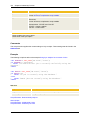
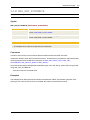
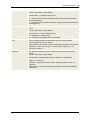
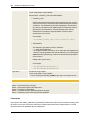
Description
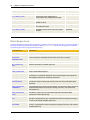
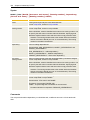
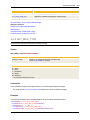
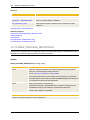
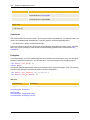
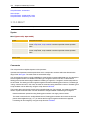
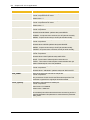
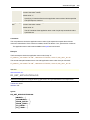
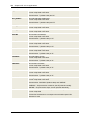
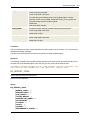
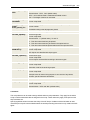
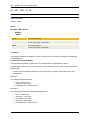
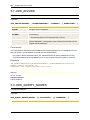
:ADD_ATT
Adds recipients to a notification at runtime.
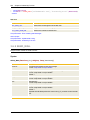
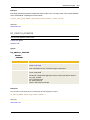
:REMOVE_ATT
Removes notification recipients at runtime.
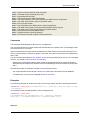
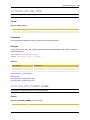
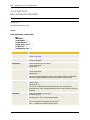
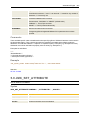
:PUT_ATT
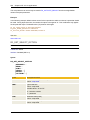
This is used to change the value of an attribute during generation.
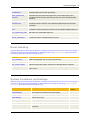
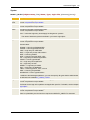
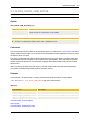
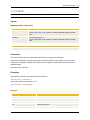
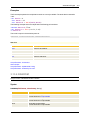
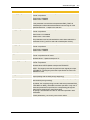
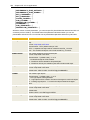
GET_ATT
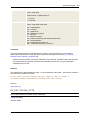
This function returns the values of a task's attributes during generation.
GET_ATT_SUBSTR
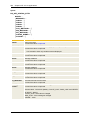
Supplies part of a notification's message text.
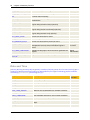
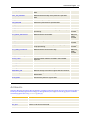
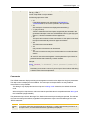
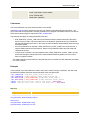
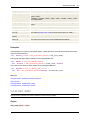
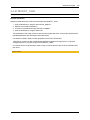
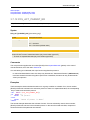
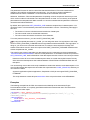
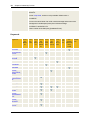
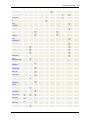
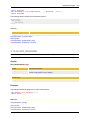
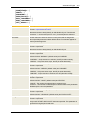
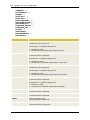
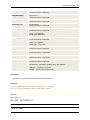
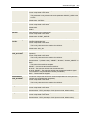
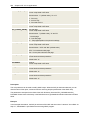
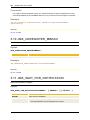
Script Elements - Read or Modify Objects
About Scripts
Script Elements - Alphabetical Listing
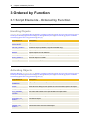
Script Elements - Ordered by Function