1
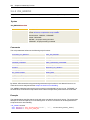
Automation Engine
263
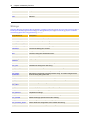
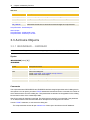
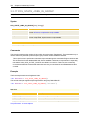
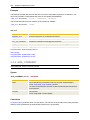
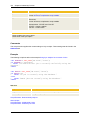
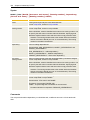
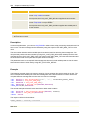
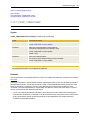
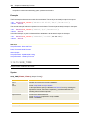
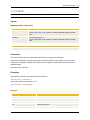
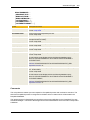
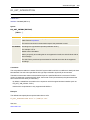
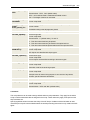
Return code
Number of restarts
Comments
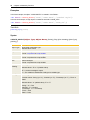
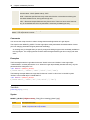
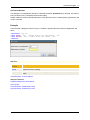
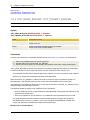
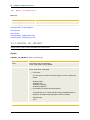
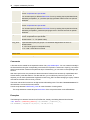
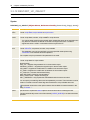
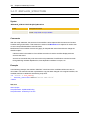
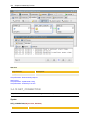
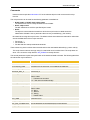
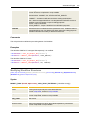
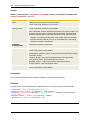
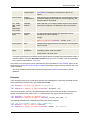
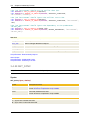
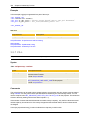
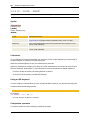
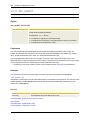
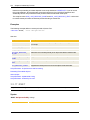
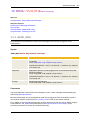
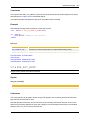
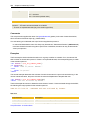
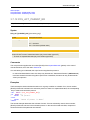
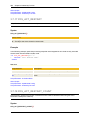
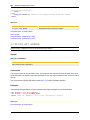
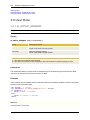
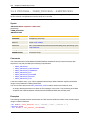
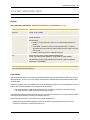
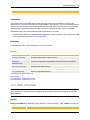
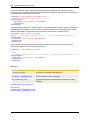
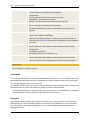
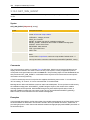
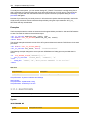
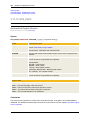
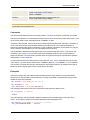
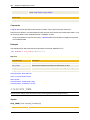
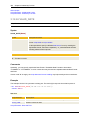
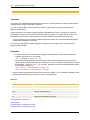
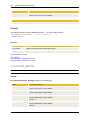
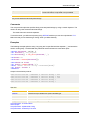
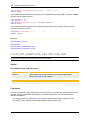
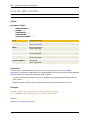
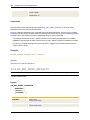
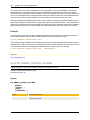
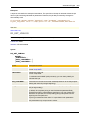
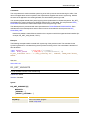
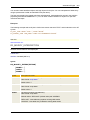
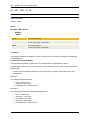
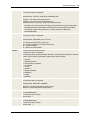
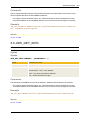
This script element retrieves the number of times a task has already been restarted within a Workflow
using the action RESTART TASK. You can define this action in the task properties of the Postconditions
tab.
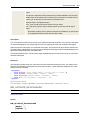
This value can also be retrieved using the predefined variable &$RESTART_COUNT#.
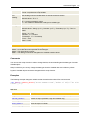
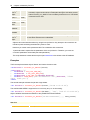
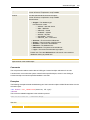
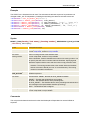
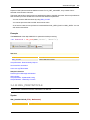
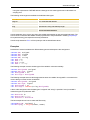
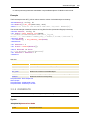
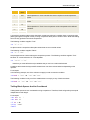
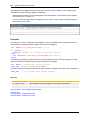
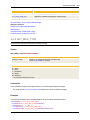
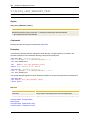
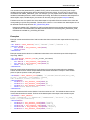
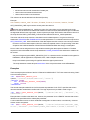
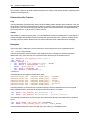
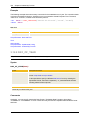
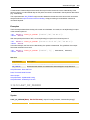
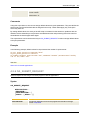
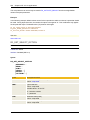
Example
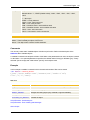
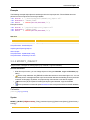
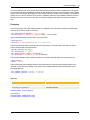
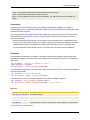
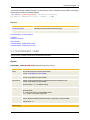
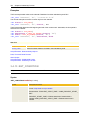
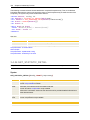
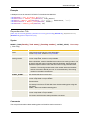
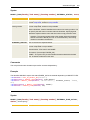
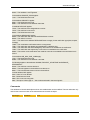
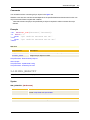
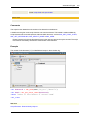
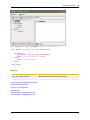
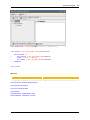
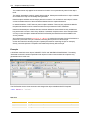
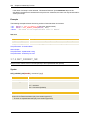
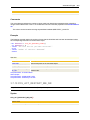
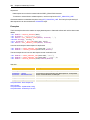
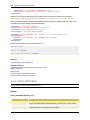
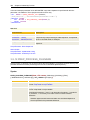
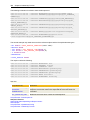
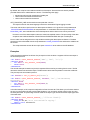
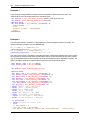
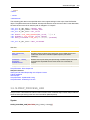
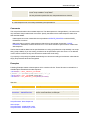
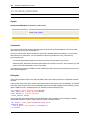
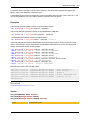
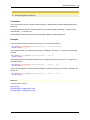
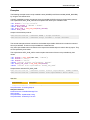
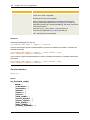
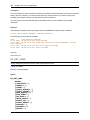
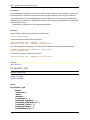
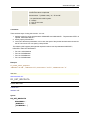
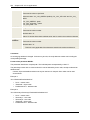
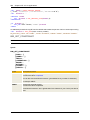
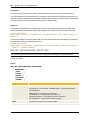
The following example queries the number of times that the Workflow task has been restarted and writes
the corresponding information to the activation report.
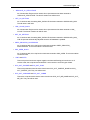
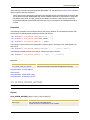
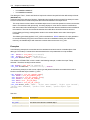
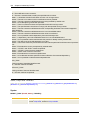
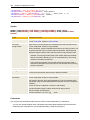
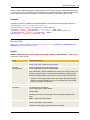
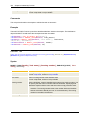
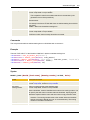
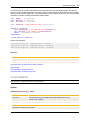
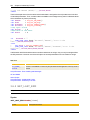
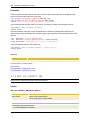
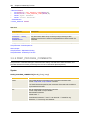
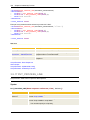
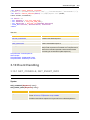
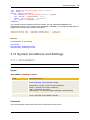
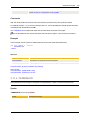
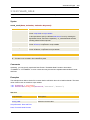
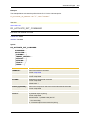
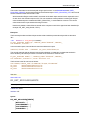
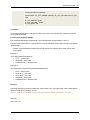
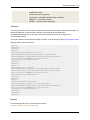
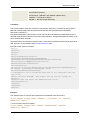
:SET &RCOUNT# = SYS_ACT_RESTART_COUNT()
:IF &RCOUNT# = 0
: PRINT "The task has not yet been restarted."
:ELSE
: PRINT "Number of restarts: &RCOUNT#"
:ENDIF
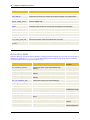
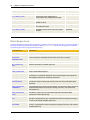
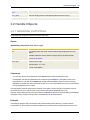
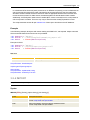
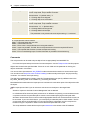
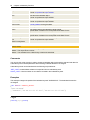
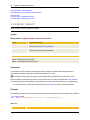
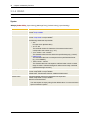
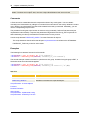
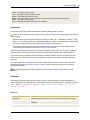
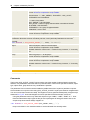
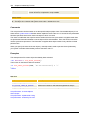
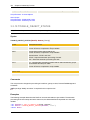
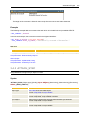
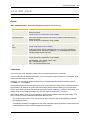
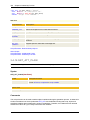
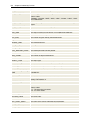
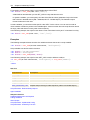
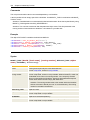
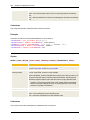
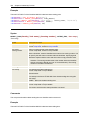
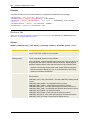
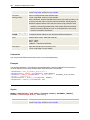
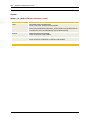
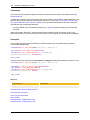
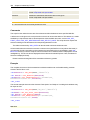
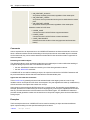
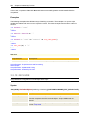
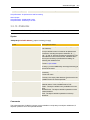
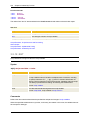
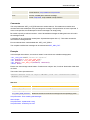
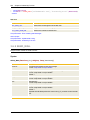
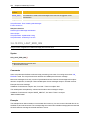
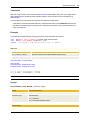
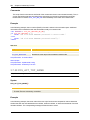
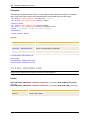
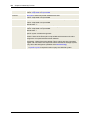
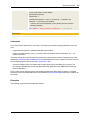
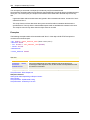
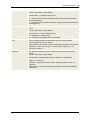
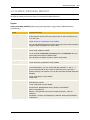
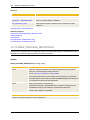
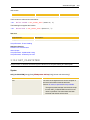
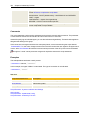
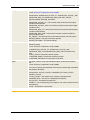
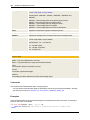
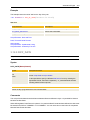
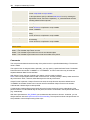
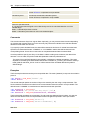
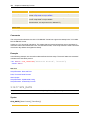
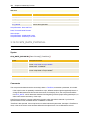
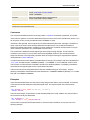
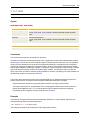
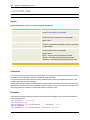
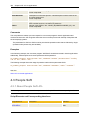
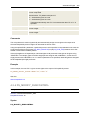
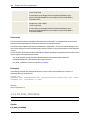
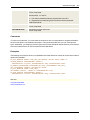
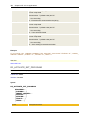
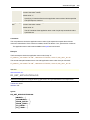
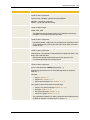
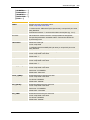
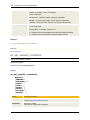
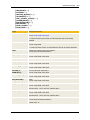
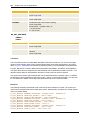
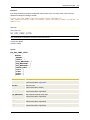
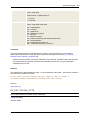
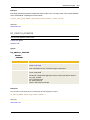
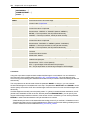
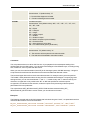
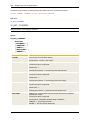
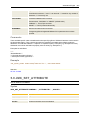
See also:
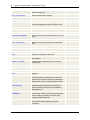
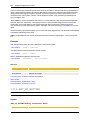
Script Element
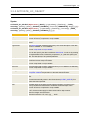
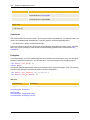
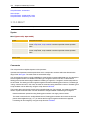
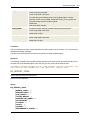
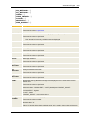
Description
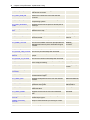
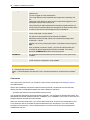
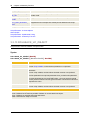
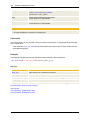
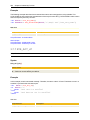
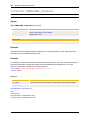
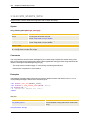
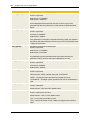
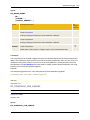
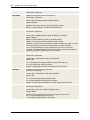
:RESTART
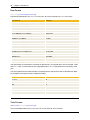
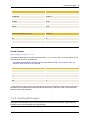
Sets restart points in an executable object.
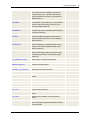
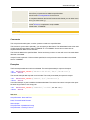
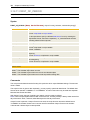
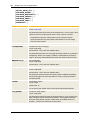
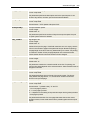
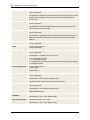
SYS_ACT_RESTART
Retrieves whether the object has been activated in restart mode.
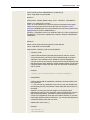
SYS_ACT_RESTART_
ME_NR
Returns the run number (RunID) of an object that has been activated in
restart mode.
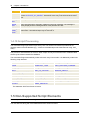
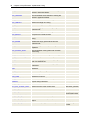
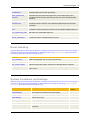
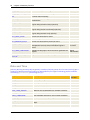
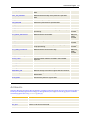
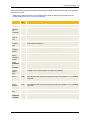
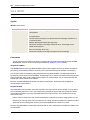
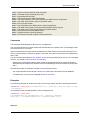
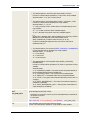
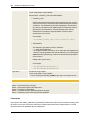
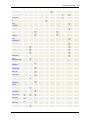
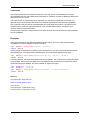
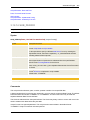
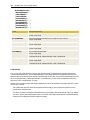
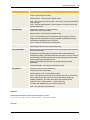
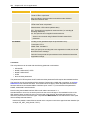
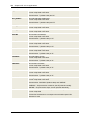
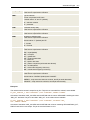
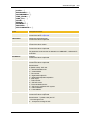
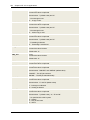
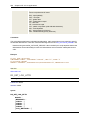
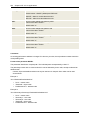
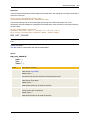
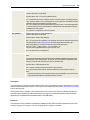
Script Elements - Activation Data
About Scripts
Script Elements - Alphabetical Listing
Script Elements - Ordered by Function
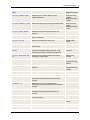
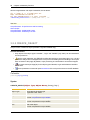
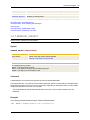
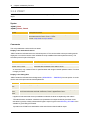
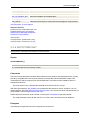
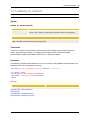
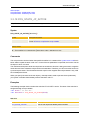
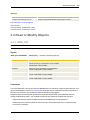
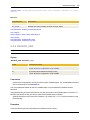
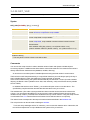
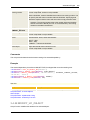
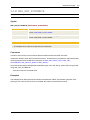
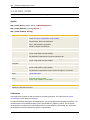
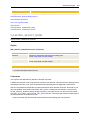
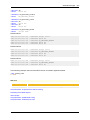
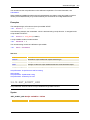
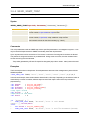
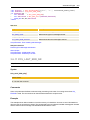
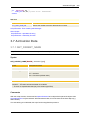
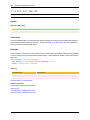
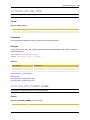
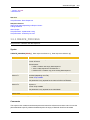
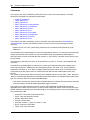
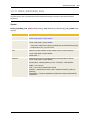
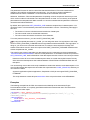
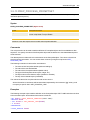
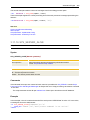
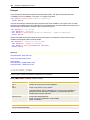
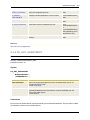
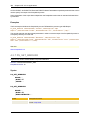
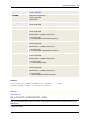
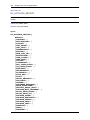
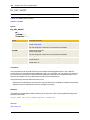
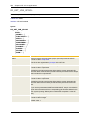
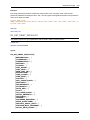
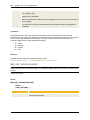
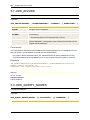
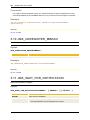
3.7.19 SYS_ACT_RESTART_ME_NR
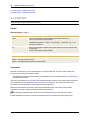
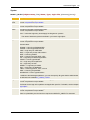
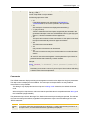
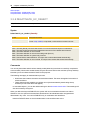
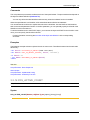
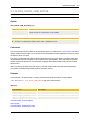
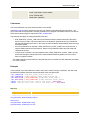
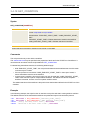
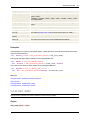
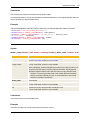
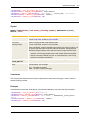
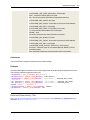
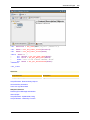
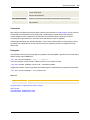
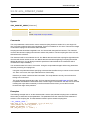
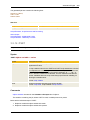
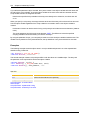
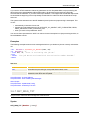
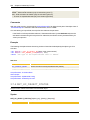
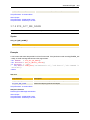
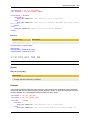
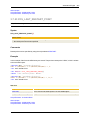
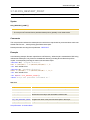
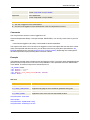
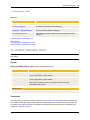
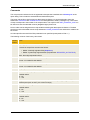
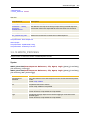
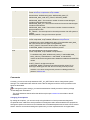
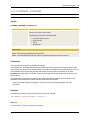
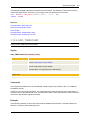
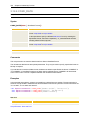
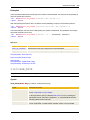
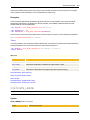
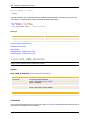
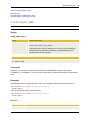
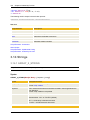
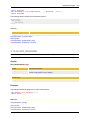
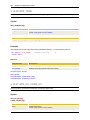
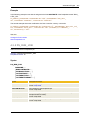
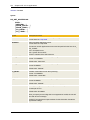
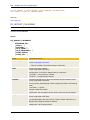
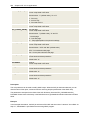
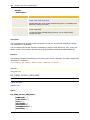
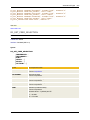
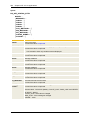
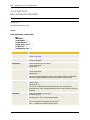
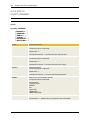
Script Function: Returns the run number (RunID) of an object activated in restart mode.
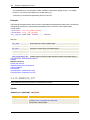
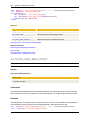
Syntax
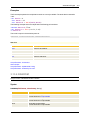
SYS_ACT_RESTART_ME_NR()
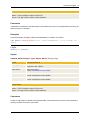
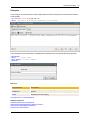
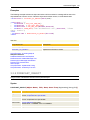
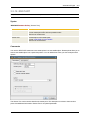
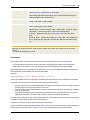
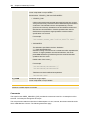
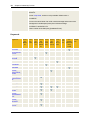
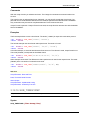
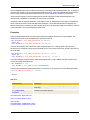
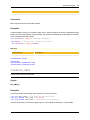
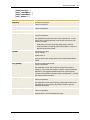
Return code
Run number of the object in which this script function is called.