1
250
PrimaCode™ Transform User's Guide
Transform's Merge Drawings Dialog
10.2
Transform’s Merge Drawings Dialog
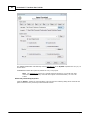
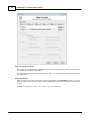
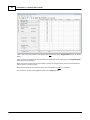
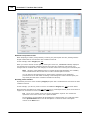
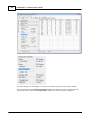
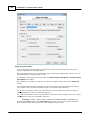
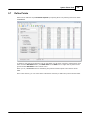
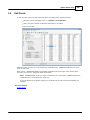
This dialog provides all the information necessary to merge two C AD drawings by defining an
AutoC AD block for the Best-Fit Coordinate System and then inserting that block into the fixed
(target) system’s drawing.
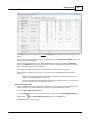
To open this dialog it is first necessary to have a transformed system, i.e. a best-fit system that has
two or more linked pairs.
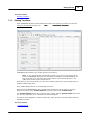
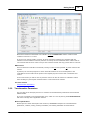
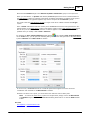
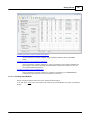
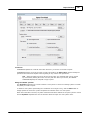
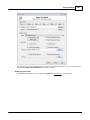
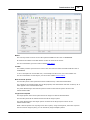
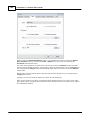
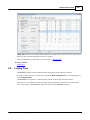
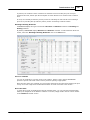
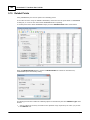
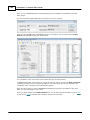
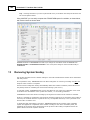
To display the MERGE DRAWINGS dialog, select Merge Drawing Coefs on the Tools menu.
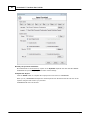
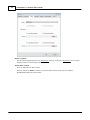
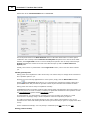
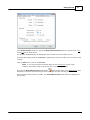
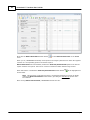
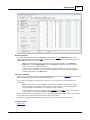
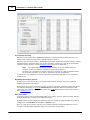
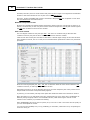
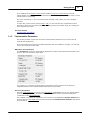
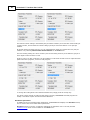
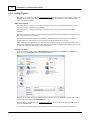
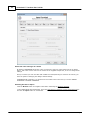
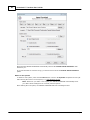
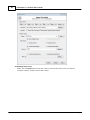
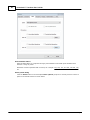
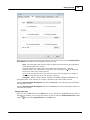
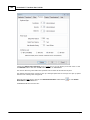
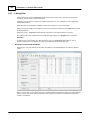
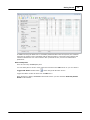
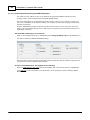
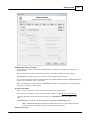
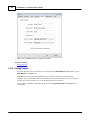
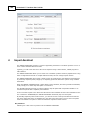
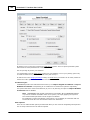
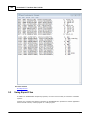
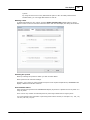
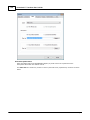
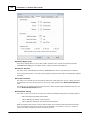
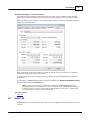
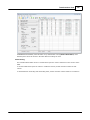
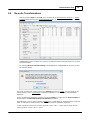
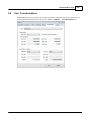
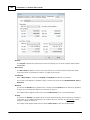
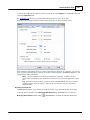
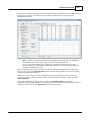
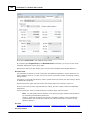
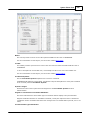
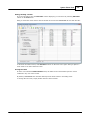
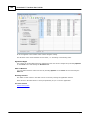
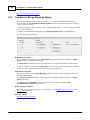
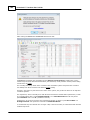
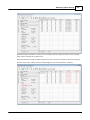
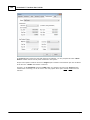
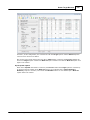
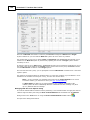
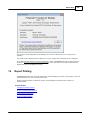
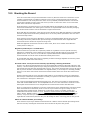
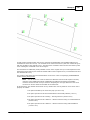
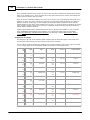
That opens the following dialog:
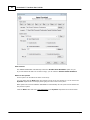
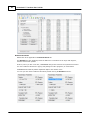
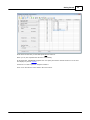
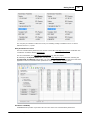
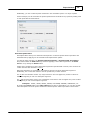
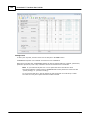
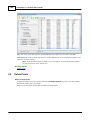
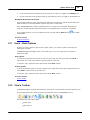
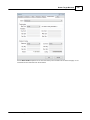
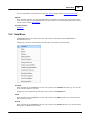
Write Block group box
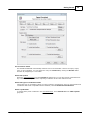
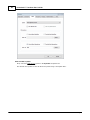
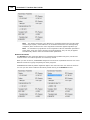
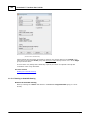
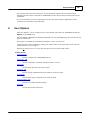
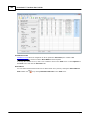
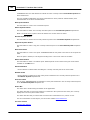
The coordinate values contained in the Write Block group box are those required for the Base
Point of AutoC AD's WRITE BLOCK dialog.
The Base Point coordinates represent the approximate centroid of the collection of linked pairs.
By using a centroid coordinate for the Base Point, round-off errors at the edges of the coordinate
system are minimized when the block is inserted into the target system.
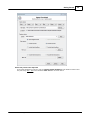
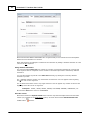
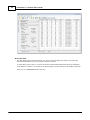
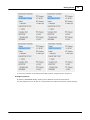
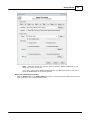
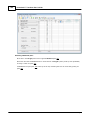
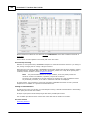
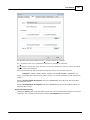
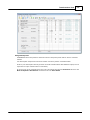
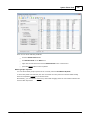
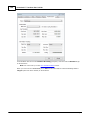
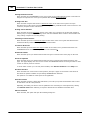
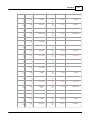
Inset Block group box
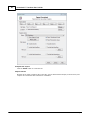
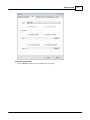
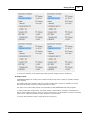
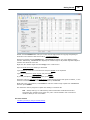
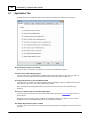
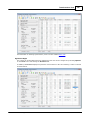
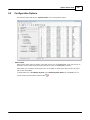
The values contained in the Target Drawing group box are those values that will be used in the
AutoC AD INSERT dialog.
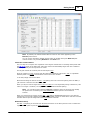
The Insertion Point coordinates are the transformed coordinates that correspond to the Base
point coordinates.
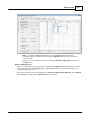
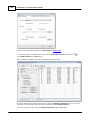
The Scale factor and Rotation angle are the same as are displayed in TRANSFORM’s
Transformation Parameters group box.
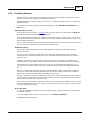
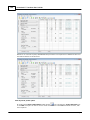
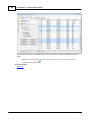
Merge Drawings Example
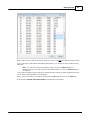
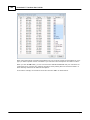
For a step by step example of how to use this feature, see the Highway Layout Example of the
Getting Started section.
The next section
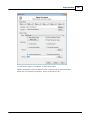
AutoC AD’s Write Block dialog
© 2012 PrimaCode Technologies