1
Getting Started
35
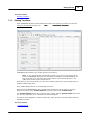
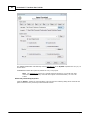
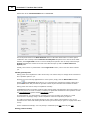
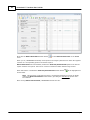
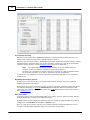
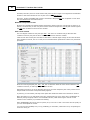
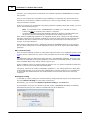
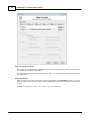
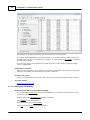
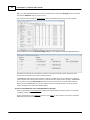
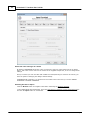
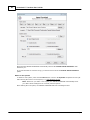
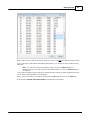
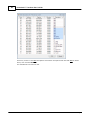
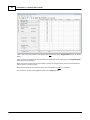
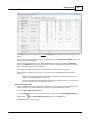
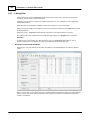
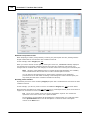
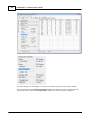
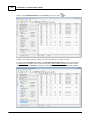
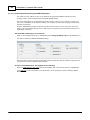
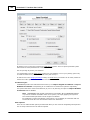
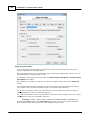
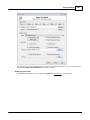
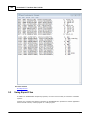
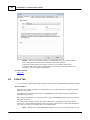
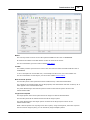
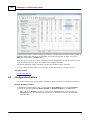
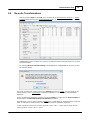
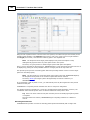
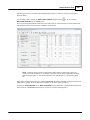
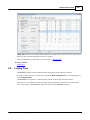
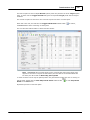
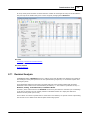
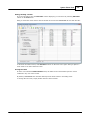
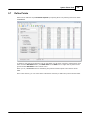
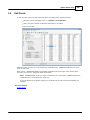
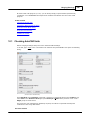
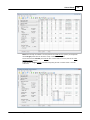
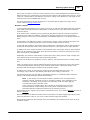
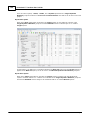
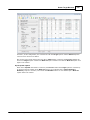
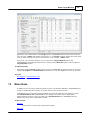
Scroll down the listing of points for the Best-Fit Coord System until you find point 830, which is
one of the points identified as being a probable pair with Target point 174 in the previous section.
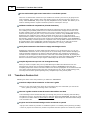
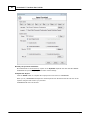
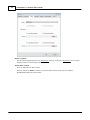
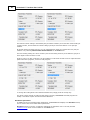
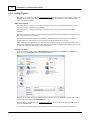
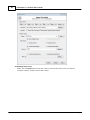
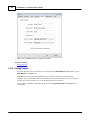
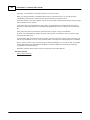
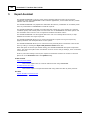
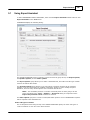
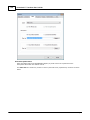
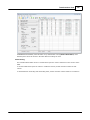
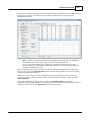
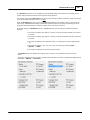
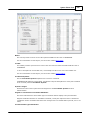
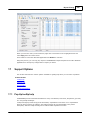
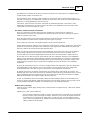
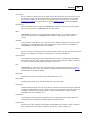
C lick in the empty cell to the right of point 830 located in the Target Point column, as shown below.
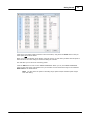
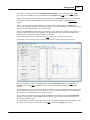
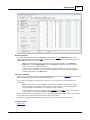
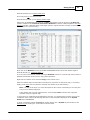
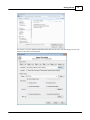
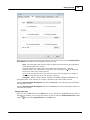
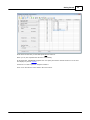
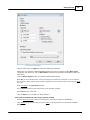
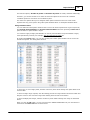
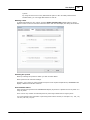
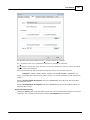
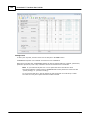
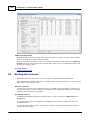
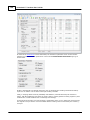
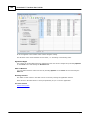
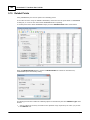
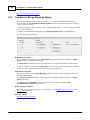
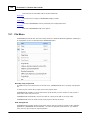
That opens a dropdown list that display all the non-filtered points contained in the Field Survey
system.
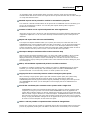
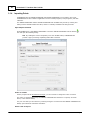
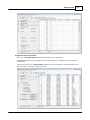
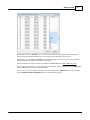
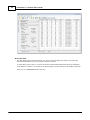
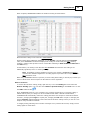
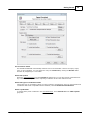
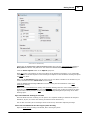
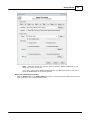
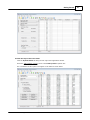
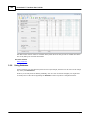
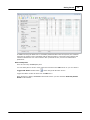
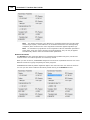
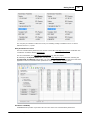
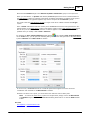
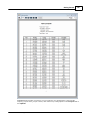
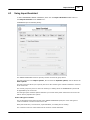
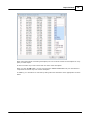
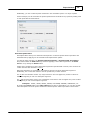
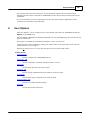
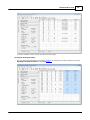
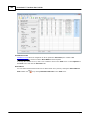
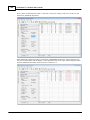
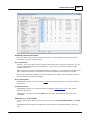
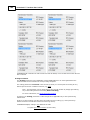
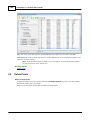
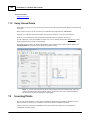
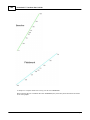
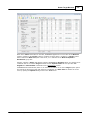
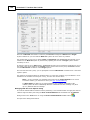
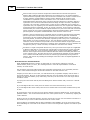
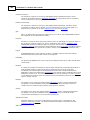
If there aren't any paired points selected yet, as is the case in this example, the Target point
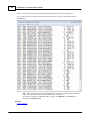
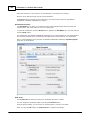
column will not show any points and when the dropdown list is initially displayed, as shown below, the
Target System’s points will appear in numerical order.
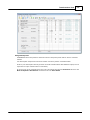
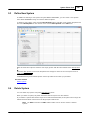
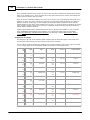
Notice that TRANSFORM also provides the description of each point in the dropdown list to help you
select the right kind of point. In this instance, only points with the corner marker descriptions are
shown because we previously applied filters to the system.
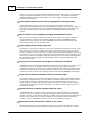
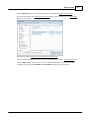
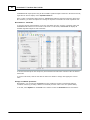
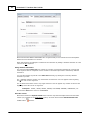
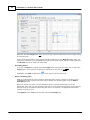
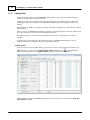
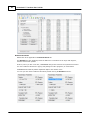
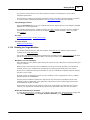
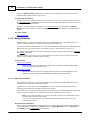
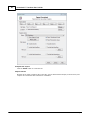
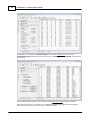
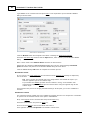
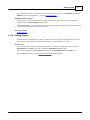
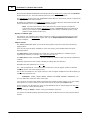
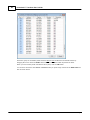
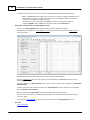
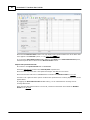
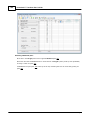
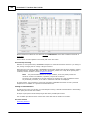
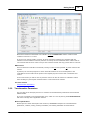
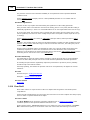
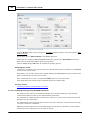
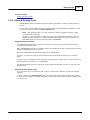
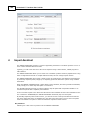
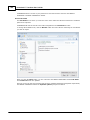
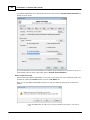
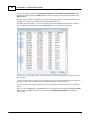
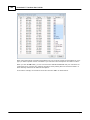
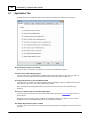
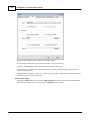
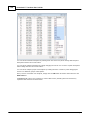
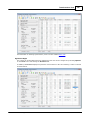
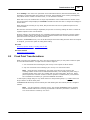
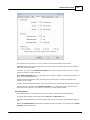
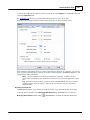
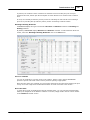
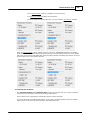
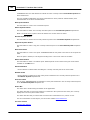
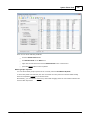
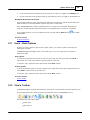
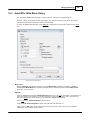
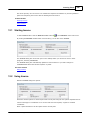
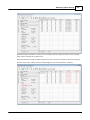
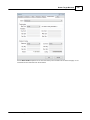
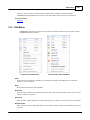
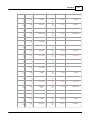
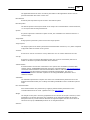
Scroll down the dropdown list and select point 174, which is an iron pipe as shown below.
Alternatively, you can simply enter the points number in the empty cell using the keyboard.
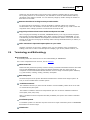
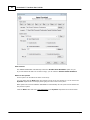
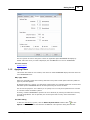
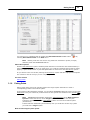
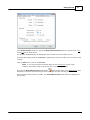
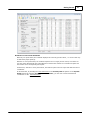
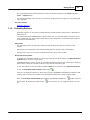
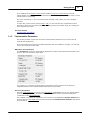
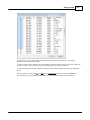
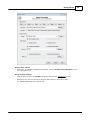
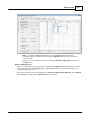
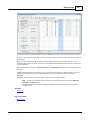
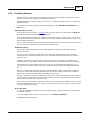
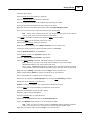
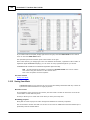
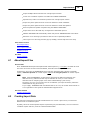
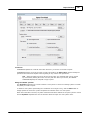
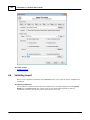
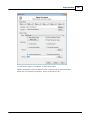
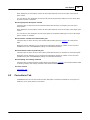
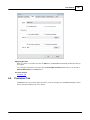
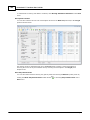
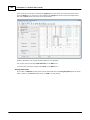
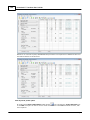
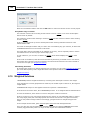
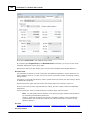
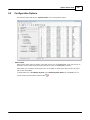
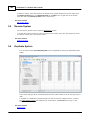
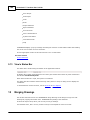
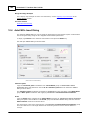
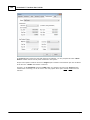
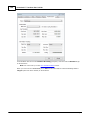
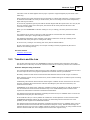
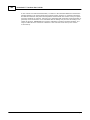
When the dropdown list closes, TRANSFORM associates the Best-Fit system's point 830 with the
Target system's point 174, indicating that these two points describe the same position on both
surveys.
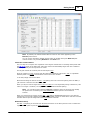
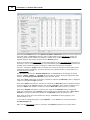
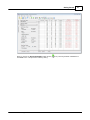
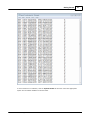
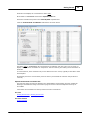
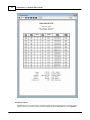
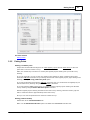
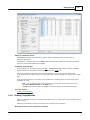
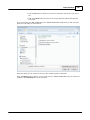
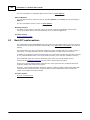
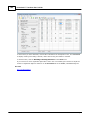
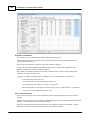
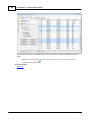
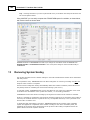
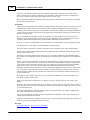
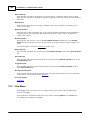
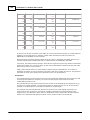
TRANSFORM also now show a inverse direction and distance in the two residual columns and changes
the column header text to alert you that these are not real residuals resulting from a transformation.
Pseudo & Inverse residuals will be discussed more later.
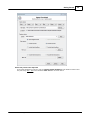
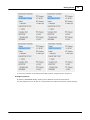
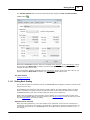
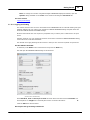
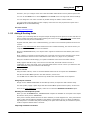
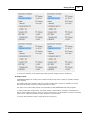
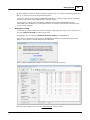
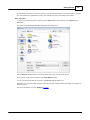
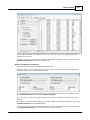
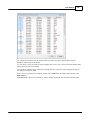
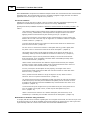
Once you have selected the first target point, TRANSFORM automatically resorts the Target Point
dropdown list so that the most-probable target points for a match at placed at the top of the list to
help identify additional pairs.
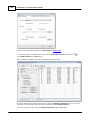
To demonstrate this feature, let’s define the next pair combination for both coordinate systems. Start
by clicking in the empty cell to the right of point 832 located in the Target point column.
© 2012 PrimaCode Technologies