1
Rotate Target Meridian
271
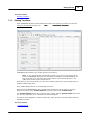
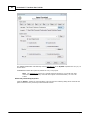
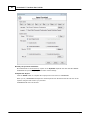
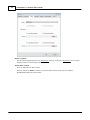
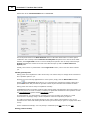
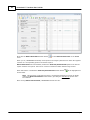
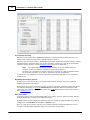
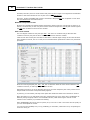
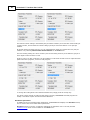
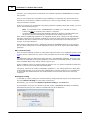
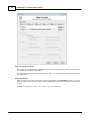
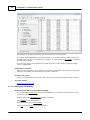
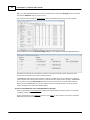
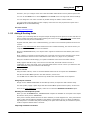
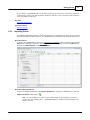
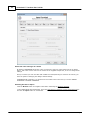
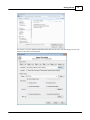
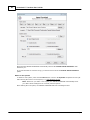
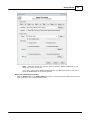
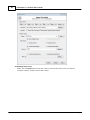
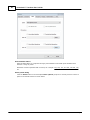
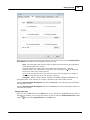
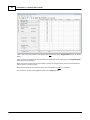
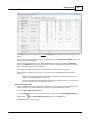
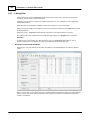
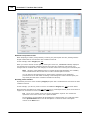
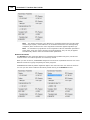
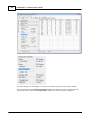
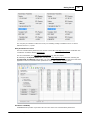
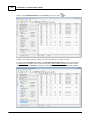
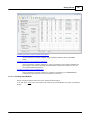
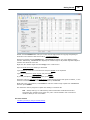
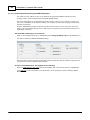
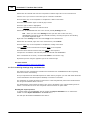
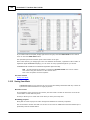
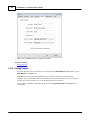
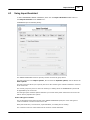
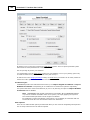
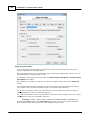
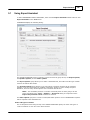
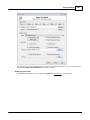
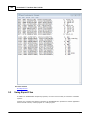
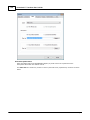
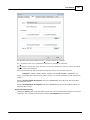
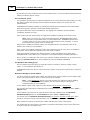
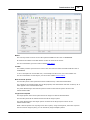
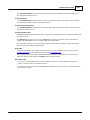
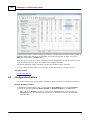
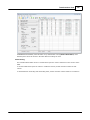
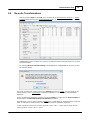
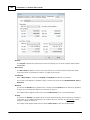
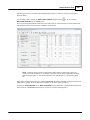
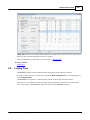
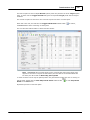
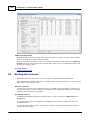
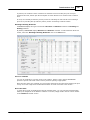
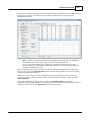
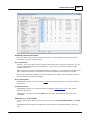
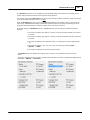
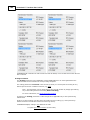
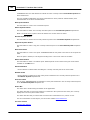
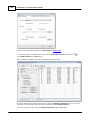
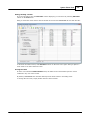
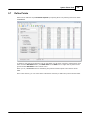
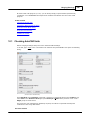
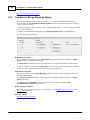
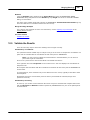
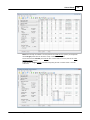
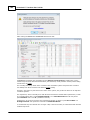
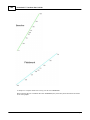
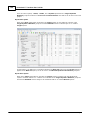
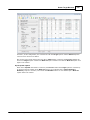
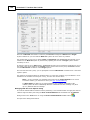
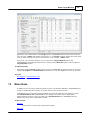
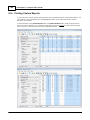
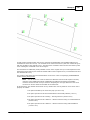
When the = Value radio button is selected, TRANSFORM applies the current value of the Best-Fit
system's rotation to the Target system's meridian as shown above, resulting in a Target system
that is rotated and Best-Fit system's that is not, as is indicated in the Best-Fit System's
Parameters group box.
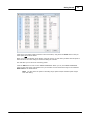
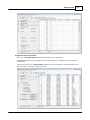
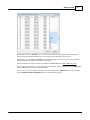
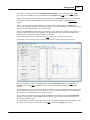
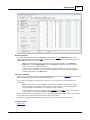
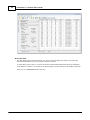
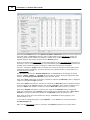
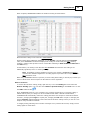
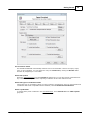
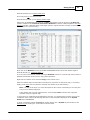
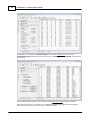
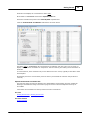
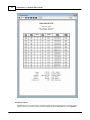
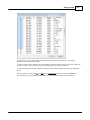
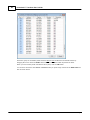
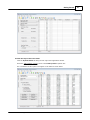
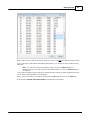
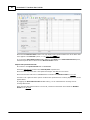
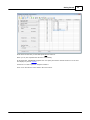
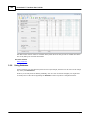
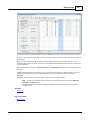
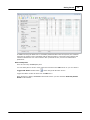
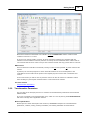
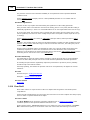
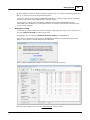
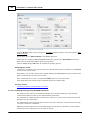
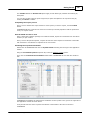
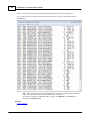
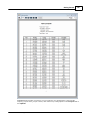
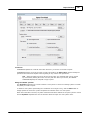
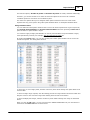
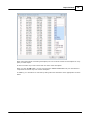
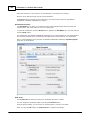
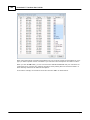
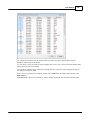
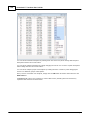
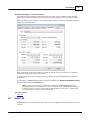
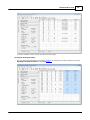
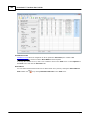
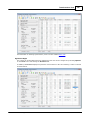
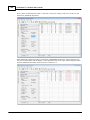
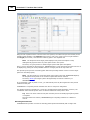
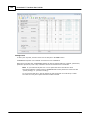
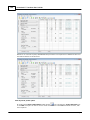
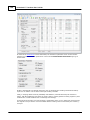
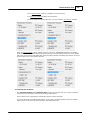
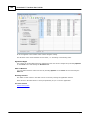
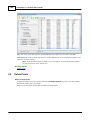
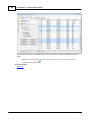
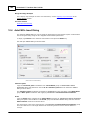
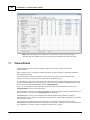
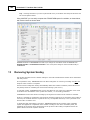
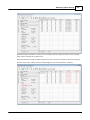
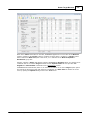
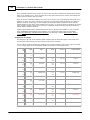
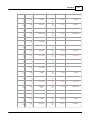
Likewise, with the = Value radio button selected, TRANSFORM's Residual values are changed to be
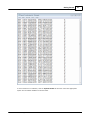
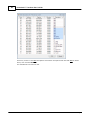
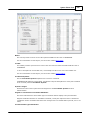
consistent with an un-rotated Target meridian and the System Points tab now provides both
Original and Transformed coordinates for the Field Survey system.
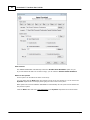
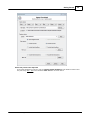
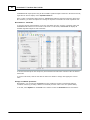
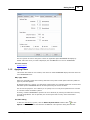
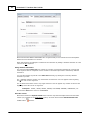
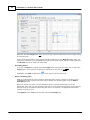
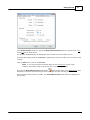
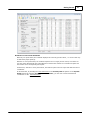
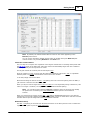
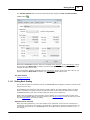
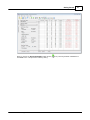
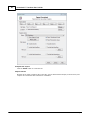
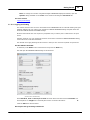
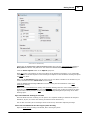
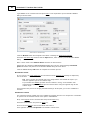
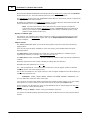
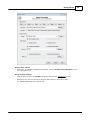
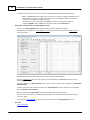
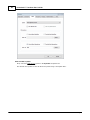
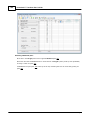
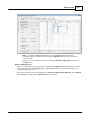
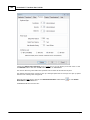
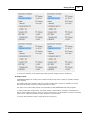
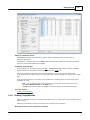
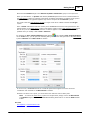
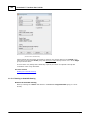
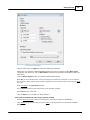
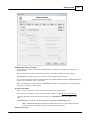
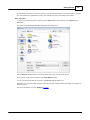
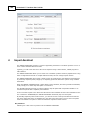
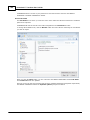
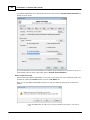
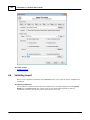
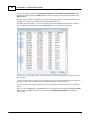
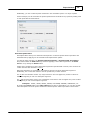
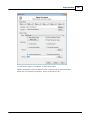
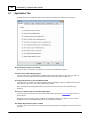
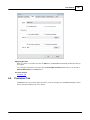
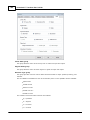
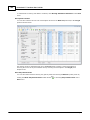
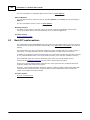
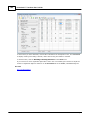
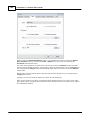
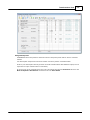
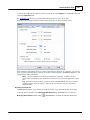
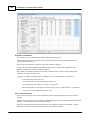
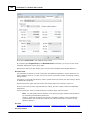
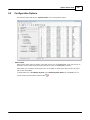
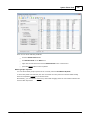
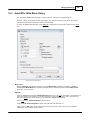
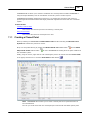
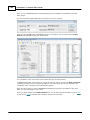
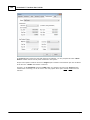
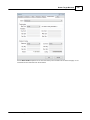
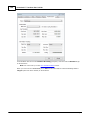
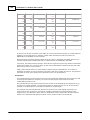
TRANSFORM also automatically looks for an assumed coordinate in the list of Target system points
and selects the first point it finds with assumed coordinates as a Base Point of rotation as can be
seen by opening the Options dialog found on the Tools menu.
© 2012 PrimaCode Technologies