1
38
PrimaCode™ Transform User's Guide
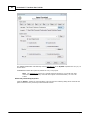
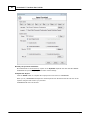
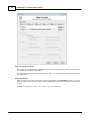
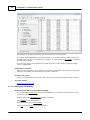
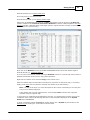
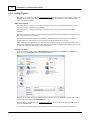
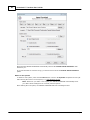
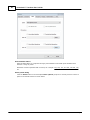
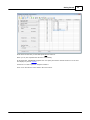
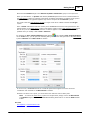
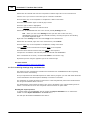
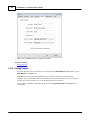
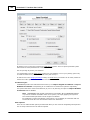
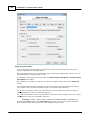
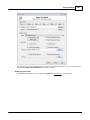
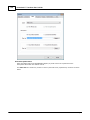
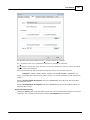
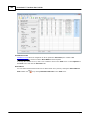
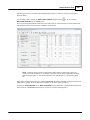
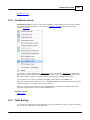
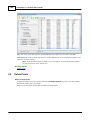
Next click the Detect Point Pairs toolbar button
menu.
or select Detect Point Pairs on the Tools
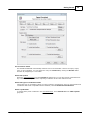
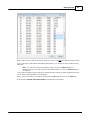
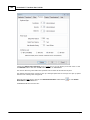
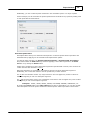
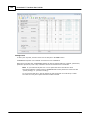
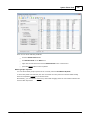
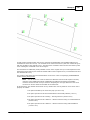
When you do, TRANSFORM will identify all the points in the target system that are within the supplied
variance of a corresponding points in the best-fit system.
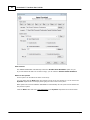
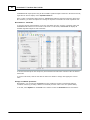
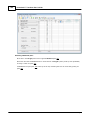
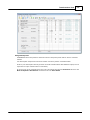
Detect Point Pairs also automatically enables the View Only Paired Points option if the best-fit
system contains more points than can be viewed in Transform's table without being scrolled.
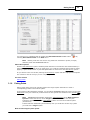
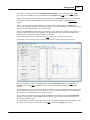
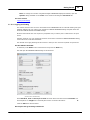
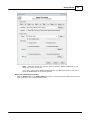
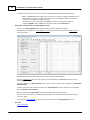
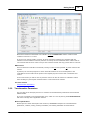
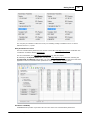
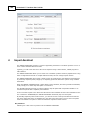
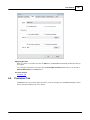
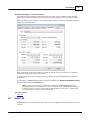
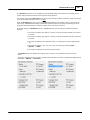
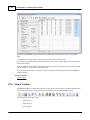
When this feature is enabled the View Only Paired Points toolbar button
shown below.
will be highlighted as
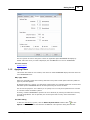
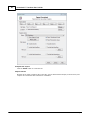
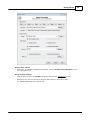
Note This procedure could also have been run without first defining any pairs by simply
clicking the Detect Point Pairs toolbar button, providing the Field Survey system had
been filtered.
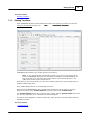
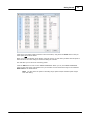
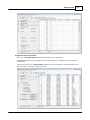
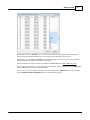
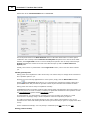
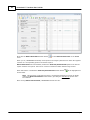
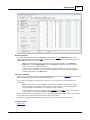
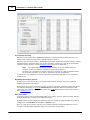
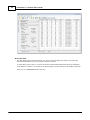
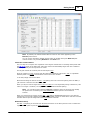
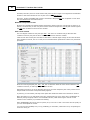
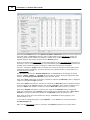
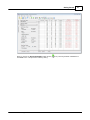
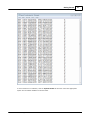
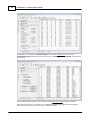
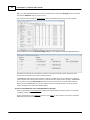
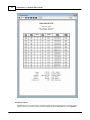
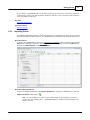
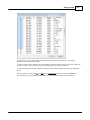
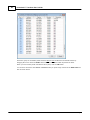
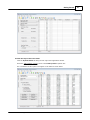
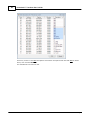
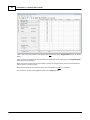
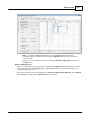
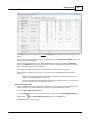
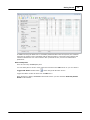
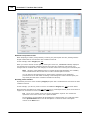
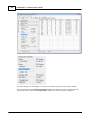
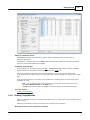
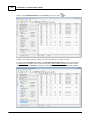
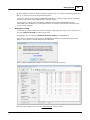
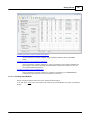
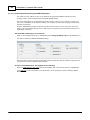
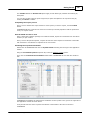
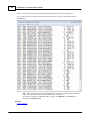
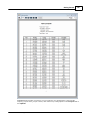
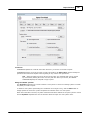
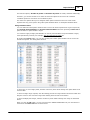
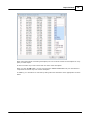
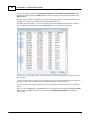
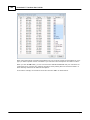
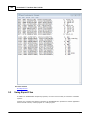
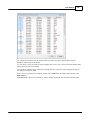
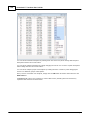
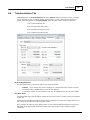
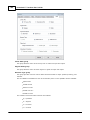
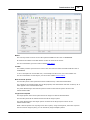
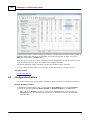
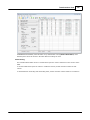
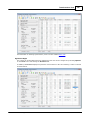
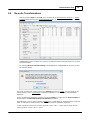
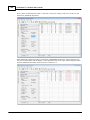
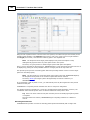
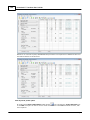
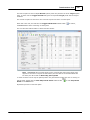
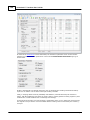
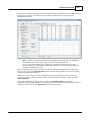
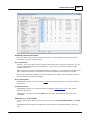
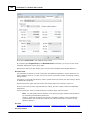
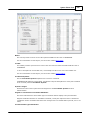
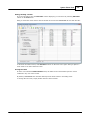
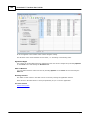
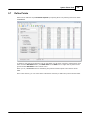
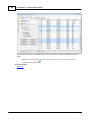
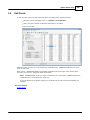
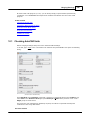
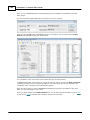
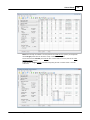
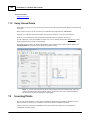
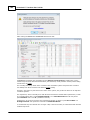
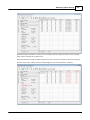
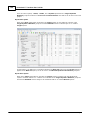
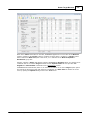
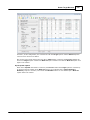
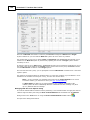
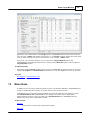
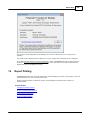
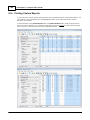
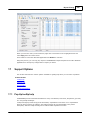
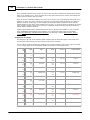
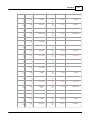
After running Detect Paired Points, TRANSFORM will look like this:
© 2012 PrimaCode Technologies