1
84
PrimaCode™ Transform User's Guide
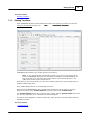
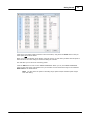
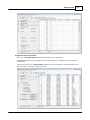
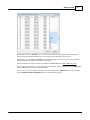
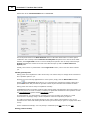
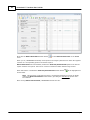
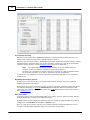
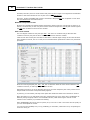
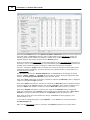
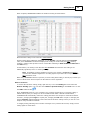
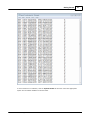
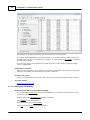
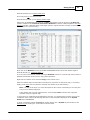
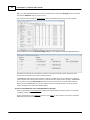
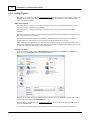
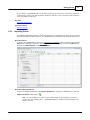
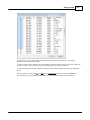
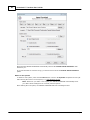
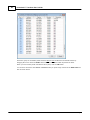
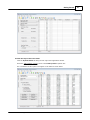
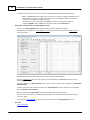
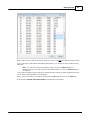
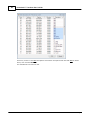
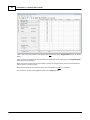
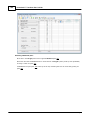
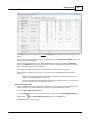
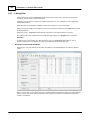
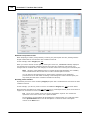
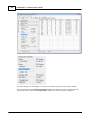
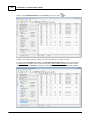
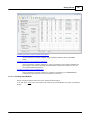
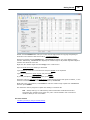
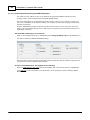
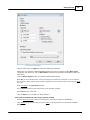
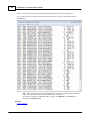
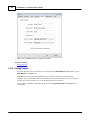
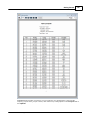
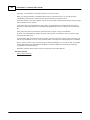
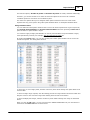
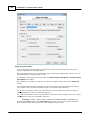
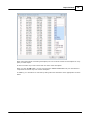
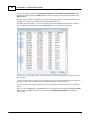
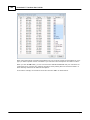
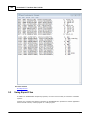
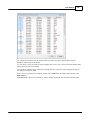
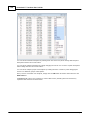
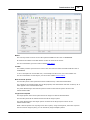
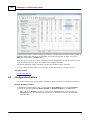
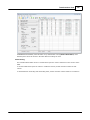
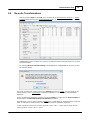
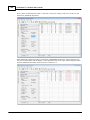
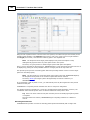
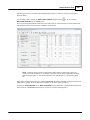
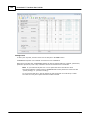
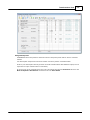
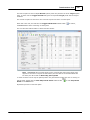
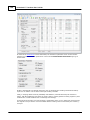
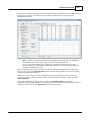
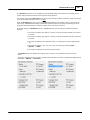
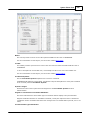
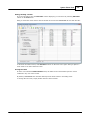
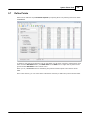
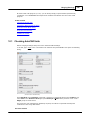
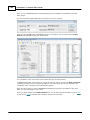
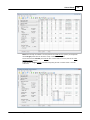
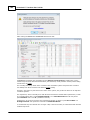
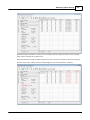
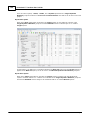
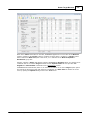
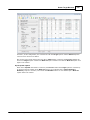
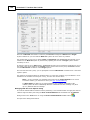
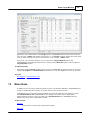
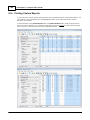
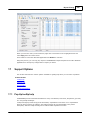
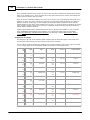
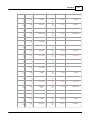
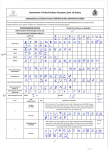
Select the group of coordinate points between 800 and 919 contained in the ASC II text file by
dragging the mouse down the Point column with the left mouse button depressed as show.
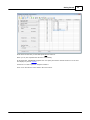
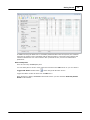
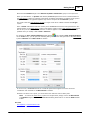
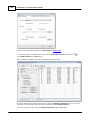
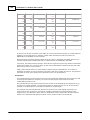
When you have all the points selected for this system, click the OK button.
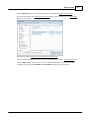
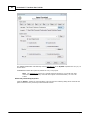
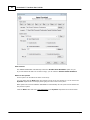
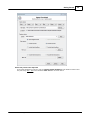
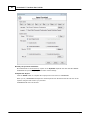
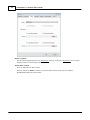
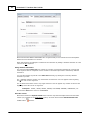
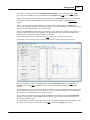
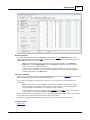
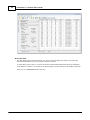
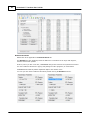
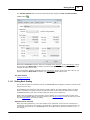
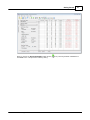
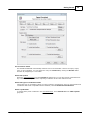
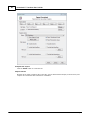
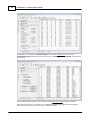
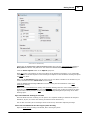
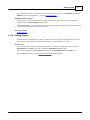
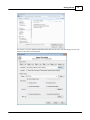
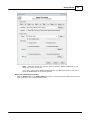
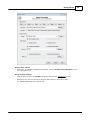
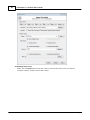
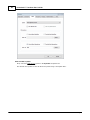
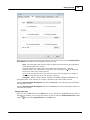
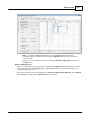
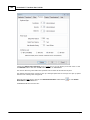
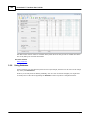
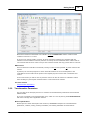
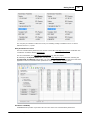
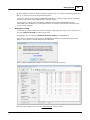
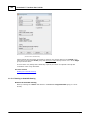
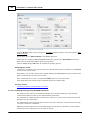
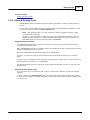
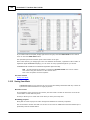
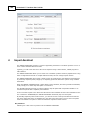
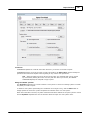
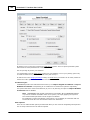
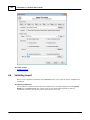
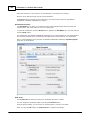
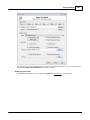
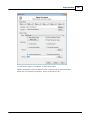
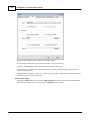
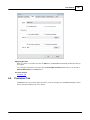
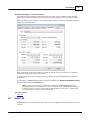
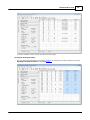
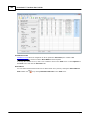
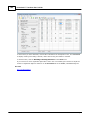
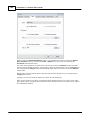
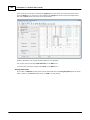
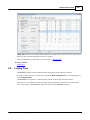
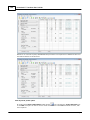
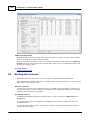
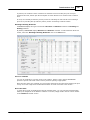
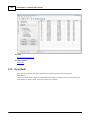
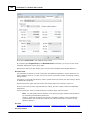
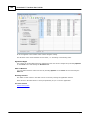
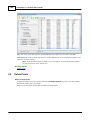
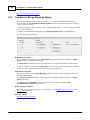
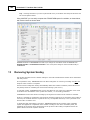
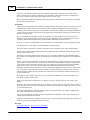
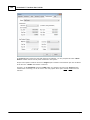
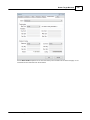
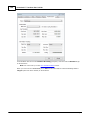
You are then returned to the IMPORT ASSISTANT with you point range entered in the Filter List text
box as shown below.
© 2012 PrimaCode Technologies