1
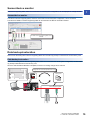
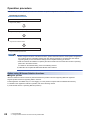
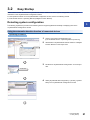
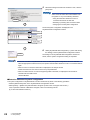
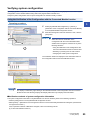
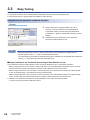
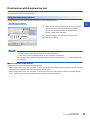
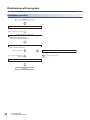
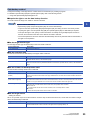
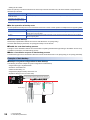
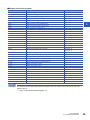
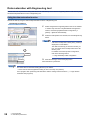
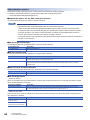
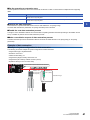
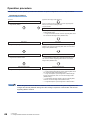
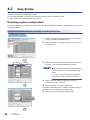
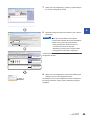
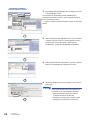
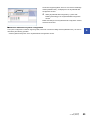
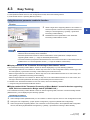
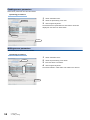
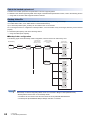
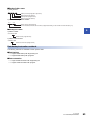
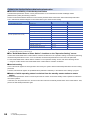
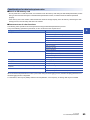
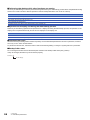
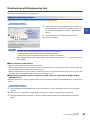
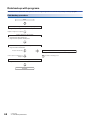
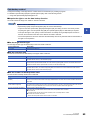
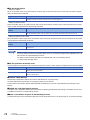
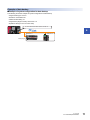
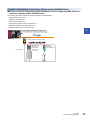
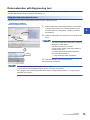
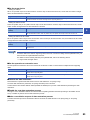
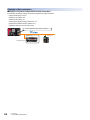
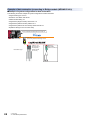
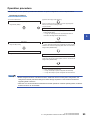
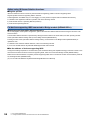
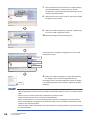
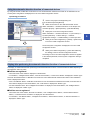
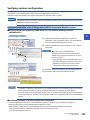
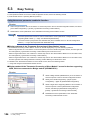
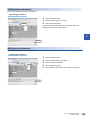
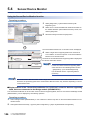
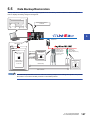
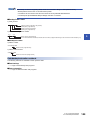
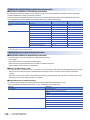
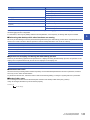
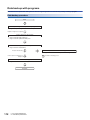
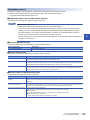
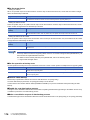
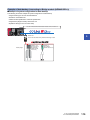
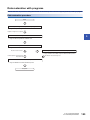
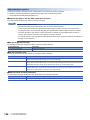
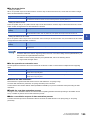
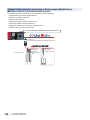
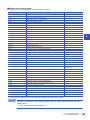
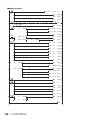
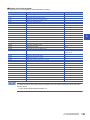
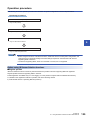
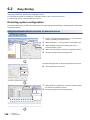
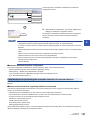
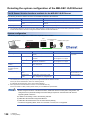
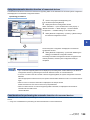
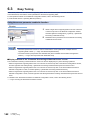
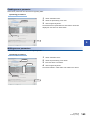
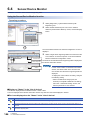
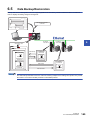
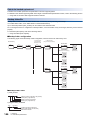
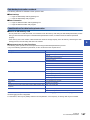
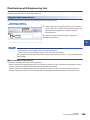
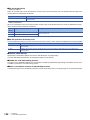
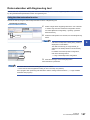
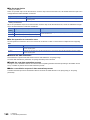
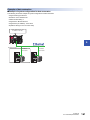
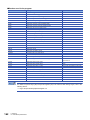
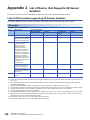
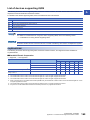
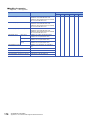
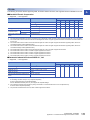
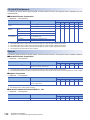
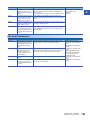
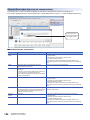
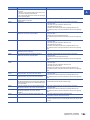
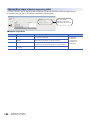
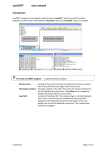
6.3 Easy Tuning Read sensor parameters from the devices supporting iQSS, which were detected by the automatic detection function of connected devices, and write the sensor parameters to the devices supporting iQSS, For the operation methods on the Ethernet Configuration window, refer to the following manual. GX Works2 Version 1 Operating Manual (Common) Using the sensor parameter read/write function Window 1. 2. Select Select a target device supporting iQSS in the 'List of devices' or 'Device map area' in the Ethernet Configuration window, and select [Ethernet Configuration] [Online] [Parameter Processing of Ethernet Device]. 1. Select 2. Read/write sensor parameters on the "Parameter Processing of Ethernet Device" screen. • Data backup/restoration function is useful to read/write the sensor parameters of multiple devices supporting iQSS in batch. (Page 145 Data Backup/Restoration) • The useful function (incorporation with dedicated tool) also is available in the Ethernet Configuration window. (Page 165 Incorporation with Dedicated Tools) ■Display methods of the "Parameter Processing of Ethernet Device" screen The "Parameter Processing of Ethernet Device" screen can also be displayed by any of the following operations. • Select a target device supporting iQSS in the 'List of devices' or 'Device map area' in the Ethernet Configuration window, and then right-click and select [Online] [Parameter Processing of Ethernet Device] from the shortcut menu. • Select a target device supporting iQSS in the 'List of devices' or 'Device map area' on the "Sensor/Device Monitor for Ethernet Configuration" screen, and select [Online] [Parameter Processing of Ethernet Device]. • Select a target device supporting iQSS in the 'List of devices' or 'Device map area' on the "Sensor/Device Monitor for Ethernet Configuration" screen, and then right-click and select [Parameter Processing of Ethernet Device] from the shortcut menu. For details on the "Sensor/Device Monitor for Ethernet Configuration" screen, refer to the following section. Page 144 Using the Sensor/Device Monitor function 142 6 Ethernet 6.3 Easy Tuning