1
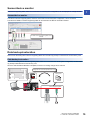
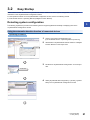
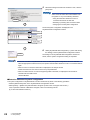
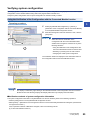
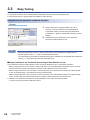
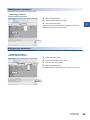
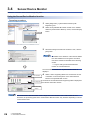
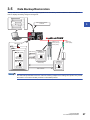
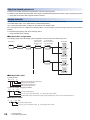
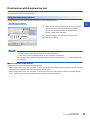
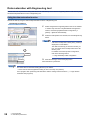
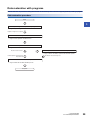
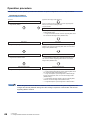
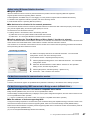
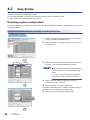
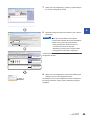
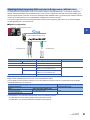
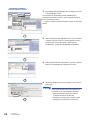
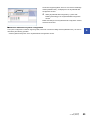
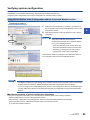
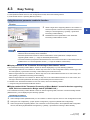
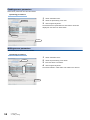
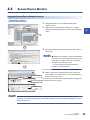
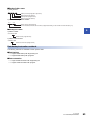
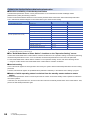
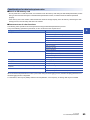
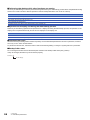
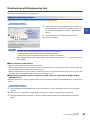
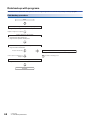
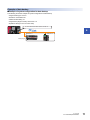
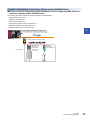
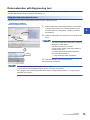
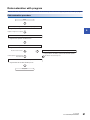
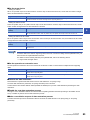
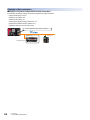
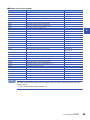
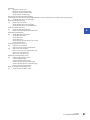
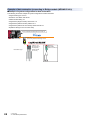
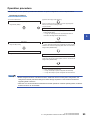
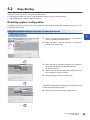
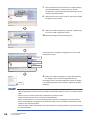
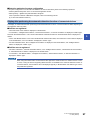
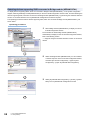
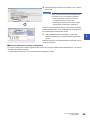
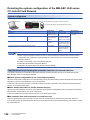
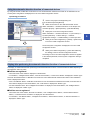
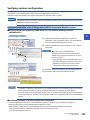
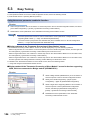
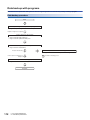
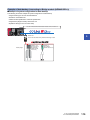
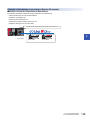
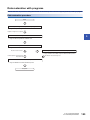
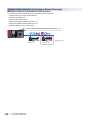
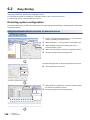
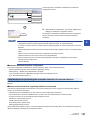
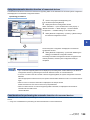
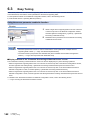
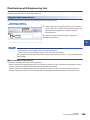
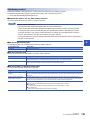
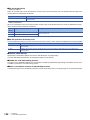
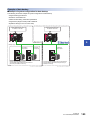
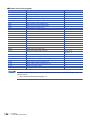
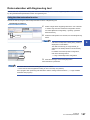
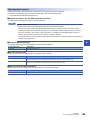
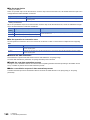
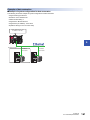
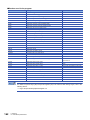
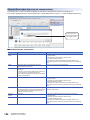
3.2 Easy Startup Detect a slave module connected to AnyWireASLINK master module in the actual system configuration, and display the information in the AnyWireASLINK Configuration window. For the operation methods on the AnyWireASLINK Configuration window, refer to the following manual. GX Works2 Version 1 Operating Manual (Intelligent Function Module) Detecting system configuration 3 The following explains the procedure from detecting devices supporting iQSS automatically to displaying them in the AnyWireASLINK Configuration window. Using the automatic detection function of connected devices Operating procedure 1. Create a new project with Engineering tool. ( GX Works2 Version 1 Operating Manual (Common)) 2. 1. Select Add the data of AnyWireASLINK master module to "Intelligent Function Module" on the Project view. 2. Select 3. Double-click "AnyWireASLINK Configuration" on the Project view. Double-click 4. Select Select [AnyWireASLINK Configuration] [Online] [Detect Now] in the AnyWireASLINK Configuration window. 3 AnyWireASLINK 3.2 Easy Startup 21