1
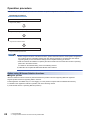
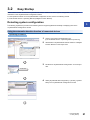
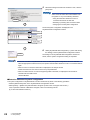
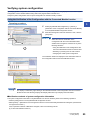
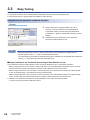
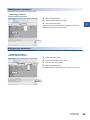
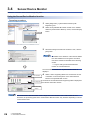
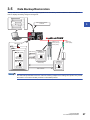
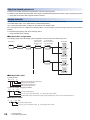
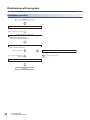
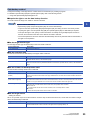
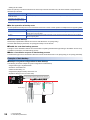
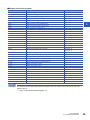
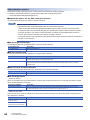
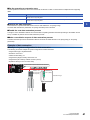
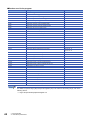
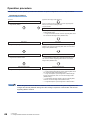
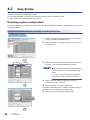
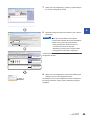
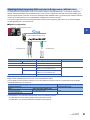
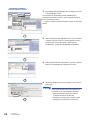
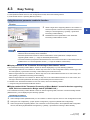
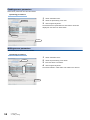
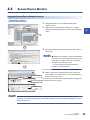
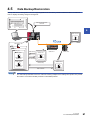
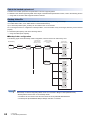
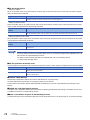
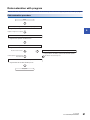
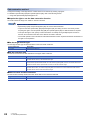
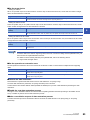
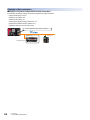
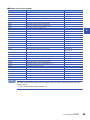
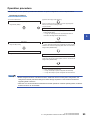
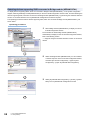
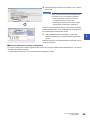
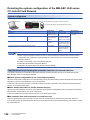
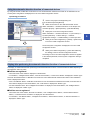
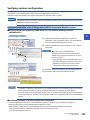
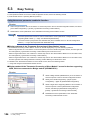
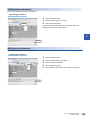
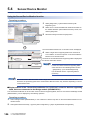
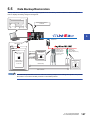
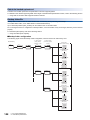
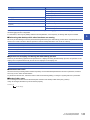
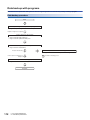
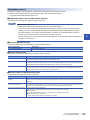
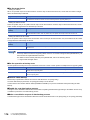
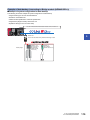
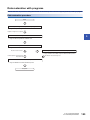
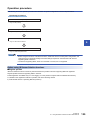
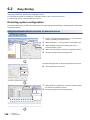
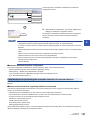
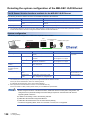
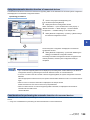
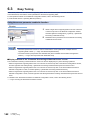
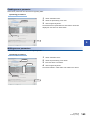
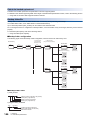
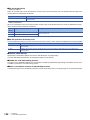
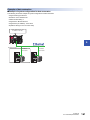
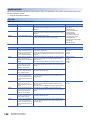
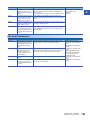
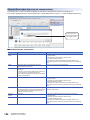
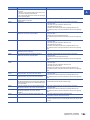
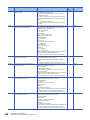
Operation procedure The following shows the operation procedure from detection of system configuration to data backup/restoration. Operating procedure [Operation after Bridge module detection] <CC-Link IE Field Network> Easy startup iQ Sensor Solution functions available to devices supporting iQSS which are connected to the Bridge module <AnyWireASLINK> Page 95 Easy Startup Easy startup • Page 98 Detecting devices supporting iQSS connected to Bridge module (NZ2AW1GFAL) • Page 103 Verifying the devices supporting iQSS which are connected to the Bridge module (NZ2AW1GFAL). Easy tuning Page 104 Easy Tuning 5 Easy tuning Page 104 Display method of the "Parameter Processing of Slave Module" screen for devices supporting iQSS, which are connected to Bridge module (NZ2AW1GFAL) Sensor/Device monitor Page 106 Sensor/Device Monitor Sensor/Device monitor Page 106 Display method of the "Sensor/Device Monitor for CC IE Field" screen for devices supporting iQSS, which are connected to the Bridge module (NZ2AW1GFAL) Data Backup/Restoration Page 107 Data Backup/Restoration • Page 115 Example of system configuration for data backup • Page 126 Example of system configuration for data restoration • Before using the functions of iQ Sensor Solution, install and wire the actual system configuration, and configure the network parameter settings and other settings required for communication with devices supporting iQSS in advance. • When the CC-Link IE Field Network master/local module operates as a master operating station, iQ Sensor Solution functions can be available. 5 CC-Link IE Field Network 5.1 Using iQ Sensor Solution Functions with CC-Link IE Field Network 93