1
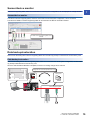
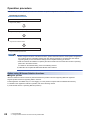
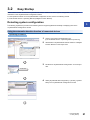
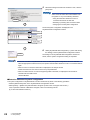
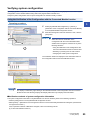
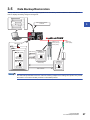
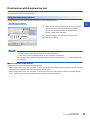
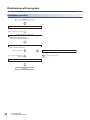
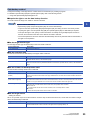
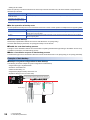
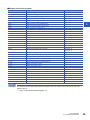
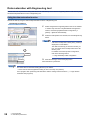
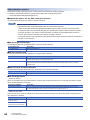
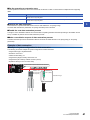
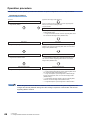
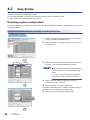
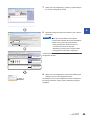
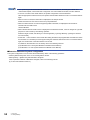
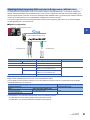
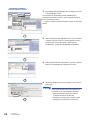
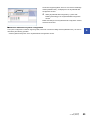
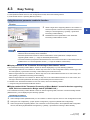
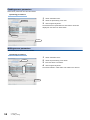
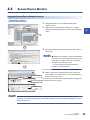
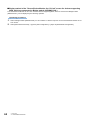
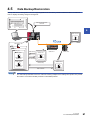
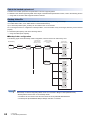
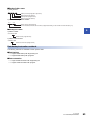
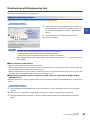
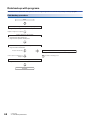
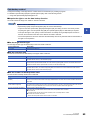
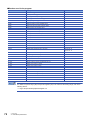
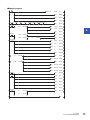
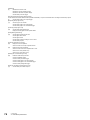
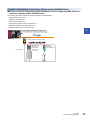
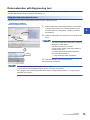
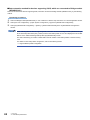
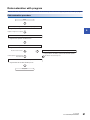
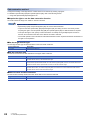
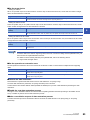
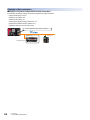
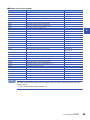
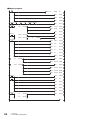
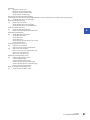
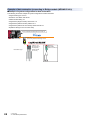
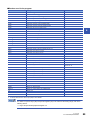
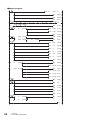
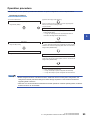
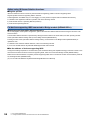
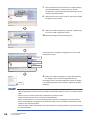
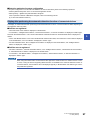
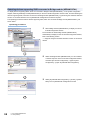
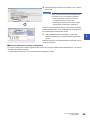
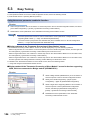
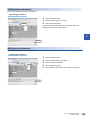
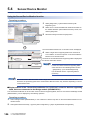
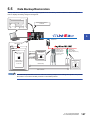
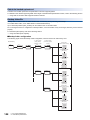
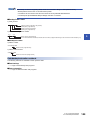
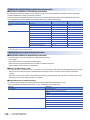
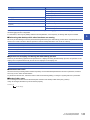
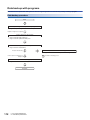
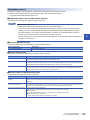
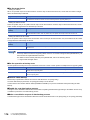
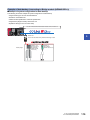
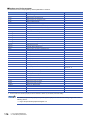
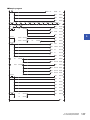
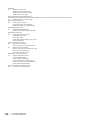
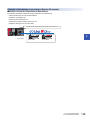
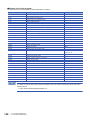
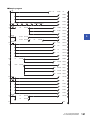
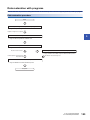
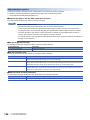
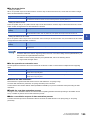
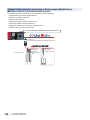
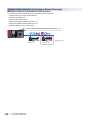
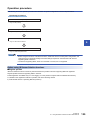
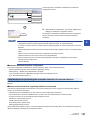
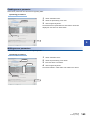
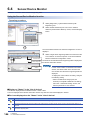
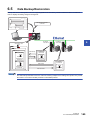
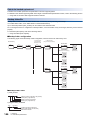
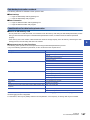
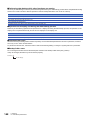
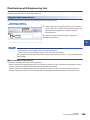
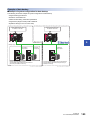
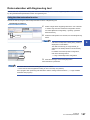
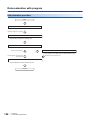
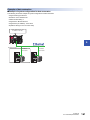
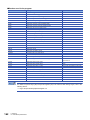
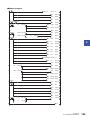
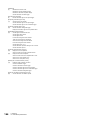
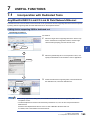
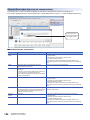
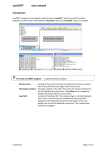
Data backup with Engineering tool Save data such as parameter setting data of devices supporting iQSS to an SD memory card in units of ID by using the data backup/restoration function of Engineering tool. Using the data backup function Back up the data by using the data backup/restoration function of Engineering tool. Operating procedure 3 1. Select a target device supporting iQSS in 'List of modules' or 'Device map area' in the AnyWireASLINK Configuration 2. Select window, and select [AnyWireASLINK Configuration] [Online] [Backup Slave Module]. 2. 1. Select Read the message, and click the [Yes] or [OK] button. Data backup is performed. The initial values of backup setting (SD1438 and SD1444) are as follows: • SD1438 (Folder number setting): FFFFH (automatic specification) • Lower 8 bits of SD1444 (Operation setting for error occurred): 0H (continue) Use a program when performing data backup with the settings other than above. (Page 32 Data backup with programs) ■Other methods of data backup Data backup can be performed by the following methods. • Select a target module in the 'List of modules' or 'Device map area' in the AnyWireASLINK Configuration window, and then right-click and select [Backup Slave Module] from the shortcut menu. • Select a target module in the 'List of modules' or 'Device map area' on the "Sensor/Device Monitor for AnyWireASLINK" screen, and then right-click and select [Backup Slave Module] from the shortcut menu. 3 AnyWireASLINK 3.5 Data Backup/Restoration 31