1
Simfatic Forms User Manual : UI Reference
Element properties
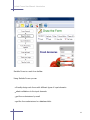
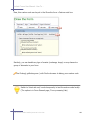
In the 'Draw the form' page, double-click an element to open the properties dialog
box. The pages in this section give the details about property box for each element
type.
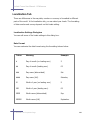
Label properties
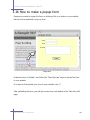
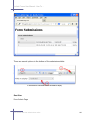
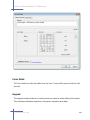
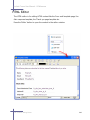
The label element is used to add descriptive text to the form. Press the label button to
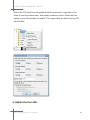
place a label on the form. Double-click a label element to open the label properties
box.
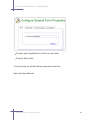
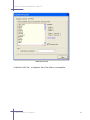
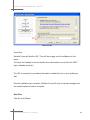
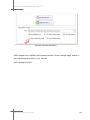
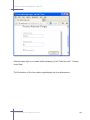
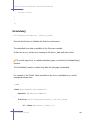
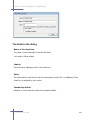
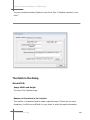
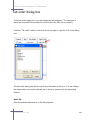
The fields in the dialog box
The text that appears in the label.
Label for
From the drop down, you can choose the element that this label is intended for. This
is a standard HTML way to indicate the relation between the label and the input
element. You can use the Find element button to search for the element as well.
Horizontal alignment
Determines how the text is placed horizontally within the label box. Left aligned, right
aligned or centered.
Vertical alignment
Determines how the text is placed vertically within the label box. Aligned to the top,
bottom or middle.
5.6 'Draw the form' Page
219