1
Simfatic Forms User Manual : How To ...
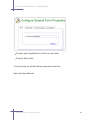
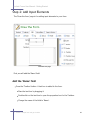
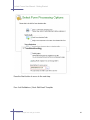
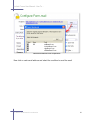
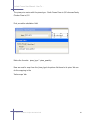
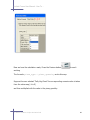
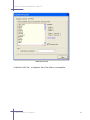
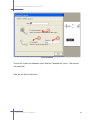
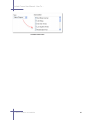
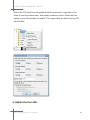
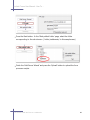
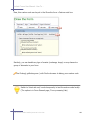
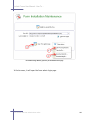
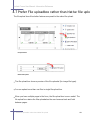
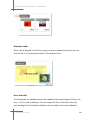
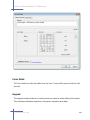
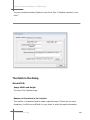
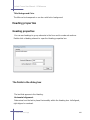
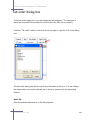
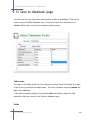
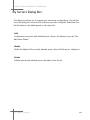
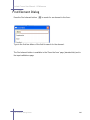
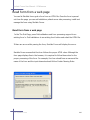
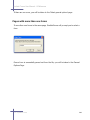
Use the add/remove buttons to select the fields to be saved.
You can re-arrange the order of the fields in the file using the Move Up/Move Down
buttons.
The field in the top of the list appears left most in the CSV file and other fields follow
in the order.
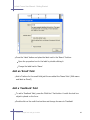
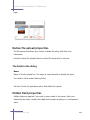
The data file location
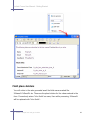
While you install the form, Simfatic Forms configures a form data folder. The form
data csv file is save in a form data folder.
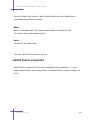
Viewing the form submissions
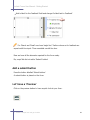
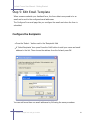
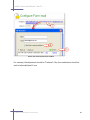
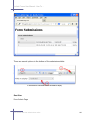
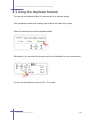
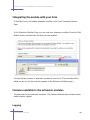
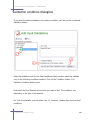
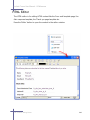
After installing the form on the web server, make a few sample submissions in the
form. Open the Simfatic Forms' project file (file extension .fwz) for the form.
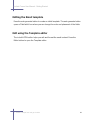
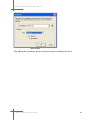
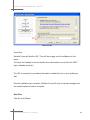
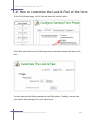
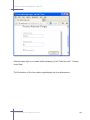
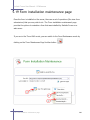
By default, you will be taken to the Form maintenance page.
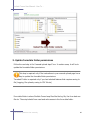
3.1 How to save form submissions to a file
48