1
Simfatic Forms User Manual : UI Reference
5.10 'Edit Confirmation Page Template' page
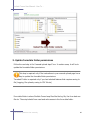
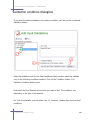
Confirmation page introduces an extra step in to the form processing. When the
visitor submits the form, a page is displayed, that contains the submitted form data
and a 'confirm' button and an edit button.
The visitor has to press the 'confirm' button for making the final submission. If
required, the visitor can press the 'edit' button to make changes to the submission.
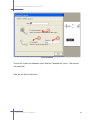
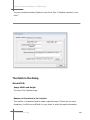
You can edit and customize the confirmation template in the 'Edit Confirmation Page
Template' page.
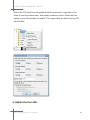
The fields in the page
You can edit the confirmation page template in the editor in the middle of the page.
The values of the fields in the form are represented using the notation %field_name
%. While processing, these field value place holders are replaced by the values of the
corresponding fields.
Auto Generate Page
Automatically generate a simple 'confirm data' page template. The automatically
generated page will contain a table of all the field names and the field value place
holders plus a confirmation button place holder.
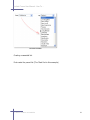
'Insert Field' button
Insert the place holder for the value of the selected field. While processing the form,
the place holder will be replaced by the value of the corresponding field.
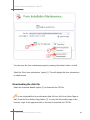
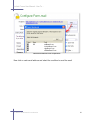
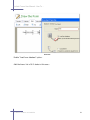
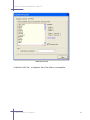
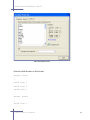
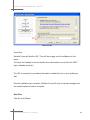
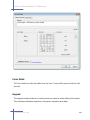
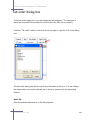
'Field Table' button
Opens the Insert Field Table box where you can select and re-arrange the fields in the
5.10 'Edit Confirmation Page Template' page
294