1
Simfatic Forms User Manual : UI Reference
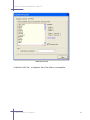
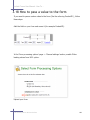
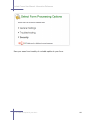
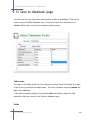
Save the form submission data in a database table
The form submission data is saved in to a database table. Only MySQL database is
supported in the current version. See: 'Save to database' page
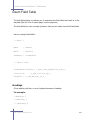
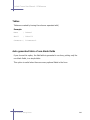
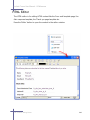
Save the data from the form submissions to a file on the server
The data from the form submissions are saved to a file in the server. The data is
saved as a CSV ( comma separated values ) file. The Form to File Page gives
additional options.
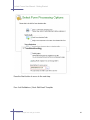
Do payment processing using PayPal
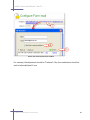
You can accept payments from your forms through PayPal. Check the option and
configure your Paypal account in the Setup PayPal Page.
Do custom processing using your own Extension Modules
You can add your own custom functionality to the form by using Extension Modules.
Choose this option to enable Extension Modules.
See : 'Extension Modules' Page
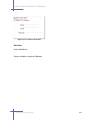
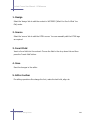
General Settings
This section contains general form processing settings.
Default Time Zone
The time zone to be used for date and time. The fields like form submission time
uses this setting.
Please note that the date input fields in your form is not affected by this setting.
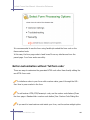
5.8 Form Processing Options Page
286