1
Simfatic Forms User Manual : Getting Started
Step 3: Add Validations
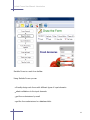
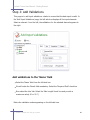
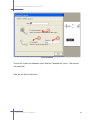
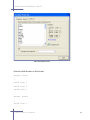
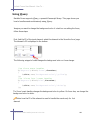
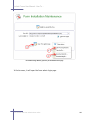
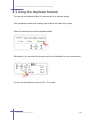
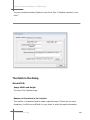
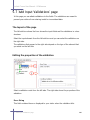
This page is to add input validations- checks to ensure that the data input is valid. In
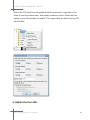
the 'Add Input Validations' page, the left side tree displays all the input elements.
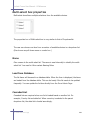
Select an element from the left; the validations for the selected element appears to
the right.
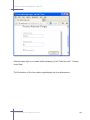
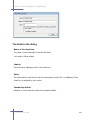
Add validations to the 'Name' field
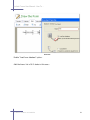
Select the 'Name' field from the left side box.
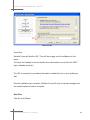
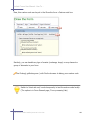
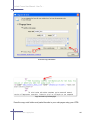
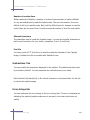
We will make the 'Name' field mandatory. Select the 'Required Field' check box
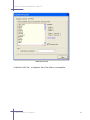
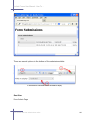
Now select the 'size' tab. Select the 'Max Length' check box and provide a
maximum value( 40 or 50 ?)
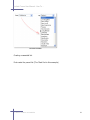
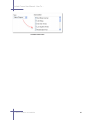
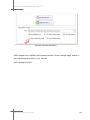
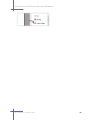
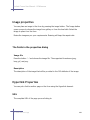
Notice the validation nodes appearing on the left-side tree.
2.1 Create a simple form and get it online
26