1
CAD mode
Release 14.0
Hanging truss
Truss is a hang structure with multiple hanging members. Truss differs from pipes in
that it is built from library objects instead of being drawn. WYSIWYG contains an
extensive library of different truss types from many different manufacturers. The truss
library also contains floor mounts, booms, and ladders.
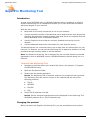
To hang truss
1
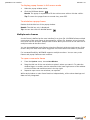
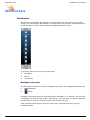
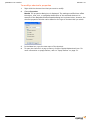
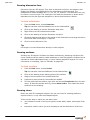
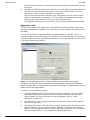
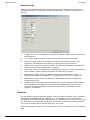
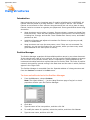
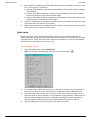
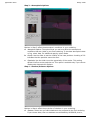
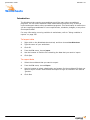
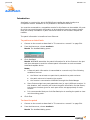
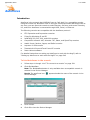
Open the Library Browser, and then click the Truss tool.
Tip: You can also click the Truss tool on the Draw toolbar to place truss.
2
Navigate through the library to find the type of truss you want to use.
3
Double-click on the truss name.
Result: A piece of truss attaches to the cursor.
4
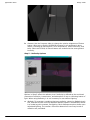
Click on the drawing to place the first piece of truss.
5
Continue placing pieces of truss as needed.
Note: To change the truss type, return to the library, double-click on the name of
the new desired truss type and continue placing truss pieces as normal.
Tip: You can also use Truss shortcuts.
6
Right-click and choose Finish Placing Truss.
7
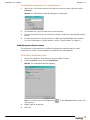
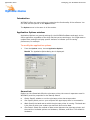
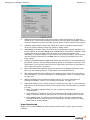
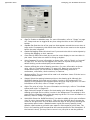
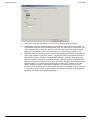
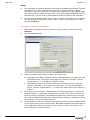
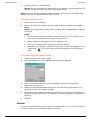
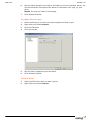
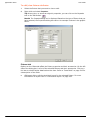
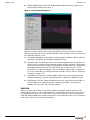
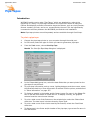
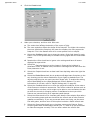
Right-click on the truss that you have just inserted, and then click Properties.
8
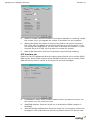
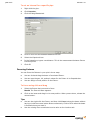
Click the Hang Structure tab.
9
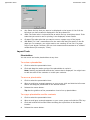
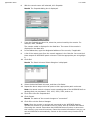
From the Name drop-down list, select the name for this new truss. If the name is
not already in the list, use the Position Manager [...] to enter the new name.
10
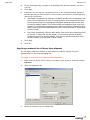
Click OK.
To insert a shortcut for truss objects
Refer to “To create a new shortcut” on page 54.
Using Assembly snap with truss
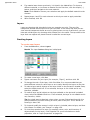
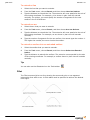
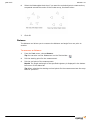
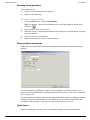
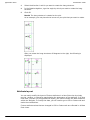
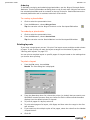
Assembly snap assemble truss pieces together as you insert them, ensuring proper
structural assembly. This is especially useful for long or complex structures made up of
many individual pieces of truss.
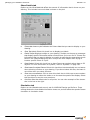
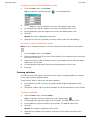
As with all snap functions (discussed in “Snaps” on page 107), you can select Assembly
snap in mid-command or as a running snap type.
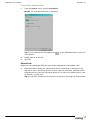
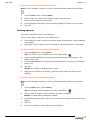
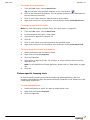
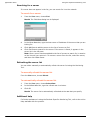
To select Assembly snap as a running snap type
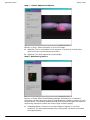
Enable Assembly snap before inserting truss to assemble and group all subsequently
inserted pieces of truss.
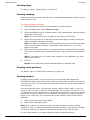
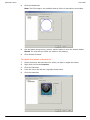
To select Assembly snap in mid-command
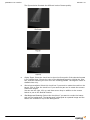
Enable Assembly snap after inserting the first piece of truss to assemble selectively.
Assembly snap disengages after you place the next piece of truss, assembling only the
first truss (or group of trusses) with the second piece.
172