1
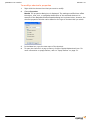
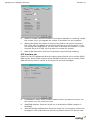
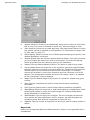
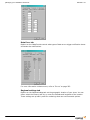
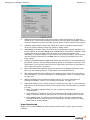
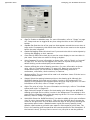
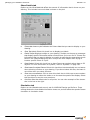
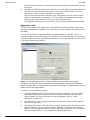
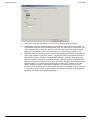
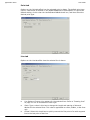
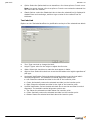
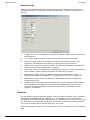
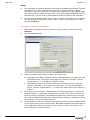
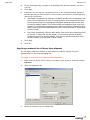
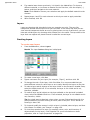
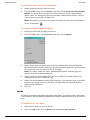
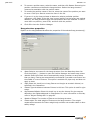
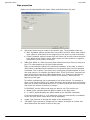
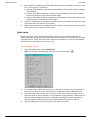
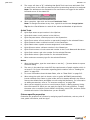
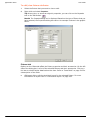
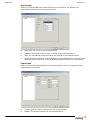
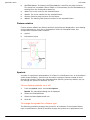
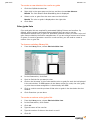
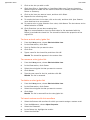
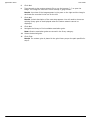
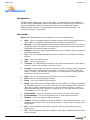
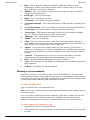
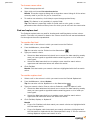
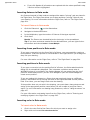
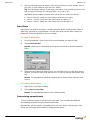
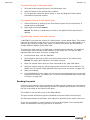
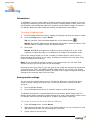
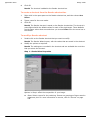
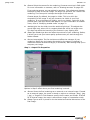
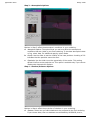
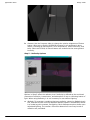
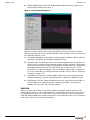
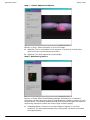
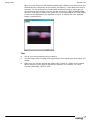
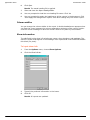
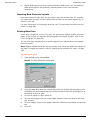
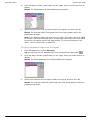
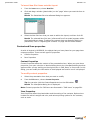
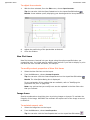
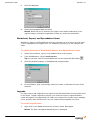
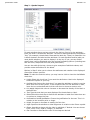
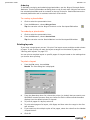
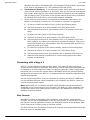
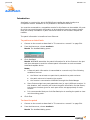
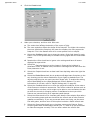
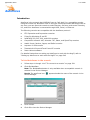
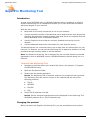
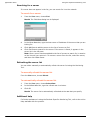
Managing your WYSIWYG document Release 14.0 Number of Threads: Select the number of processors available for rendering. Modify this number only if you upgrade the number of processors on your computer. Memory Size: Select the amount of memory the renderer can use for temporary files. Eight MB is the default and should be sufficient for most computers. If you are running many applications, you may want to decrease this number, or if your computer has a lot of RAM, you may want to increase this number. Write log files: Select this check box to generate a log file during rendering. ETC Interface tab Options on the ETC Interface tab affect the options that will allow you to monitor EDMX data directly. Direct EDMX reception allows WYSIWYG Perform users to monitor EDMX data without the need to connect to a console with the Device Manager. ETCNet2Version: Select which ETCNet2 network version you want to monitor. You can monitor only one version at a time. Allow EDMX reception: Select this check box to enable direct EDMX reception in WYSIWYG. Show SAF message notification box: Select this check box if you want to receive error messages in Link mode whenever there are problems with an ETC dimmer rack. 88