1
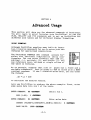
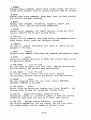
ADD K, SUB K, MULT K, DIV K perform similar computations.
Instead of working with two rows or columns, these commands work
with one row or column and a constant. The constant that you
supply for these commands will be added to, subtracted from,
multiplied by and divided into each value of the row or column
number that you also supply.
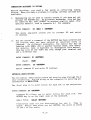
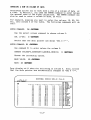
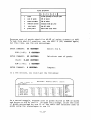
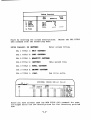
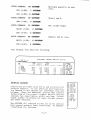
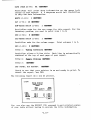
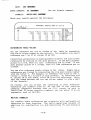
For example, divide all of column 3 above by the value 100.
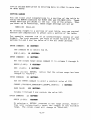
ENTER COMMAND:
VALUE:
54 <RETDllR>
Divide column 3 by 100.
100 <RETOB1'>
COL (1-20):
3 <RETDllR>
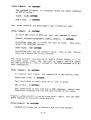
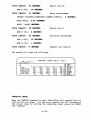
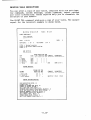
Column 4 of the screen would have the same values as column 1 of
the screen.
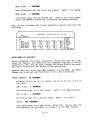
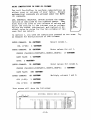
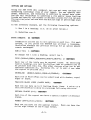
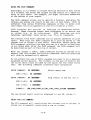
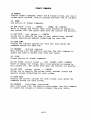
The command SUM computes the sum of values for a range of rows or
columns.
You have already used the summation command to
calculate the sum for a group of rows. For exercise purposes, sum
the first four columns of the above example.
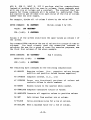
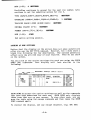
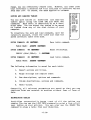
ENTER COMMAND:
55 <RETURN>
BEGIN COL (1-20):
END (1-20):
Sum 4 columns.
1 <RETURlf)
4 <RETUllll)
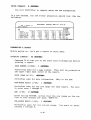
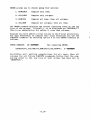
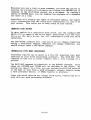
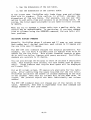
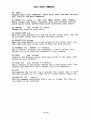
The remaining math commands do the following computations:
45 NEGATE
Negates values. (i.e., negative values become
positive and positive values become negative.)
46 INVERSE
Computes inverse. (i.e., 1/x)
47 INTEGER
Drops
any fractional portions of values and
converts values to whole numbers.
48 ROUND
Rounds values to the nearest whole number.
49 CUMULATE Computes cumulative totals of values.
50 ABSOLUTE Converts all negative values to positive values.
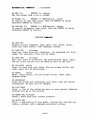
56 GET
Gets values from another row or column.
57 FLOOR
Sets a minimum value for a row or column.
58 CEILING
Sets a maximum value for a row or column.
-2.10-