1
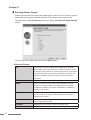
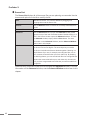
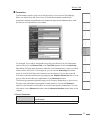
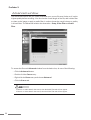
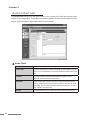
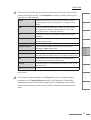
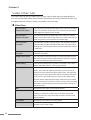
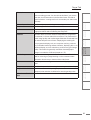
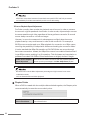
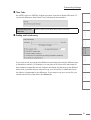
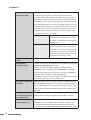
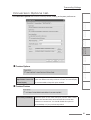
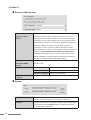
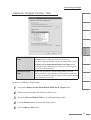
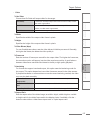
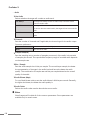
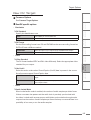
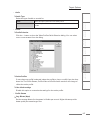
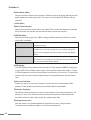
Target Options Max keyframe interval s t n e t n o C n o i t c u d o r t n I n o i t a l l a t s n I d r a z i W CHAPTER 4 Helpful Hints CHAPTER 5 ProCoder Reference CHAPTER 6 Glossary CHAPTER 7 Select the ACM driver to use for audio compression. This option only appears if ACM codecs... is selected for the Audio Encoder Type. Using ProCoder ACM Driver ProCoder 3 Select the audio encoder to use. DirectShow codecs appear in the drop-down list. To use older ACM (Video for Windows-compatible) codecs, select ACM codecs... from the drop-down list and choose the ACM codec in the ACM Driver field. Format Type Some ACM drivers support more than one compression algorithm. Select the audio format to use. This option only appears if ACM codecs... is selected for the Audio Encoder Type. Format If the the audio compressor supports multiple predefined audio formats (sampling rate, bits / sample, channels), select the desired format here. Sets the quality level for audio encoding. The higher the quality level, the better the output will sound but encoding will take longer. If the codec allows specification of both quality and bitrate, the combination of both settings will determine the audio quality of the final output. Index Quality CHAPTER 3 Audio Encoder Type CHAPTER 2 Audio CHAPTER 1 Sets the maximum keyframe interval. This is the maximum number of frames between keyframes. Some codecs will still insert additional keyframes if there is a large change in the video content so keyframes may occur more frequently than the interval set here. In temporal compression, most frames of video are represented as the change from a previous frame. Keyframes are full independent video frames in the output. Having more keyframes generally results in better video quality but creates larger files when bitrate is not constrained. When bitrate is constrained, more keyframes provides better random access and higher fault-tolerance, but too many keyframes can reduce video quality. 141