1
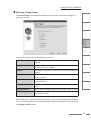
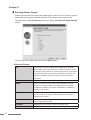
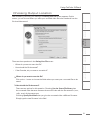
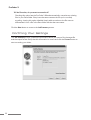
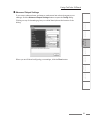
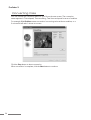
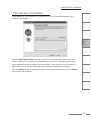
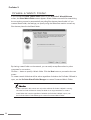
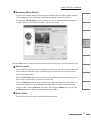
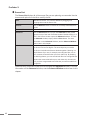
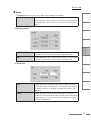
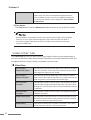
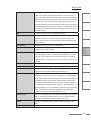
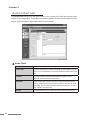
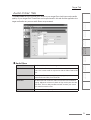
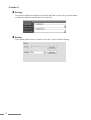
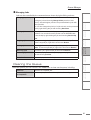
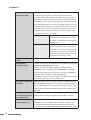
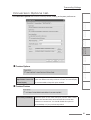
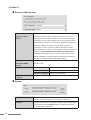
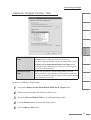
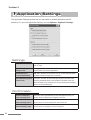
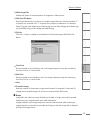
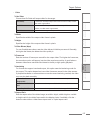
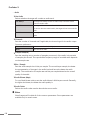
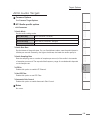
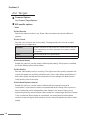
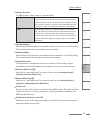
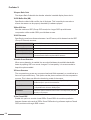
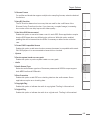
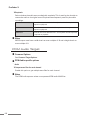
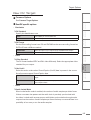
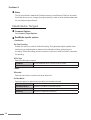
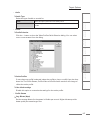
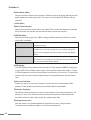
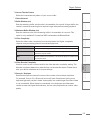
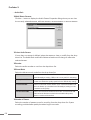
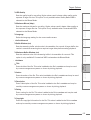
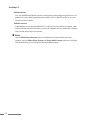
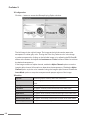
ProCoder 3 MP3 Audio Target Common Options See Common Target Options. MP3 Audio-specific options Audio Channels Displays the channel mode. Bitrate Type Select the bitrate control type here. CBR(Constant Bitrate) Encodes using a constant average bitrate. Quality may vary depending on the complexity of the source. VBR(Variable Bitrate) Encodes using variable bitrate. The specified audio bitrate defines the base or average bitrate. Audio Quality Sets the encoding quality level here. The higher the quality, the slower the encoding process. Quality/Speed The Quality/Speed setting determines the quality vs speed trade-off the encoder uses. Highest Quality Optimize encoding for the highest quality. High Quality Balance encoding speed versus quality. High Speed Optimize encoding for the highest speed. Copyright Enable this option to indicate the audio is copyrighted. The flag is informational. Original Flag Enable this option to indicate the audio is an original work. The flag is informational. Notes MP3 does not stand for MPEG-3, it stands for MPEG-1 Layer III audio. There is no MPEG-3 format specification. 150