1
Chapter 6 - Viewing Chemical Samples
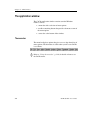
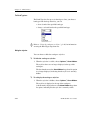
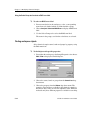
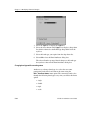
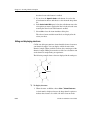
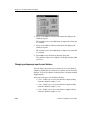
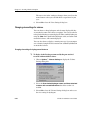
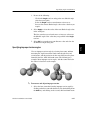
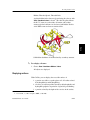
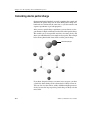
Changing the appearance of atoms
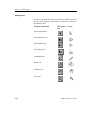
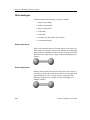
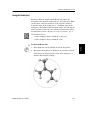
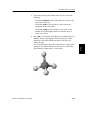
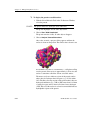
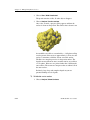
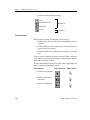
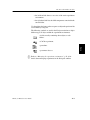
Atoms can be represented by a variety of symbols that depict
different kinds of information, such as spheres and space-filling
spheres, or as combinations of symbols and spheres.
NOTE The display style you choose to represent your chemical sample has
no impact on its structure, or on any experiments you run using that
chemical sample.
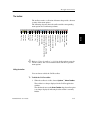
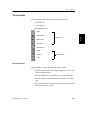
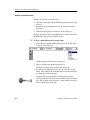
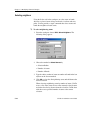
CAChe allows you to change the following aspects of an atom’s
appearance:
•
•
•
•
atom labeling
atom shape
atom color
the electrons of an atom.
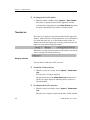
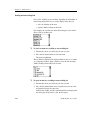
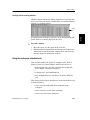
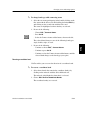
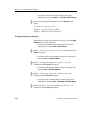
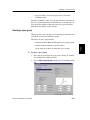
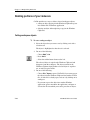
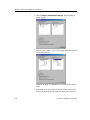
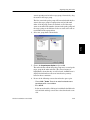
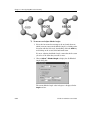
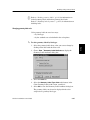
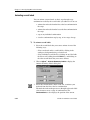
Changing atom labeling
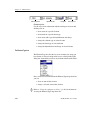
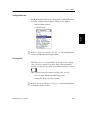
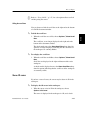
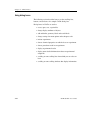
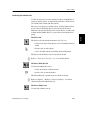
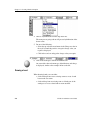
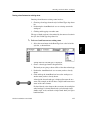
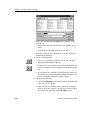
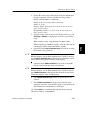
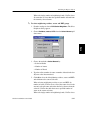
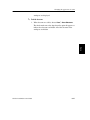
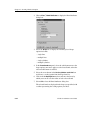
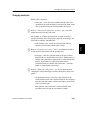
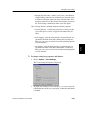
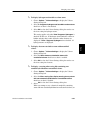
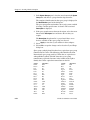
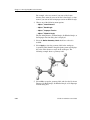
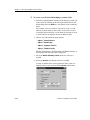
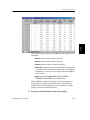
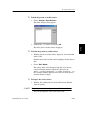
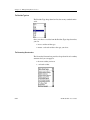
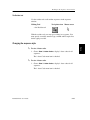
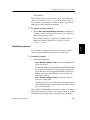
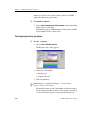
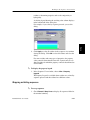
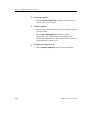
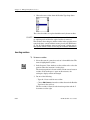
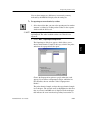
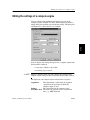
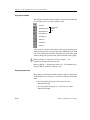
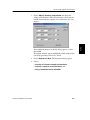
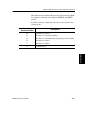
Choose from the following selection of atom labels:
•
•
•
•
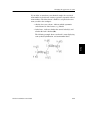
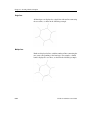
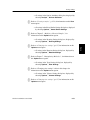
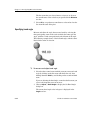
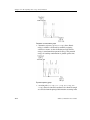
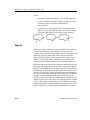
atomic symbol - displays the atom symbol; e.g., C for carbon
•
atom number - displays the CAChe atom number.
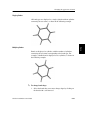
hybridization - displays the atom hybridization; e.g., sp3
charge - displays the atomic charge; e.g., +1
partial charge - displays the calculated partial charge (as long
as you have run a partial charge experiment on your chemical
sample first)
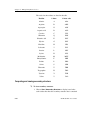
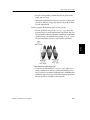
CAChe assigns a unique number to each atom, and numbering
is in the same order that you added the atoms to the
workspace.
6-8
CAChe for Windows User Guide