1
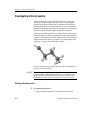
Investigating peptide conformations
Tutorials
Introduction
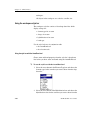
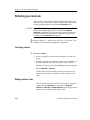
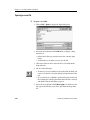
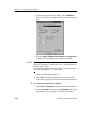
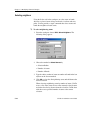
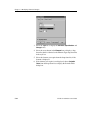
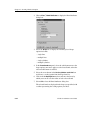
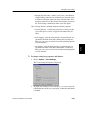
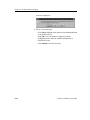
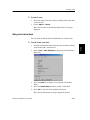
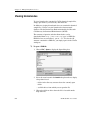
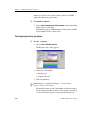
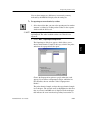
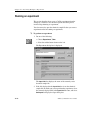
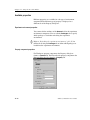
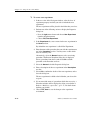
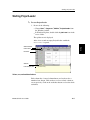
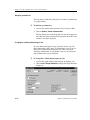
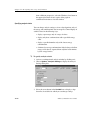
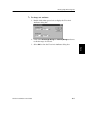
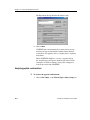
navigate to the .map directory for your chemical sample.
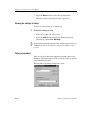
2. Choose seqsrch.map and Open.
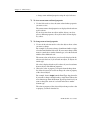
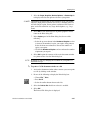
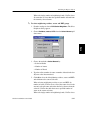
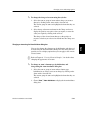
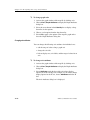
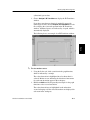
4. Choose File | Save As Chemical Sample to save low energy
conformations. As you save each conformation, you may find it
useful later if you include the sequence number or the
conformation number in the new file name.
CAChe for Windows User Guide
19-9
Appendices
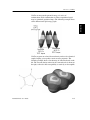
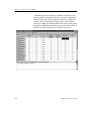
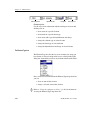
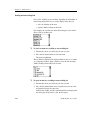
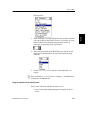
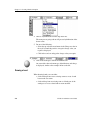
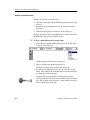
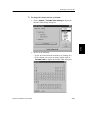
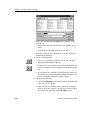
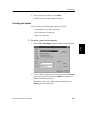
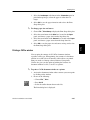
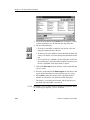
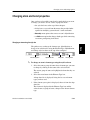
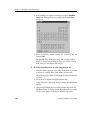
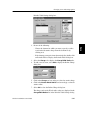
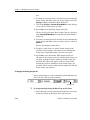
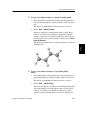
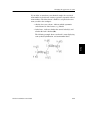
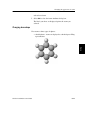
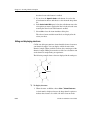
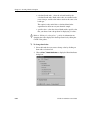
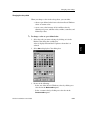
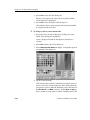
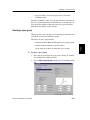
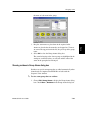
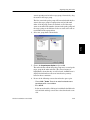
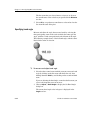
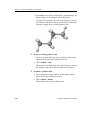
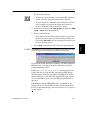
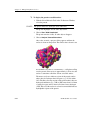
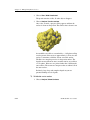
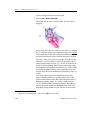
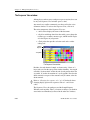
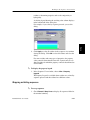
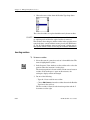
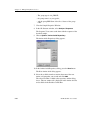
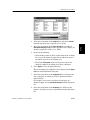
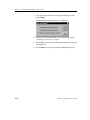
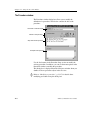
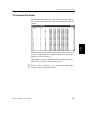
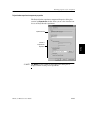
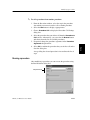
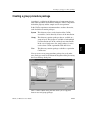
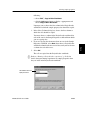
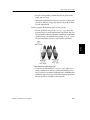
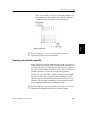
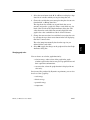
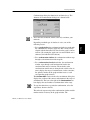
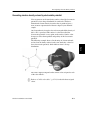
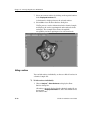
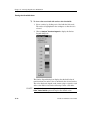
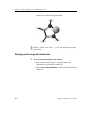
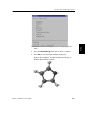
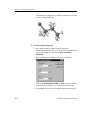
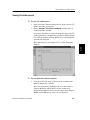
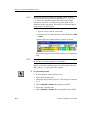
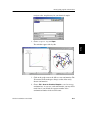
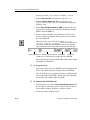
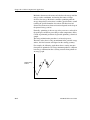
3. Click on the graph to move the ball to a new conformation. The
3D structure in the workspace changes to that of the newly
chosen conformation.
Understanding
Customizing
Using
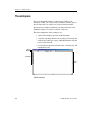
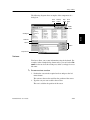
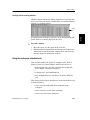
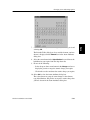
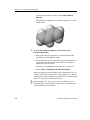
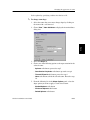
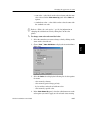
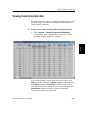
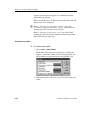
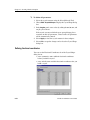
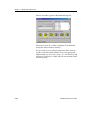
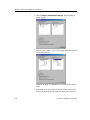
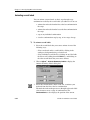
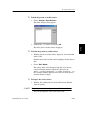
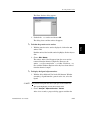
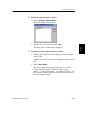
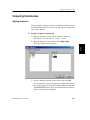
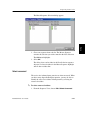
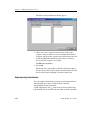
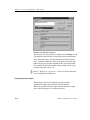
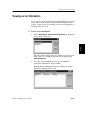
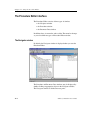
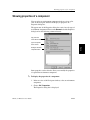
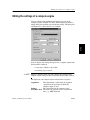
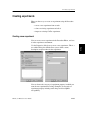
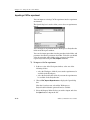
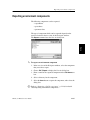
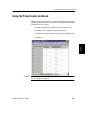
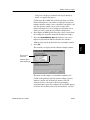
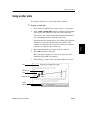
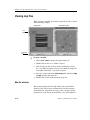
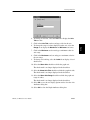
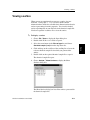
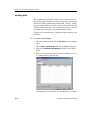
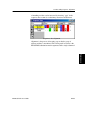
Two windows appear side-by-side.