1
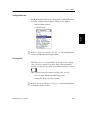
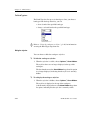
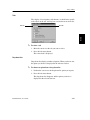
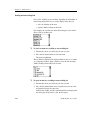
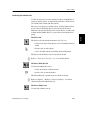
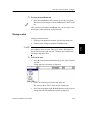
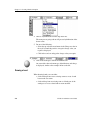
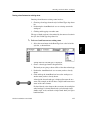
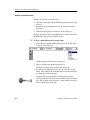
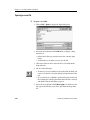
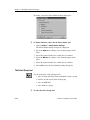
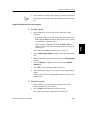
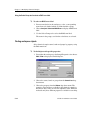
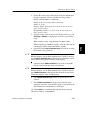
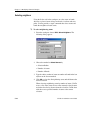
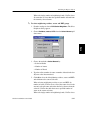
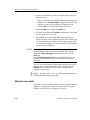
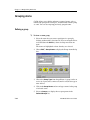
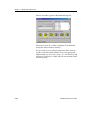
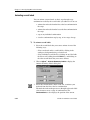
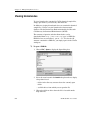
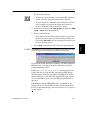
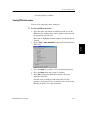
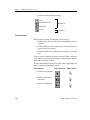
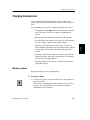
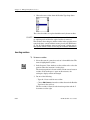
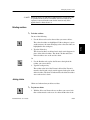
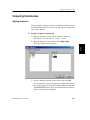
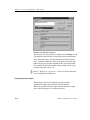
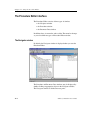
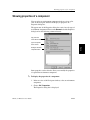
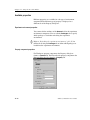
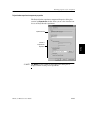
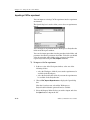
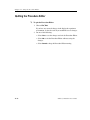
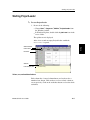
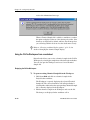
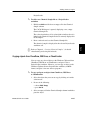
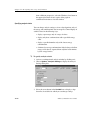
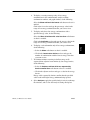
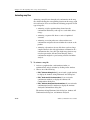
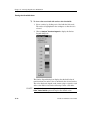
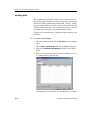
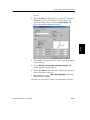
Starting the Procedure Editor Starting the Procedure Editor You can start the Procedure Editor in any of the following ways: from the Experiment Definition dialog box in the Workspace from the Property Wizard in the ProjectLeader. 1. Perform one of the following: ❏ From Windows, choose StartCACheProcedure Editor ❏ From the Workspace, select the Edit button in the Experiment Definition dialog box ❏ From the ProjectLeader, select the Edit button in the Property Wizard. Tutorials To start the Procedure Editor Using ª manually from the Start menu Introduction • • • The Navigator window of the Procedure Editor is displayed. Customizing If you started the Procedure Editor from either the Workspace or the ProjectLeader, the Procedure Editor opens with the currently active experiment visible in the Navigator window, and the referenced procedure visible in a Procedure window. Appendices Understanding For experiments that are unique to the ProjectLeader, the Property dialog box is displayed instead. CAChe for Windows User Guide 11-3