1
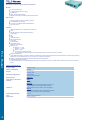
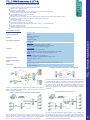
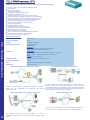
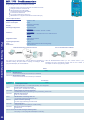
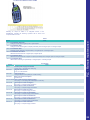
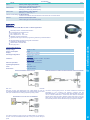
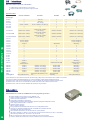
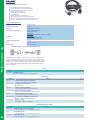
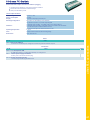
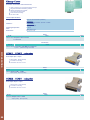
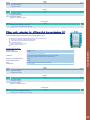
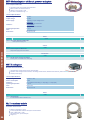
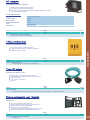
Technical Specifications:
Supply voltage:
24V/DC +/- 20%
Power consumption:
2 watt
Display:
status-LED
Handling/Configuration:
reset-switch-key (factory setting)
S5-LAN Manager
Interfaces:
to the PLC:
TTY/20mA current loop (S5-LAN passiv, PLC aktiv)
to the PD/PC:
10/100BaseTX RJ45-ethernet jack
Operating temperature:
5 - 55°C
Case:
ABS-plastic case
Dimensions:
42 x 15 x 65 mm
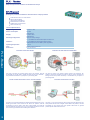
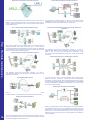
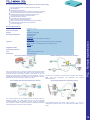
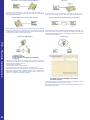
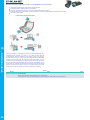
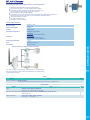
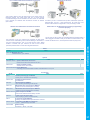
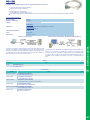
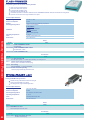
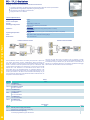
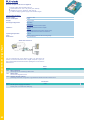
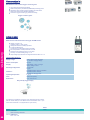
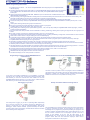
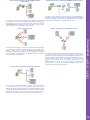
Programming of S5-PLC’s via LAN
Communication with Win98 – XP/Vista via LAN to S5-PLC
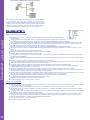
Watching of S5-PLC’s via LAN without Ethernet-CP
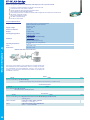
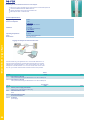
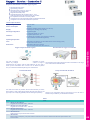
Watching of S5- PLC’s with panel for S7-PLC
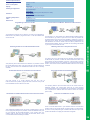
Your panel only has a LAN-socket as PLC-interface and supports only
S7-RFC1006, no problem. Connect this socket with the S5-LAN++ and
plug it directly on the PD-interface of the PLC. The S5-LAN++ performs
adverse your panel as a S7-PLC although you receive the data from the
Your panel only has a LAN-socket as PLC-interface, no problem. Connect S5-PLC. Then access to the variables and data of the S5-PLC is already
this socket with the S5-LAN++ and plug it directly on the PD-interface of available.
the PLC. Then access to the variables and data of the PLC is already
available.
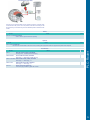
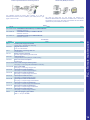
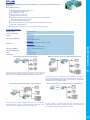
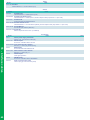
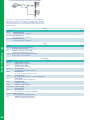
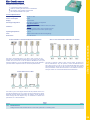
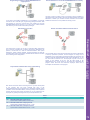
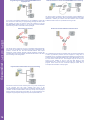
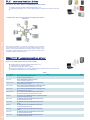
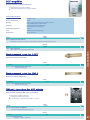
Remote maintenance of your S5-PLC via LAN / Internet
PLC coupling (data exchange between PLC’s)
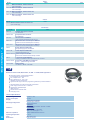
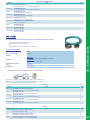
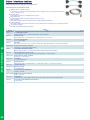
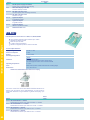
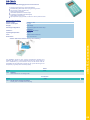
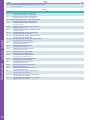
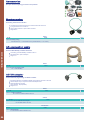
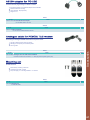
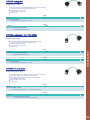
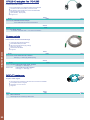
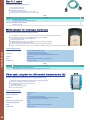
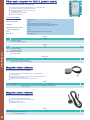
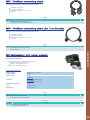
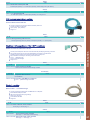
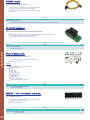
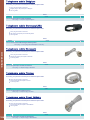
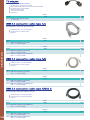
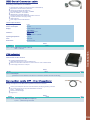
S5 - interface cables
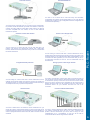
You would like to respond to your S5-PLC via LAN, but not integrate an
Ethernet-CP? No problem, plug the S5-LAN++ on the PD-interface and You still have a PC with Win98 and a MS-DOS-based Step5-package
access via LAN.
and would like to go Online on your S5-PLC via LAN? No problem, the
provided virtual Com-Port PLCVCom emulates a COM-port on your PC
with which you go Online. Even your MS-DOS-based Step5-software on
this WIN98-PC can use this virtual Com-Port. With a patchtool for the
Siemens Step5-software, which is provided as well, nothing else stands
in your way to communicate via LAN.
You have access to a on-site network and your PLC has no
LAN-connection? No problem, plug the S5-LAN on the PLC and you will
have immediate access to the PLC from afar.
Your pumping stations report the water levels of the central control via
telephone network. The central office itself can of course transmit
commands/messages to the substations as well. Therefore no dedicated
line is required, it’s sufficient when the stations connect via network
(DSL-router).
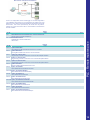
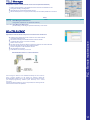
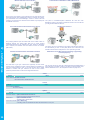
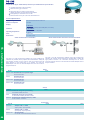
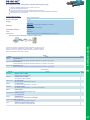
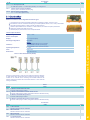
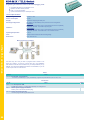
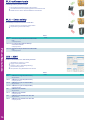
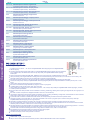
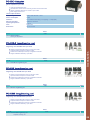
Visualisation via 3964R-interface without using the protocol itself
Extension of a 3964R-line via LAN
There is a control with CP524 in your outstation and the communication
partner of the CP has moved locally. Connecting path is a LAN-network.
Your visualisation-software does not support a 3964R-protocol, but you So each of both participants gets a 3964R-LAN and after input of the
have to apply this package? No problem, connect the 3964R-LAN to your partner’s IP-address a coupling via LAN will be configured.
CP and activate the RFC1006-emulation in the module. Now your
software gets the data from the module via RFC1006, which in turn
communicates with the assembly via 3964R.
39