1
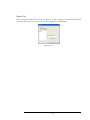
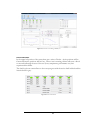
Create Performance Test
The next few windows in the Create Test procedure will guide you through the creation of the
Performance Test.
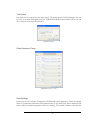
Choose the type of Performance Test to run by selecting a Continuous Velocity Pick-off (CVP),
Peak Velocity Pick-off (PVP), or Multi-CVP. Each test is described in detail Test section of the
User Manual that came with your dynamometer.
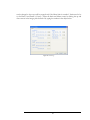
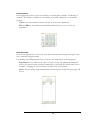
Once you have selected the type of test to run, specify a desired warm-up, gas test, seal drag test,
test speed, and finally a test name.
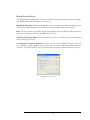
For further explanation of the Create Test process, refer to the Test section of the User Manual
that came with your dynamometer.
Validation
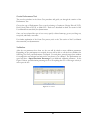
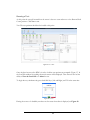
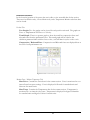
After the test parameters have been set, the user will be asked to enter validation parameters.
Depending on the performance test created, the user will be able to edit the force validation for
Seal Drag, Gas Force, and Performance Test Speed. For each phase, enter the target force window
for compression and rebound and activate the test phases to be validated. The performance test
speed will have a Speed Deviation Percentage as an additional validation parameter. In the
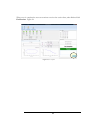
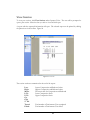
Figure 13 below, speed deviation percentage is set to 95 requiring that 95% of the target velocity is
met to pass the test.
Figure 13: Force Validation
10