1
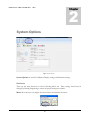
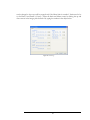
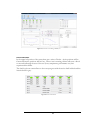
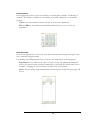
Datacard contains the calibration settings for the selected datacard.
Figure 4: Datacard
PacerCard allows the user to configure digital out voltages during specific times in a test.
Display Options
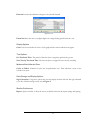
Color- Lets the user define the color of each graph and the order in which colors appear.
Test Options
Gas Test Settle Time- The period of time the dyno is stopped to perform the gas test.
Zero Velocity Test Settle Time- The time the dyno is stopped for zero velocity recording.
Minimum Data Collection TimeCycles to Collect- Number of cycles run for performance test. Data collection occurs on the
second to last cycle.
Data Storage and Display Options
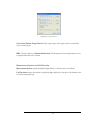
Sign Convention- Using these options the user may display the data with axis and sign orientated
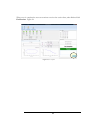
as you like. Default settings can be seen in Figure 2.
Monitor Preferences
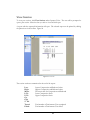
Report- Opens a window to allow the user to set default values for the report settings and spacing.
3