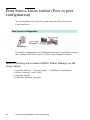
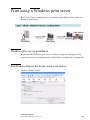
1
~
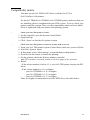
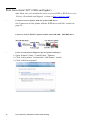
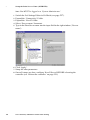
Install WPD using the setup.exe method
1
2
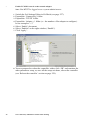
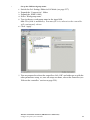
Open the Windows Explorer.
Browse to locate the directory where the Océ Windows Printer Driver
(WPD) distribution is located:
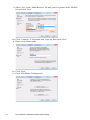
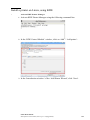
3 Double-click ‘setup.exe’.
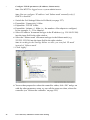
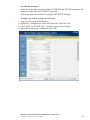
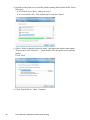
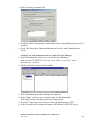
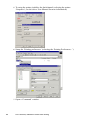
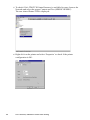
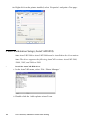
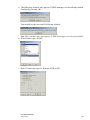
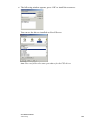
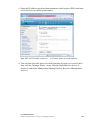
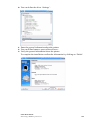
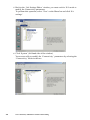
4 Choose the setup language. The ‘Océ WPD installation’ installer is launched:
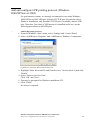
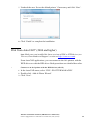
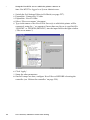
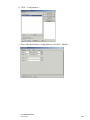
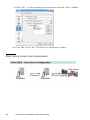
5 Click ‘Next’, it opens the ‘License Agreement’ window.
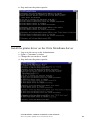
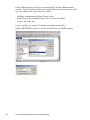
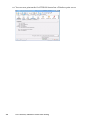
6 Click ‘Yes’ to accept the license. A read-me file is displayed.
7 Read the file before closing it.
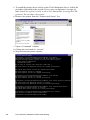
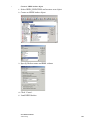
8 Select the driver language and click ‘Next’.
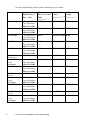
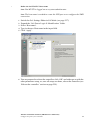
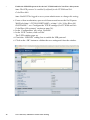
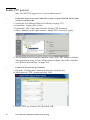
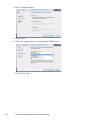
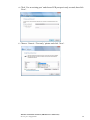
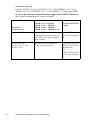
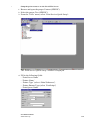
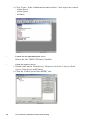
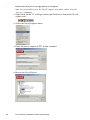
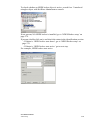
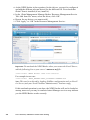
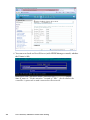
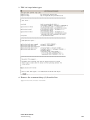
9 Choose the Printer Model and the port. For the port, select an unused port.
Note: In the next procedure, the port will be redirected to the appropriate
Novell queue.
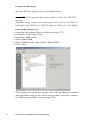
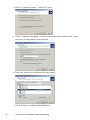
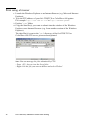
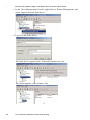
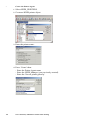
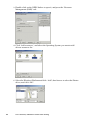
10 Enter the name for your printer and click ‘Next’.
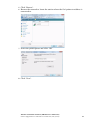
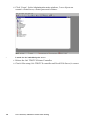
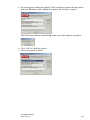
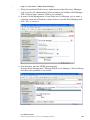
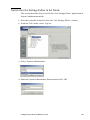
11 In the Sharing window, make sure the ‘No’ is selected.
12 Click ‘Next’.
150
Océ Connectivity Manual for Wide-Format Printing