1
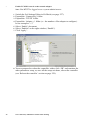
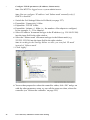
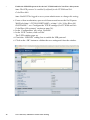
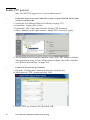
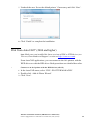
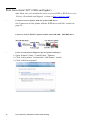
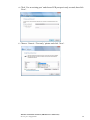
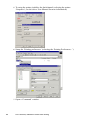
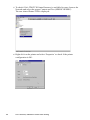
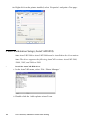
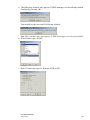
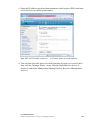
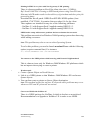
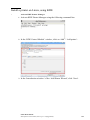
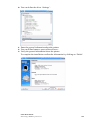
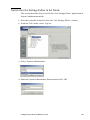
9 Click ‘Browse’ to locate the directory where the Océ Printer Driver
distribution is located and select the ‘oemsetup.inf’ file.
10 Click ‘Open’.
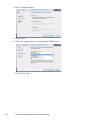
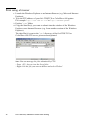
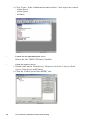
The ‘Install from disk’ window is again displayed, with the selected path
appearing on the ‘copy Manufacturer’s files from…’ line.
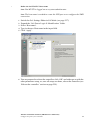
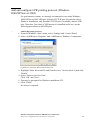
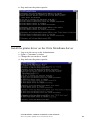
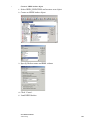
11 Click ‘OK.
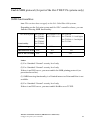
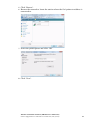
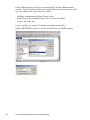
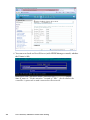
12 Select the model of the printer.
13 Click ‘OK’.
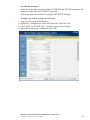
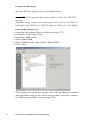
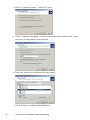
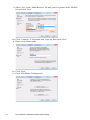
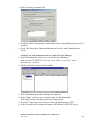
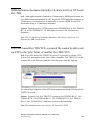
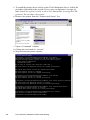
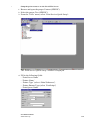
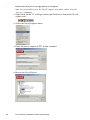
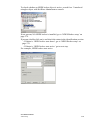
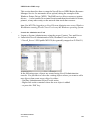
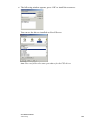
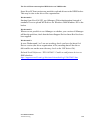
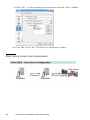
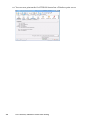
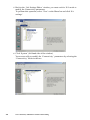
The driver resources are automatically downloaded from Novell Server to the
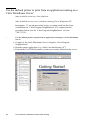
local client workstation. Then the ‘Default Printer’ window is displayed:
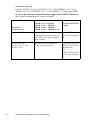
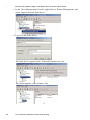
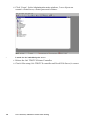
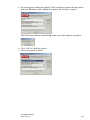
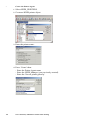
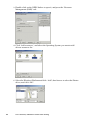
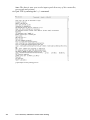
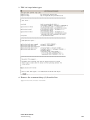
14
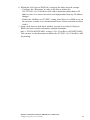
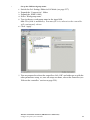
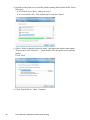
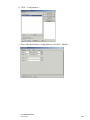
The setup is complete. Click ‘Finish’:
Novell Environment
NDPS Setup
191