1
User Manual
Manage Appointment
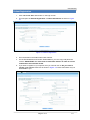
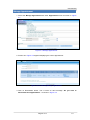
1. Select the Manage Appointment tab under Appointment menu as shown in Figure
4.1
Figure 4.1 Manage Appointment
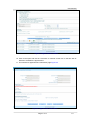
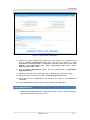
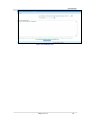
2. Screen as in Figure 4.2 appears displaying the current appointment
Figure 4.2 On selecting Manage Appointment
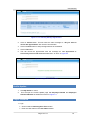
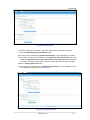
3. Click on Reschedule button. This is show an alert message “Do you want to
Reschedule this appointment?” as shown in Figure 4.3
Page 9 of 17
1.0