1
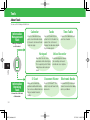
Functions for Recording and Playback
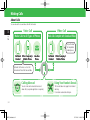
Functions for View/Record Timer
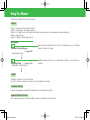
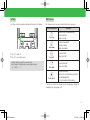
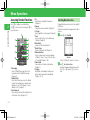
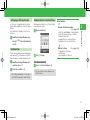
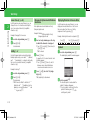
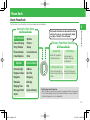
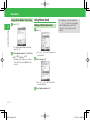
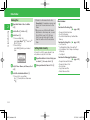
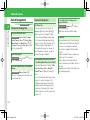
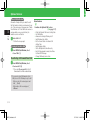
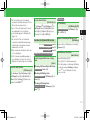
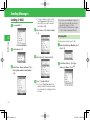
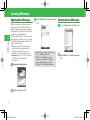
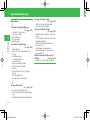
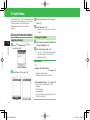
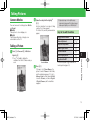
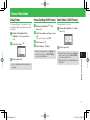
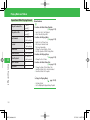
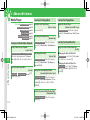
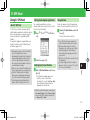
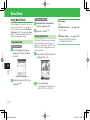
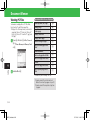
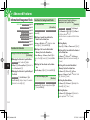
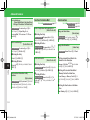
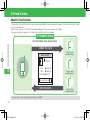
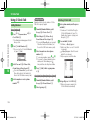
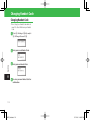
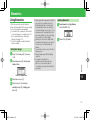
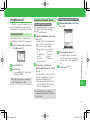
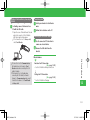
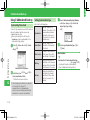
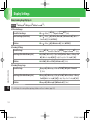
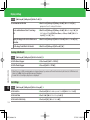
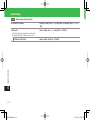
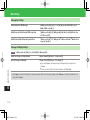
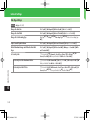
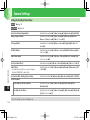
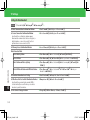
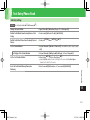
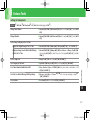
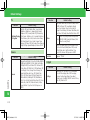
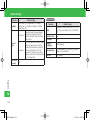
Check the Keys for Use During Playback
[Key Guide]
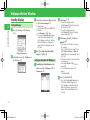
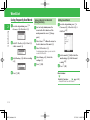
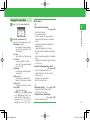
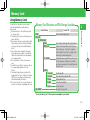
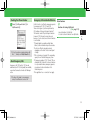
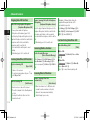
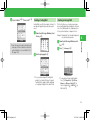
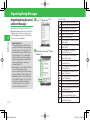
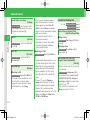
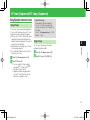
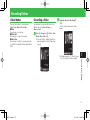
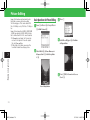
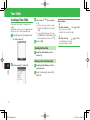
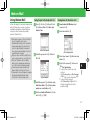
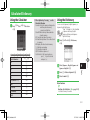
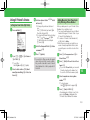
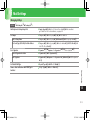
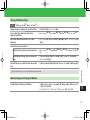
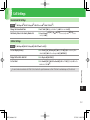
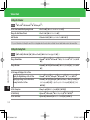
Use Program Information to Set View/Record
Timer
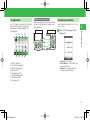
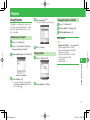
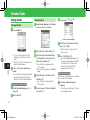
[Set Timer by Program Guide]
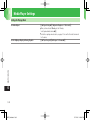
Program Playback Window K➡Key Guide➡[
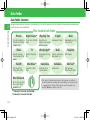
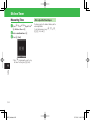
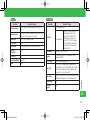
Functions for Recorded Programs
Timer List Window J➡Program Guide➡[➡
Java application starts ➡Select a program ➡Set
the View/Record Timer
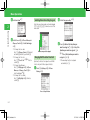
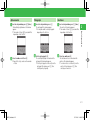
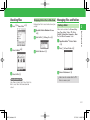
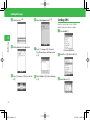
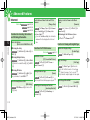
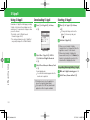
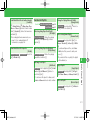
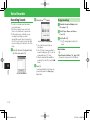
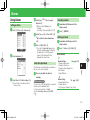
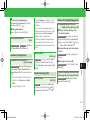
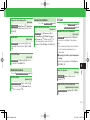
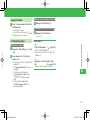
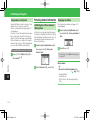
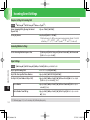
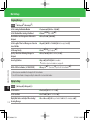
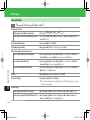
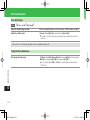
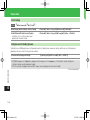
Edit a File Name
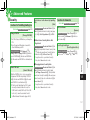
[Rename]
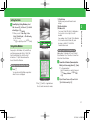
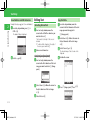
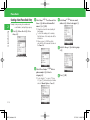
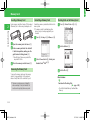
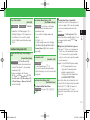
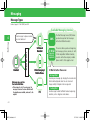
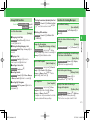
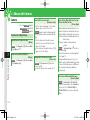
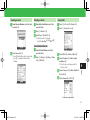
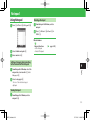
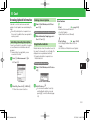
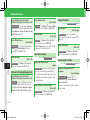
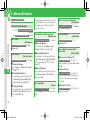
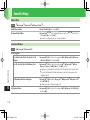
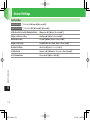
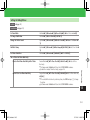
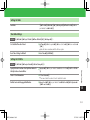
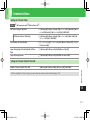
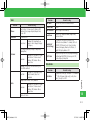
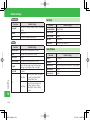
Check/Edit/Delete Timer Information
[Check/Edit/Delete Timer Information]
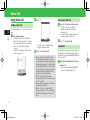
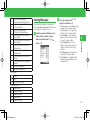
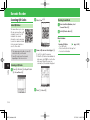
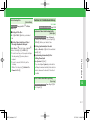
■Checking Timer Information
Timer List Window Select an entry ➡[
■Editing Timer Information
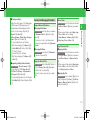
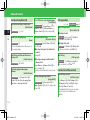
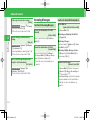
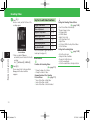
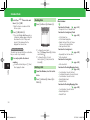
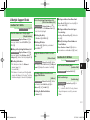
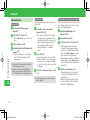
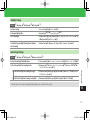
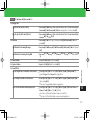
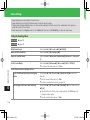
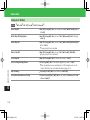
Delete Files
[Delete/Select Multi/Delete All]
■Deleting One File
Recorded Program List Window Select a file ➡K➡
Delete➡[➡One➡[➡YES➡[
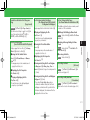
■Deleting Multiple Files
Recorded Program List Window K➡Delete➡[➡
Select Multi➡[➡Select files➡[➡J➡
YES➡[
Timer List Window Select an entry ➡[➡J➡
Select an item ➡[➡Edit the item➡J
■Deleting a Timer Entry
Timer List Window Select an entry ➡K➡Delete➡
[➡YES➡[
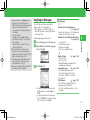
• When the timer is set to repeat, a confirmation
window appears.
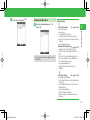
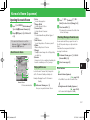
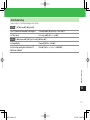
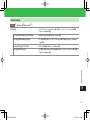
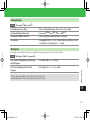
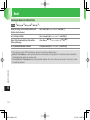
■Checking a Timer Result
[➡TV➡[➡Timer Results➡[➡Select
an entry ➡[
■Deleting a Timer Result
[➡TV➡[➡Timer Results➡[➡Select
an entry ➡K➡Delete➡[➡YES➡[
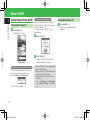
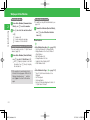
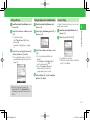
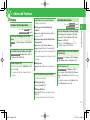
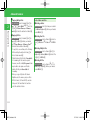
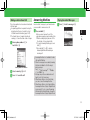
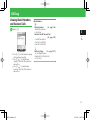
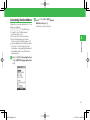
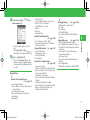
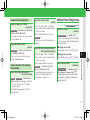
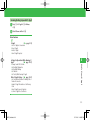
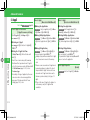
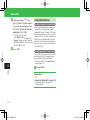
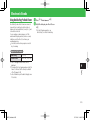
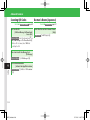
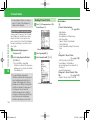
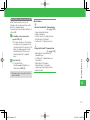
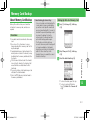
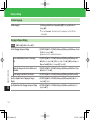
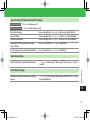
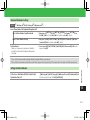
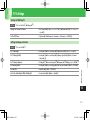
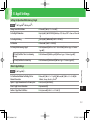
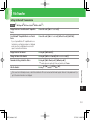
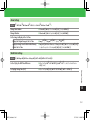
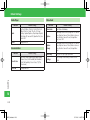
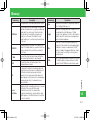
View Available Memory on the Handset
and Memory Card
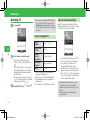
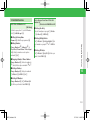
[Remaining Time]
Timer List Window K➡Remaining➡[
• Press J to switch between available memory
on the handset and memory card.
• The remaining time displayed serves as a guide
only. The actual time you can record depends
on the program.
6
TV
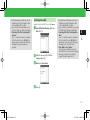
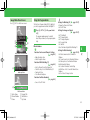
Recorded Program List Window Select a file➡K➡
Rename➡[➡Edit the file name ➡[
• You cannot edit files saved to a memory card.
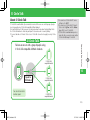
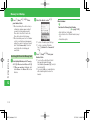
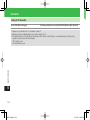
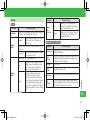
Check/Delete Timer Results
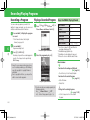
[Check/Delete Timer Results]
■Deleting All Files
Recorded Program List Window K➡Delete➡[➡
All➡[➡Enter your Handset Code➡YES➡
[
6-9
920T_Web.indb 6-9
07.12.26 11:48:47 PM