1
User-Side Administration Options
8
55
User-Side Administration Options
The steadyPRINT functions described thus far have been shown from a server-side, administrative
perspective. We would now like to show you the following additional client-side printer administration
functions that steadyPRINT is able to offer.
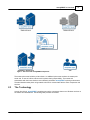
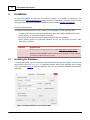
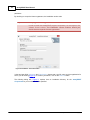
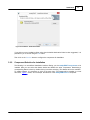
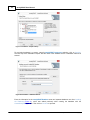
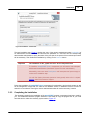
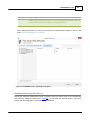
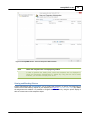
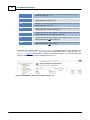
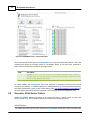
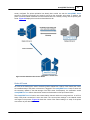
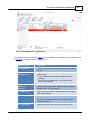
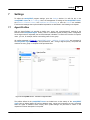
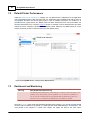
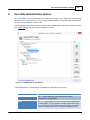
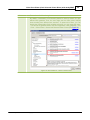
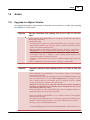
The steadyPRINT Agent offers special functions for printer administration that can be carried out by the
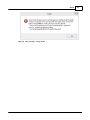
user. Figure 33 shows the main window intended for the user.
Figure 33: steadyPRINT Agent – Main Window
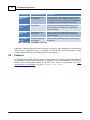
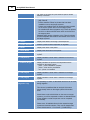
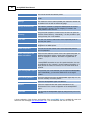
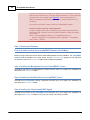
In the following table you will find functions available for client-side use by the user:
Function
Description
Add
The Add button allows the user to add network printers
administered by steadyPRINT.
Delete
The Delete button allows the user to remove printers administered
by steadyPRINT. This only applies to network printers which have
been connected per user-based assignment. If printer in question
has been connected per Group or Computer Assignments, the
© 2013 K-iS Systemhaus Unternehmensgruppe