1
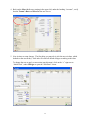
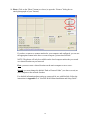
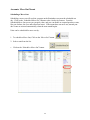
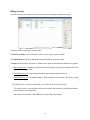
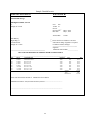
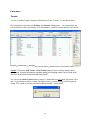
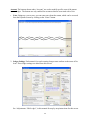
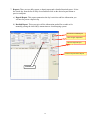
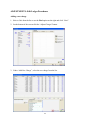
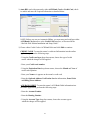
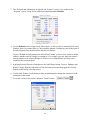
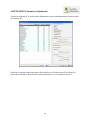
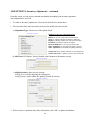
6. Insurance: The screen below is an example of a tenant with insurance, and you will note that
the Cancel Insurance Policy checkbox is active.
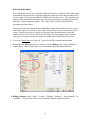
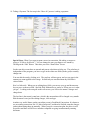
a) Option One: Prorate the Insurance Coverage and transfer the remaining
insurance money and coverage to the new Unit, do nothing. You will need to
go to the Payment Screen to issue a new Insurance Policy and enter the Policy
at a later date.
b) Option Two: Cancel the Insurance Policy by checking the box. SiteLink will
add the money paid, based on prorate as a credit. You will need to go to the
Payment Screen at a later date and add the insurance back.
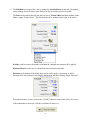
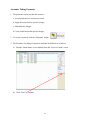
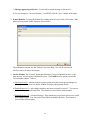
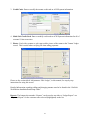
7. At the bottom of the screen there are two buttons:
- Notes: is used to add a Note.
- Ledger: brings up the current Tenant Ledger Account.
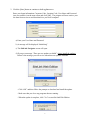
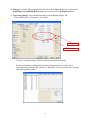
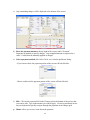
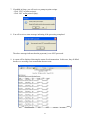
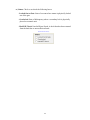
8. When prompted to commit to the transaction, click “Yes” to complete the transfer.
9. Click “OK” to process the Transfer.
28