1
Chapter 5: Subsystem Maintenance
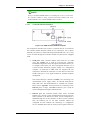
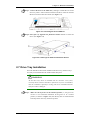
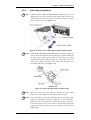
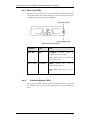
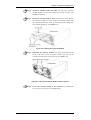
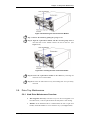
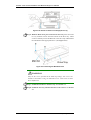
Figure 5-20: Removing the Host Connection Module
Step 3. Remove the module by pulling the spring-screws.
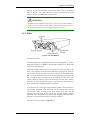
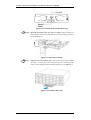
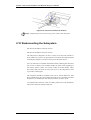
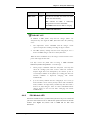
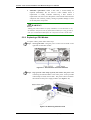
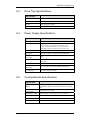
Step 4. Align the replacement module with the slot and gently insert it
until the back of the module reaches the end of the slot. (See
Figure 5-21)
Figure 5-21: Inserting the Host Connection Module
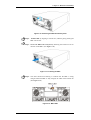
Step 5. Secure the replacement module to the chassis by fastening the
retention screw on the module.
Step 6. Re-insert the SFP transceiver(s) and cabling that were previously
removed.
5.8. Drive Tray Maintenance
5.8.1 Hard Drive Maintenance Overview
•
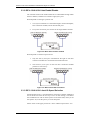
Hot-swappable drive trays: The drive trays are all hot-swappable. If a
hard drive fails, it can be replaced while the subsystem is still running.
•
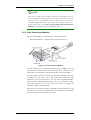
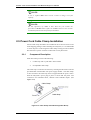
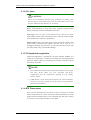
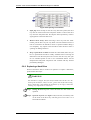
Handles: If the failed hard drive is behind either the left or right front
handle, unfold the handles to access the drive trays. (See Figure 5-22)
Drive Tray Maintenance
5-17