1
Editorial recommendations
1. Format content so that it is accessible
1.1. Copy/paste content correctly from a document (Word, PDF, email, web page, etc.)
When you copy/paste content from an external source such as a Word document, or content received by
email, use the appropriate functionalities in your publishing tool. This will be a good starting point for the
following recommendations.
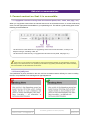
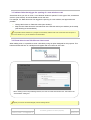
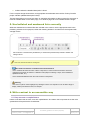
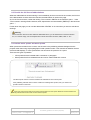
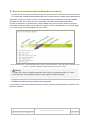
Use the function “Paste Word text” for copy/pasting content from a Word document, so that you can
keep the bold type, formatting of lists, etc.
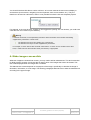
Use the function “Paste text only” to copy/paste from all other sources (email, web page, etc.).
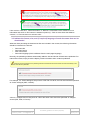
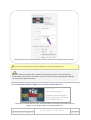
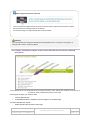
In this insert you can specify the functionalities or method in the publishing software for copying/pasting or importing
text cleanly from an external source. If the publishing tool handles the copy/pasting automatically with or without formatting,
this recommendation can be deleted from the document.
1.2. Do not justify text
Text justification is poorly handled on the web, and can sometimes lead to difficulty for users in reading
the text. It is preferable to use left-aligned or right-aligned text.
AcceDe Web – www.accede-web.com
Page 7/25
Accessibility guidelines for editors (template)
Created by Atalan – [email protected]
February 2014