1
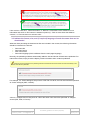
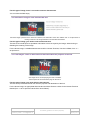
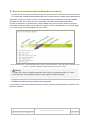
A simple way of ensuring that there is no justified text is to deactivate this functionality directly in the publishing tool. If
you do this, you can delete this recommendation from the document supplied to contributing editors.
1.3. Avoid multiple line breaks
As a general rule, multiple line breaks used to create space between two content items should be
avoided. They are likely to disturb reading for users of screen readers.
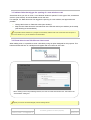
It is preferable to use the functionalities in the publishing software designed for managing spacing
between items.
Delete the previous paragraph if the publishing software does not include these functionalities.
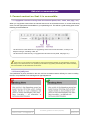
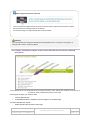
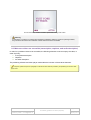
The styles “Small bottom margin” and “Large bottom margin” make it possible to apply different sized
b
In this insert you specify the functionalities in the publishing software used for applying margins to elements, or delete
this insert if the publication software does not have these functionalities.
ottom margins to text.
2. Use a consistent hierarchy of headings
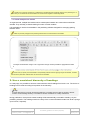
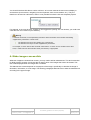
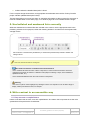
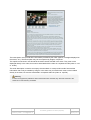
In a web page, it is possible to structure content with the aid of headings from level 1 to 6. The choice of
heading level is made according to its position in the hierarchy.
Tip
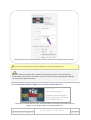
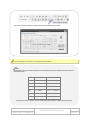
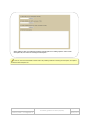
A simple technique for correctly structuring headings is to envisage how the “table of contents” will look
from the current heading hierarchy. Is the table of contents consistent? Is it easily understood?
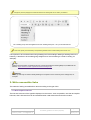
During publication, the top-level content heading will be automatically converted to heading 1 by the
publishing software. The headings used in the body of the content will therefore start from level 2 (and go
up to level 6, if required).
AcceDe Web – www.accede-web.com
Page 8/25
Accessibility guidelines for editors (template)
Created by Atalan – [email protected]
February 2014