1
G Data AntiVirus Client
G Data AntiVirus Client
The client software provides the virus protection for the clients and runs
ManagementServer jobs in the background without a user interface. The
clients possess their own virus signatures and their own scheduler so that
virus analyses can also be run in offline mode (e.g. for notebooks).
Installation of the clients
The client software provides the virus protection for the clients and
runs ManagementServer jobs in the background without a user
interface. Installing the client software is generally done centrally by
the administrator for all clients. A setup wizard in the administrator
tool will help you do this.
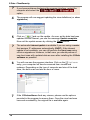
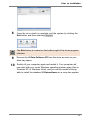
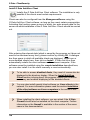
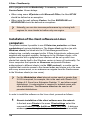
If installation of the clients over the network should fail, you can install the
client software directly on the client computers. To install the client on a
client computer, please place the G Data AntiVirus CD-ROM in the client
computer's CD-ROM drive and press the Install button. Then select the
G Data AntiVirus Client component by clicking on the adjoining button.
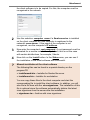
During installation, enter the server name or IP address of the server on
which the ManagementServer is installed. The server name is required so
that the client can communicate with the server over the network.
Furthermore, you must enter the computer name for this computer if this is
not automatically displayed.
?
To install clients for Samba file servers, please read the following
section in the annex of this documentation: Installation of client
for Samba file server
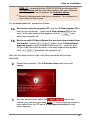
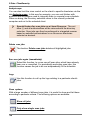
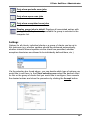
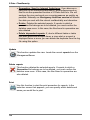
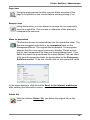
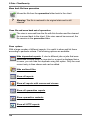
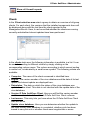
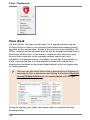
Security icon
After the installation of the client software, an icon in the taskbar is
available to the user of the client so that he can check his system
for viruses independently of administrative specifications.
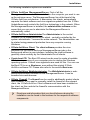
Using the right mouse button he can click the G Data AntiVirus Client
symbol to open a context menu which makes the following functionality
possible for him:
71