1
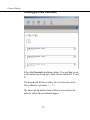
Barcode settings
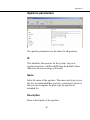
Barcode parameters
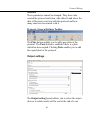
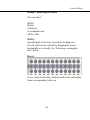
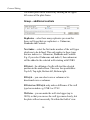
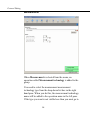
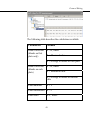
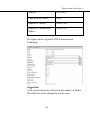
There are three parameters that can be set for barcodes.
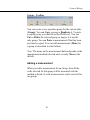
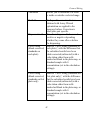
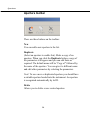
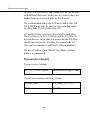
Type
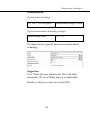
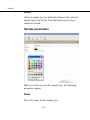
Select the barcode type from the drop-down list. There are
three possibilities:
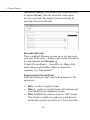
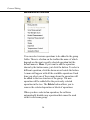
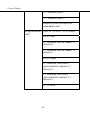
Fixed
Selecting Fixed means that this barcode always selects the
protocol defined for it.
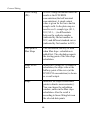
Temporary
Selecting Temporary means that this barcode only once
selects the protocol defined for it. After this the definition
is deleted. You or some other user can then define a
different protocol to be linked with this barcode
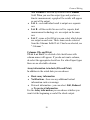
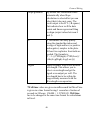
End code
Selecting End code means that when this barcode is read
the assay will stop
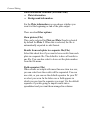
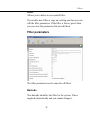
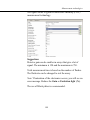
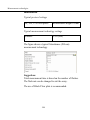
Barcode
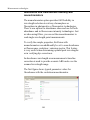
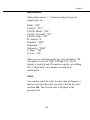
Type in the actual code to be used for the barcode
(maximum 30 characters).
Note! A manual barcode reader can be used to enter the
barcode.
183