1
Tip mounts
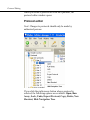
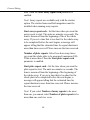
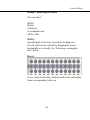
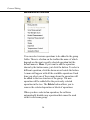
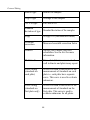
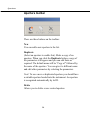
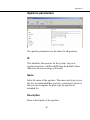
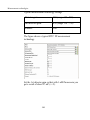
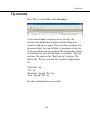
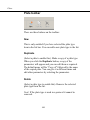
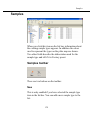
Tip mount toolbar
New
Click this to add a new tip mount.
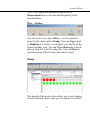
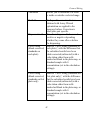
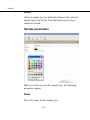
Duplicate
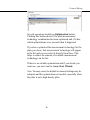
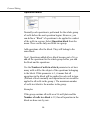
(Select a tip mount to enable this). When you click the
Duplicate button, a copy of the parameters will appear and
you can edit them as required. The default name will be
“Copy of” followed by the name of the tip mount. You can
give it another name if required.
Note! to use a new or duplicated tip mount you should have
a suitable tip mount and barcode sticker.
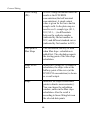
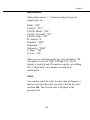
Delete
Allows you to delete a user created tip mount.
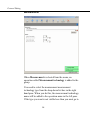
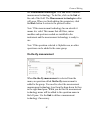
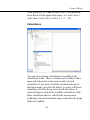
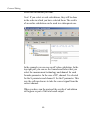
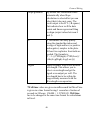
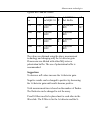
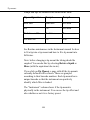
If you add a new tip mount or duplicate an existing one ,
you can edit the parameters. If the tip mount is factory
preset, you can view the parameters but not edit them.
159