1
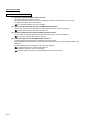
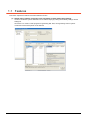
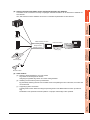
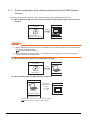
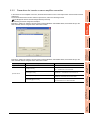
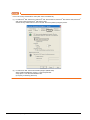
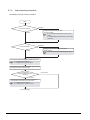
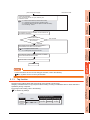
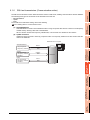
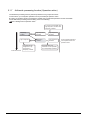
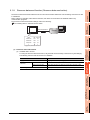
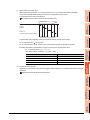
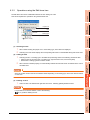
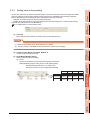
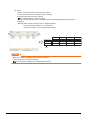
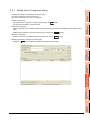
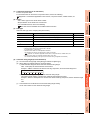
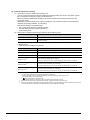
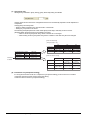
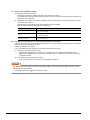
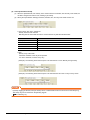
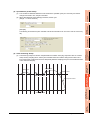
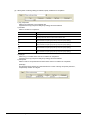
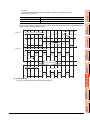
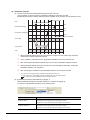
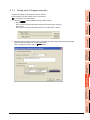
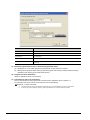
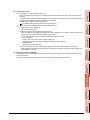
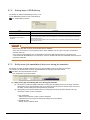
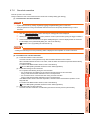
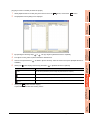
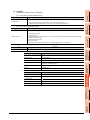
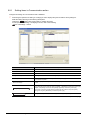
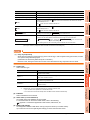
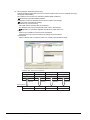
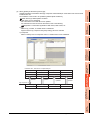
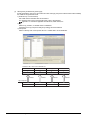
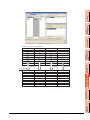
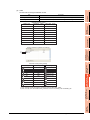
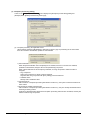
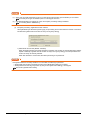
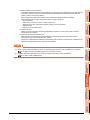
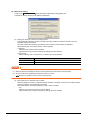
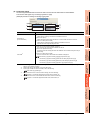
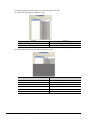
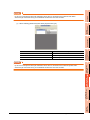
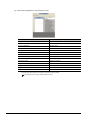
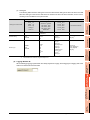
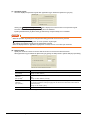
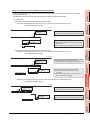
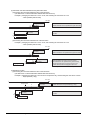
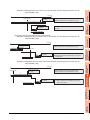
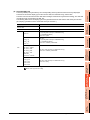
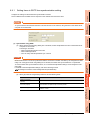
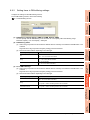
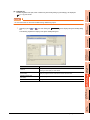
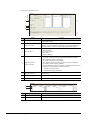
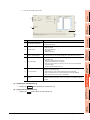
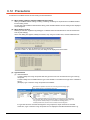
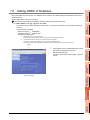
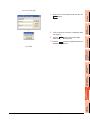
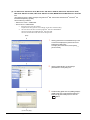
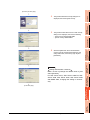
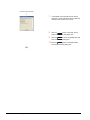
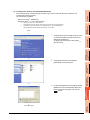
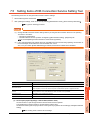
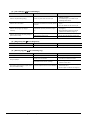
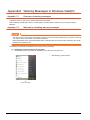
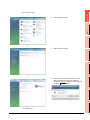
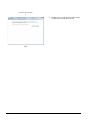
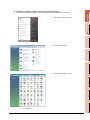
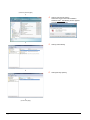
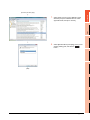
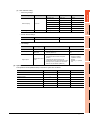
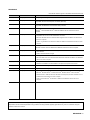
When using DB Connection Service on a database server computer, the ODBC setting for the database used must be done beforehand. For the ODBC setting, refer to the following. Manuals and online help for the database software and operating system (OS) used 2 (1) When Oracle 12c, 11g, 10g, 9i or 8i is used (This section gives a setting example of using Oracle 9i in Microsoft Windows XP Professional Operating System.) Set the following conditions. • Data source name *1 : SAMPLEDS • TNS Service Name *2 : SAMPLETNS • OracleHome: OraHome92 Data source name can be set as desired. For [Data source name] in [Server service settings], use the name set with this setting. *2 The TNS service name is the name for accessing an Oracle database. 3 SPECIFICATIONS *1 The name is entered when installing Oracle and creating a database instance. This can be checked with [Configuration and Migration Tools] - [Net Manager] - [Service naming] of Oracle. (Start) 1. SYSTEM CONFIGURATION Clicking [Performance and Maintenance] in Control Panel displays the [Performance and Maintenance] dialog box. To display Control Panel, select [Start] [Control Panel]. 4 SETTINGS AND PROCEDURES BEFORE USE OF THE MES INTERFACE FUNCTION OVERVIEW 1 7.2 Setting ODBC of Database MES INTERFACE FUNCTION 5 6 MES INTERFACE FUNCTION SETTING (To the next page) DB CONNECTION SERVICE AND SETTING TOOL 7 TROUBLE SHOOTING 8 7.2 Setting ODBC of Database 7-3