1
Chapter 13: Space Manager
Working with Drawing Files
WORKING WITH DRAWING FILES
. . . . . . . . . . . . . . . . . . . . . . . . . . . . . . . . . . . . . . . . . . . . . . . . . . . . . .
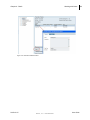
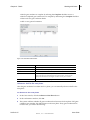
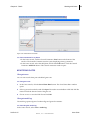
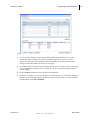
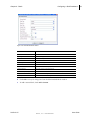
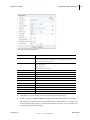
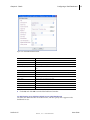
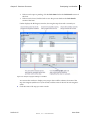
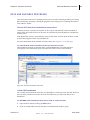
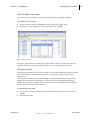
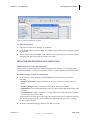
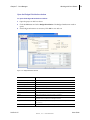
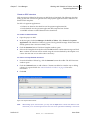
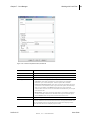
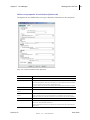
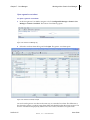
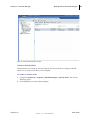
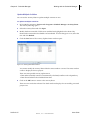
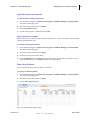
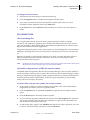
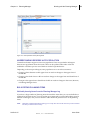
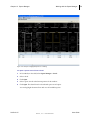
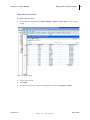
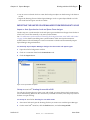
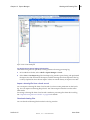
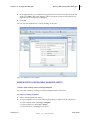
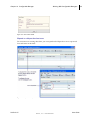
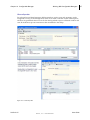
You can import drawing files into Unifier from a level log or from a level record. You can download drawing files as well.
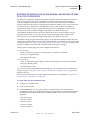
MANAGING DRAWING FILES THAT HAVE REFERENCE FILES
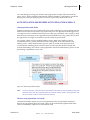
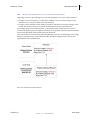
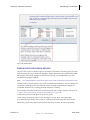
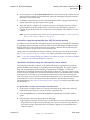
If a level drawing has reference files, you must put all polylines and space objects on the base level drawing file and not on the reference files. Unifier Space Manager cannot process reference files for space objects.
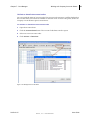
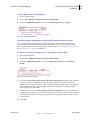
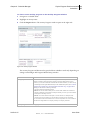
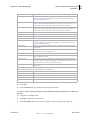
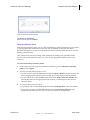
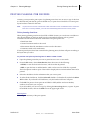
Import drawing files into Unifier
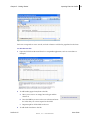
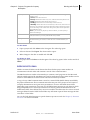
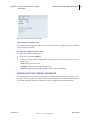
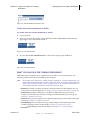
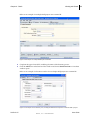
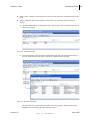
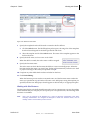
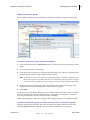
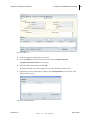
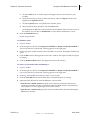
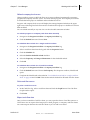
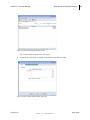
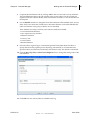
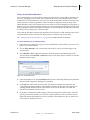
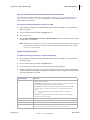
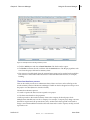
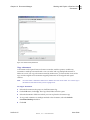
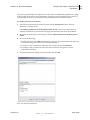
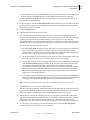
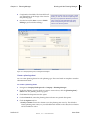
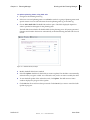
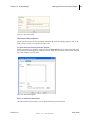
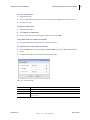
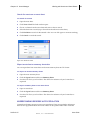
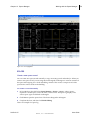
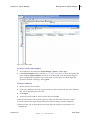
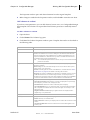
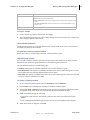
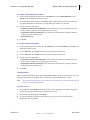
You can import DWG files into Unifier.
Note:
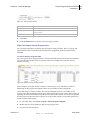
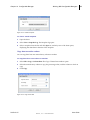
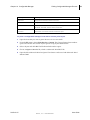
The File Transfer option must be or Advanced. Otherwise, you receive an error message to
change the File Transfer option.
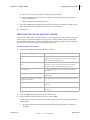
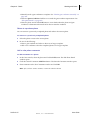
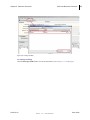
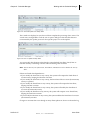
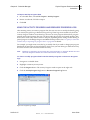
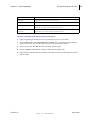
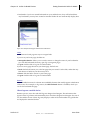
The uCAD plug‐in must be installed on the machine from which you import the drawing files. If uCAD is not installed, you receive a message to install it.
Unifier 9.2.2
User Guide
Skire, Inc. Confidential
601